ReclaimDesk
Simple lost and found management solution for businesses
What is ReclaimDesk? Complete Overview
ReclaimDesk offers a modern, efficient solution for businesses to manage lost and found items. It provides a centralized platform to catalog found items, process claims, communicate with claimants, and return lost property. The system solves key pain points like inefficient tracking systems, manual claim processing, and disjointed communication methods. Designed for businesses of all sizes across various industries (hotels, transportation, venues, retail), ReclaimDesk simplifies the entire lost-and-found process with intuitive features and automation. The platform is particularly valuable for customer-facing businesses handling frequent lost item situations.
ReclaimDesk Interface & Screenshots
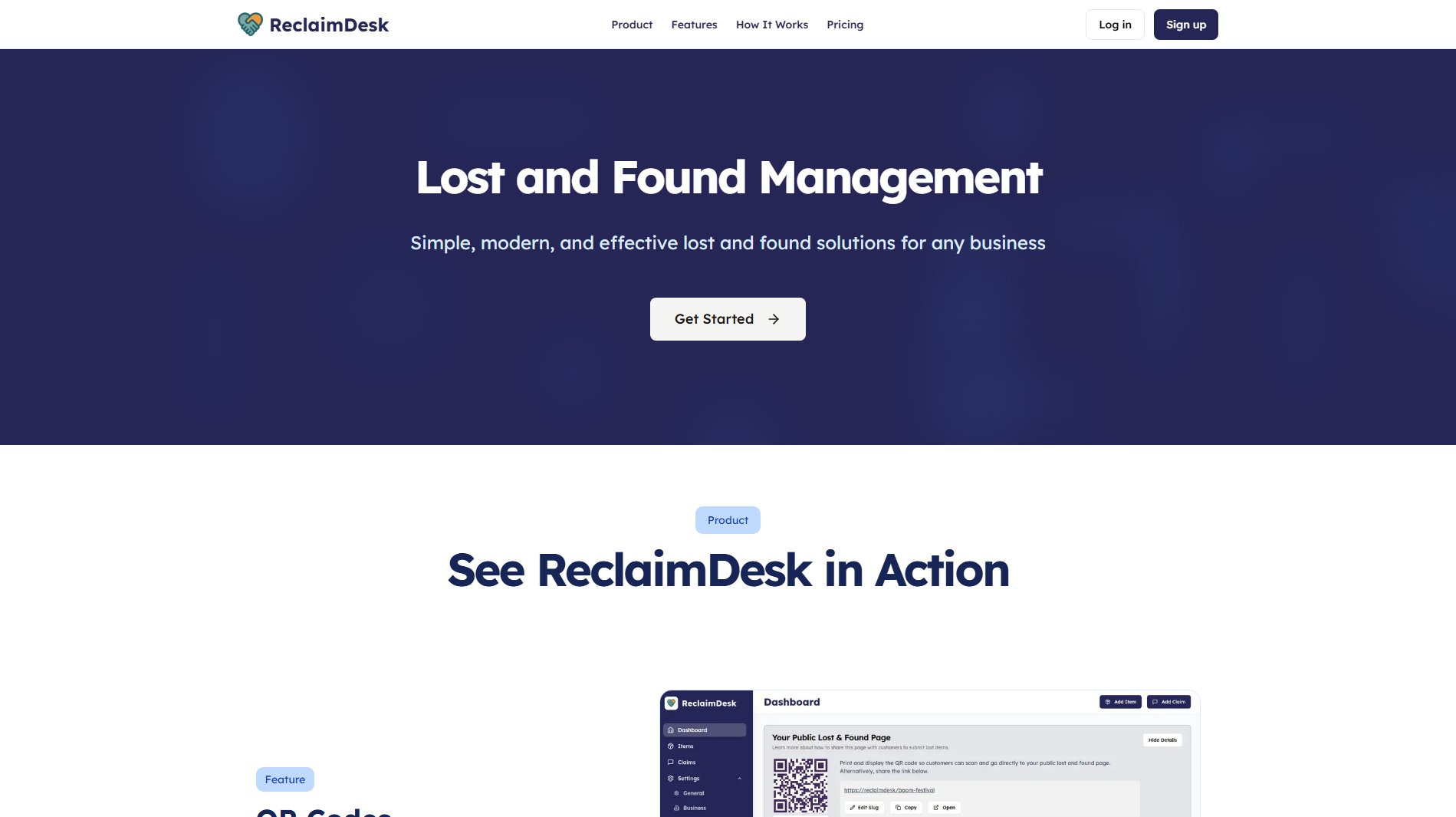
ReclaimDesk Official screenshot of the tool interface
What Can ReclaimDesk Do? Key Features
Dashboard
The centralized dashboard provides real-time visibility into all lost and found operations. Users can monitor active items, open claims, and recent activity from a single interface. Key metrics and status updates help staff stay on top of operations.
Item Management
Easily catalog found items with photos, detailed descriptions, location data, and custom tags. Advanced search and filtering capabilities allow quick retrieval of items. Staff can take actions like updating statuses or matching claims directly from the item view.
Claim Processing
Streamlined system for triaging incoming claims with validation tools to verify claimant information. Intelligent matching suggests potential item matches using AI. Resolve claims with a single click when ownership is confirmed.
QR Code System
Generate printable QR codes that link directly to your public claim submission page. Businesses can display these posters in strategic locations, allowing guests to quickly access the claim form without needing to search for contact information.
Public Claim Portal
Customizable branded page where guests can submit lost item claims. The portal collects all necessary details upfront and integrates directly with your ReclaimDesk dashboard for efficient processing.
Communication Tools
Integrated messaging system keeps all claimant conversations organized in one thread. Staff can reply within the app while ReclaimDesk automatically sends emails to claimants, maintaining professional communication without leaving the platform.
Multi-location Management
Manage multiple venues or departments from a single account. Set different access levels for team members and track items across locations while maintaining centralized oversight.
Best ReclaimDesk Use Cases & Applications
Hotel Lost Property
Housekeeping staff can quickly log items left in rooms using mobile devices. Guests can scan QR codes in the lobby to submit claims, reducing front desk inquiries. Automated matching identifies probable matches from room records.
Transportation Hub Operations
Manage lost items across multiple terminals with location-specific tracking. Large volume of similar items (like luggage) is handled efficiently through detailed categorization and AI-powered matching.
Event Venue Management
During concerts or conferences, staff can process high volumes of lost phones, wallets and personal items. The public portal handles claim spikes while keeping staff workload manageable.
How to Use ReclaimDesk: Step-by-Step Guide
Set up your account by configuring business details, locations, and notification preferences in the Settings section. Generate QR codes linking to your public claim page.
When items are found, log them through the Items section by uploading photos and entering relevant details like location found, description, and category.
Monitor incoming claims either through your public portal (accessed via QR codes) or manually entered claims. The system will automatically suggest potential matches.
Validate claim details and communicate with claimants through the integrated messaging system to verify ownership.
When ownership is confirmed, resolve the claim with a single click and update the item status. The system maintains complete records for reporting.
ReclaimDesk Pros and Cons: Honest Review
Pros
Considerations
Is ReclaimDesk Worth It? FAQ & Reviews
No, all plans allow unlimited item logging regardless of pricing tier. The main differences between plans relate to email communications and upcoming team features.
The system analyzes item descriptions, locations, and timestamps to suggest probable matches when claims are submitted. This reduces manual search time while keeping staff in control of final verification.
Yes, businesses can add their logo and customize certain elements of the public portal to maintain brand consistency while providing a seamless experience for claimants.
For Free and Basic plans, additional email messages can be purchased à la carte if you exceed your monthly allocation. Business plan includes unlimited messages.
ReclaimDesk implements industry-standard security measures including encryption and access controls. Sensitive claimant information is protected according to data privacy regulations.