TagGuard
Stop broken tracking from burning your ad budget
What is TagGuard? Complete Overview
TagGuard is a powerful tool designed to protect your marketing ROI by ensuring your tracking tags (like Google Tag Manager and Meta Pixel) are always working correctly. It acts as a vigilant bodyguard for your marketing stack, continuously monitoring your site for any issues that could lead to wasted ad spend. TagGuard is ideal for marketing teams and growth-focused companies who rely on accurate data for their campaigns. It solves the critical pain point of broken tracking tags, which can silently drain your budget by providing misleading data or no data at all. The tool is especially valuable for SaaS companies and businesses running large-scale ad campaigns where even minor tracking issues can result in significant financial losses.
TagGuard Interface & Screenshots
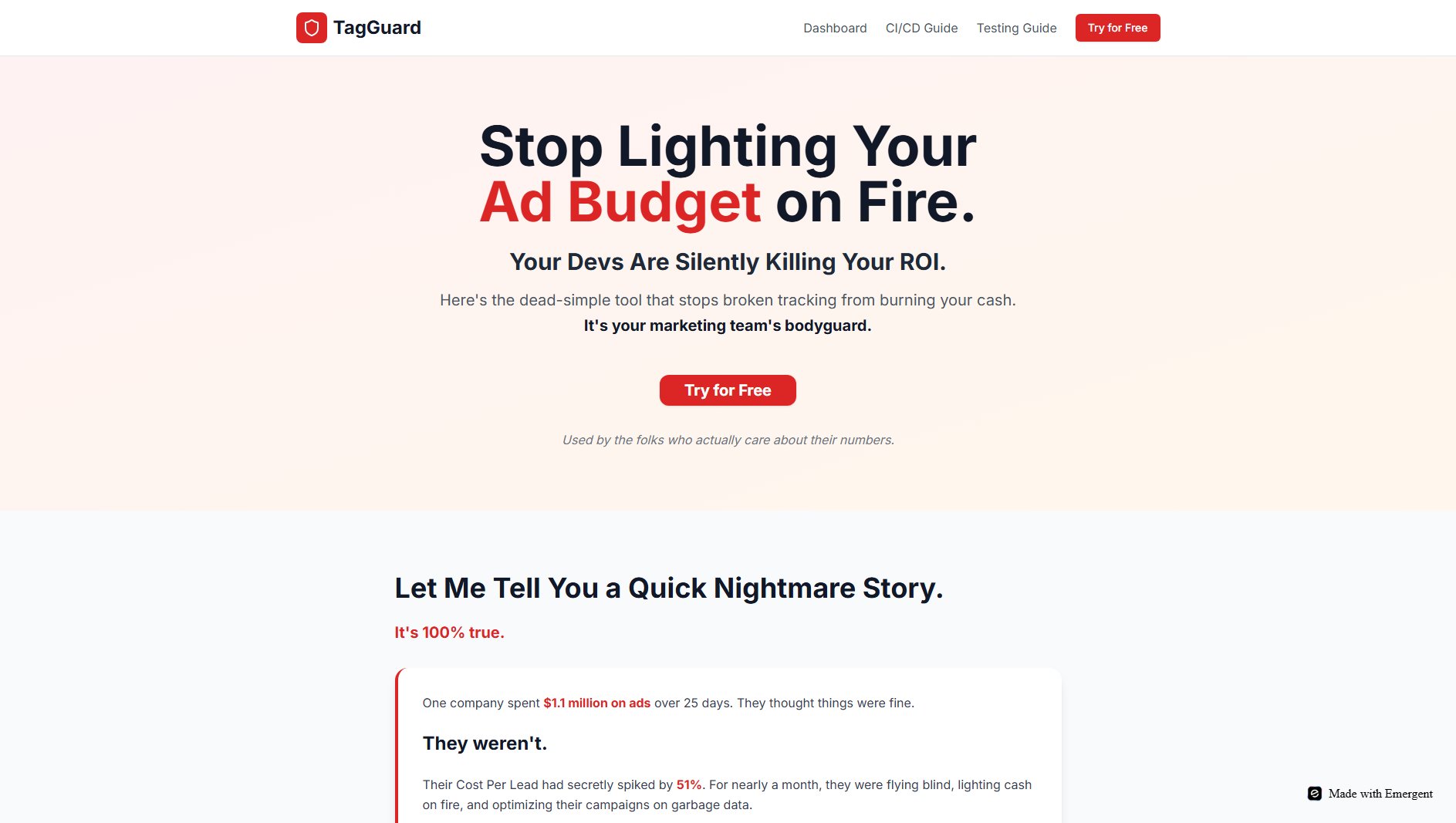
TagGuard Official screenshot of the tool interface
What Can TagGuard Do? Key Features
24/7 Site Monitoring
TagGuard constantly scans your key web pages to ensure critical tracking tags like Google Tag Manager and Meta Pixel are live and functioning. Unlike manual checks, it never sleeps or takes breaks, providing round-the-clock protection against tracking failures that could compromise your marketing data.
Instant Alerts
The moment a tag disappears or stops working, TagGuard immediately notifies your team via Slack or email. This real-time alert system ensures you discover problems in seconds rather than weeks, preventing prolonged periods of wasted ad spend due to undetected tracking issues.
Deployment Blocking
TagGuard integrates with your development workflow to prevent tracking-breaking code from ever reaching production. If a developer attempts to push changes that would disrupt your tracking, the deployment is automatically blocked. This proactive approach stops problems before they occur.
Marketing ROI Protection
By ensuring your tracking remains intact, TagGuard safeguards your marketing investment. It eliminates the risk of optimizing campaigns based on bad data and prevents scenarios where you might unknowingly burn through budgets due to tracking failures.
Simple Integration
TagGuard can be set up in just 5 minutes, requiring minimal technical expertise. The straightforward implementation means you can start protecting your marketing budget almost immediately without complex configurations or lengthy onboarding processes.
Best TagGuard Use Cases & Applications
Preventing Budget Waste
A marketing team running Facebook ads notices their Cost Per Lead has increased but can't determine why. TagGuard detects that the Meta Pixel stopped firing after a recent site update, allowing them to fix the issue before wasting more ad spend.
CI/CD Protection
A developer accidentally modifies code that contains tracking scripts during a routine update. TagGuard's deployment blocking feature prevents the faulty code from going live, avoiding what could have been weeks of lost tracking data.
Multi-Team Coordination
In organizations where marketing and engineering teams work separately, TagGuard serves as a bridge, instantly alerting both teams when tracking issues occur, facilitating faster resolution and better collaboration.
How to Use TagGuard: Step-by-Step Guide
Sign up for a free account on the TagGuard website. The process is quick and doesn't require a credit card, allowing you to test the service without commitment.
Connect TagGuard to your website by adding a simple script or using the provided integration options. This enables the tool to monitor your tracking tags continuously.
Configure your alert preferences by connecting TagGuard to your Slack workspace or setting up email notifications. This ensures you'll receive immediate alerts when issues are detected.
Set up the deployment blocking feature by integrating TagGuard with your CI/CD pipeline. This optional but powerful feature prevents tracking-breaking code from being deployed.
Monitor your dashboard for insights and receive peace of mind knowing your tracking is protected. The tool will alert you to any issues, allowing you to address them before they impact your marketing ROI.
TagGuard Pros and Cons: Honest Review
Pros
Considerations
Is TagGuard Worth It? FAQ & Reviews
TagGuard monitors your site continuously and typically detects issues within seconds of them occurring, ensuring you're alerted immediately to any problems.
TagGuard works with all major tracking platforms including Google Tag Manager, Meta Pixel, and many others. It can monitor any JavaScript-based tracking solution on your site.
No, TagGuard is designed to be simple to set up and use. The initial implementation takes about 5 minutes and doesn't require deep technical knowledge.
While TagGuard can't prevent every possible issue, it catches the vast majority of common problems that lead to broken tracking and wasted ad spend.
TagGuard integrates with your CI/CD pipeline to analyze code changes before deployment. If changes would break your tracking, the deployment is automatically blocked with an explanation of the issue.