AddToCRM
Sync B2B contacts to 27+ CRMs with verified emails & phone numbers
What is AddToCRM? Complete Overview
AddToCRM is a powerful Chrome Extension designed to streamline the process of finding and syncing B2B contact information directly into your CRM. It eliminates the tedious manual data entry by allowing users to enrich and add prospects from LinkedIn®, Gmail, and Outlook with just one click. The tool provides verified business emails and direct phone numbers with 96% accuracy, covering 220M professionals and 35M companies. It integrates seamlessly with 27+ CRMs including HubSpot, Pipedrive, and Salesforce, making it ideal for founders, SDRs, and sales teams looking to save time and improve CRM accuracy. GDPR compliant and trusted by thousands, AddToCRM helps users save over 4 hours per week by automating contact management.
AddToCRM Interface & Screenshots
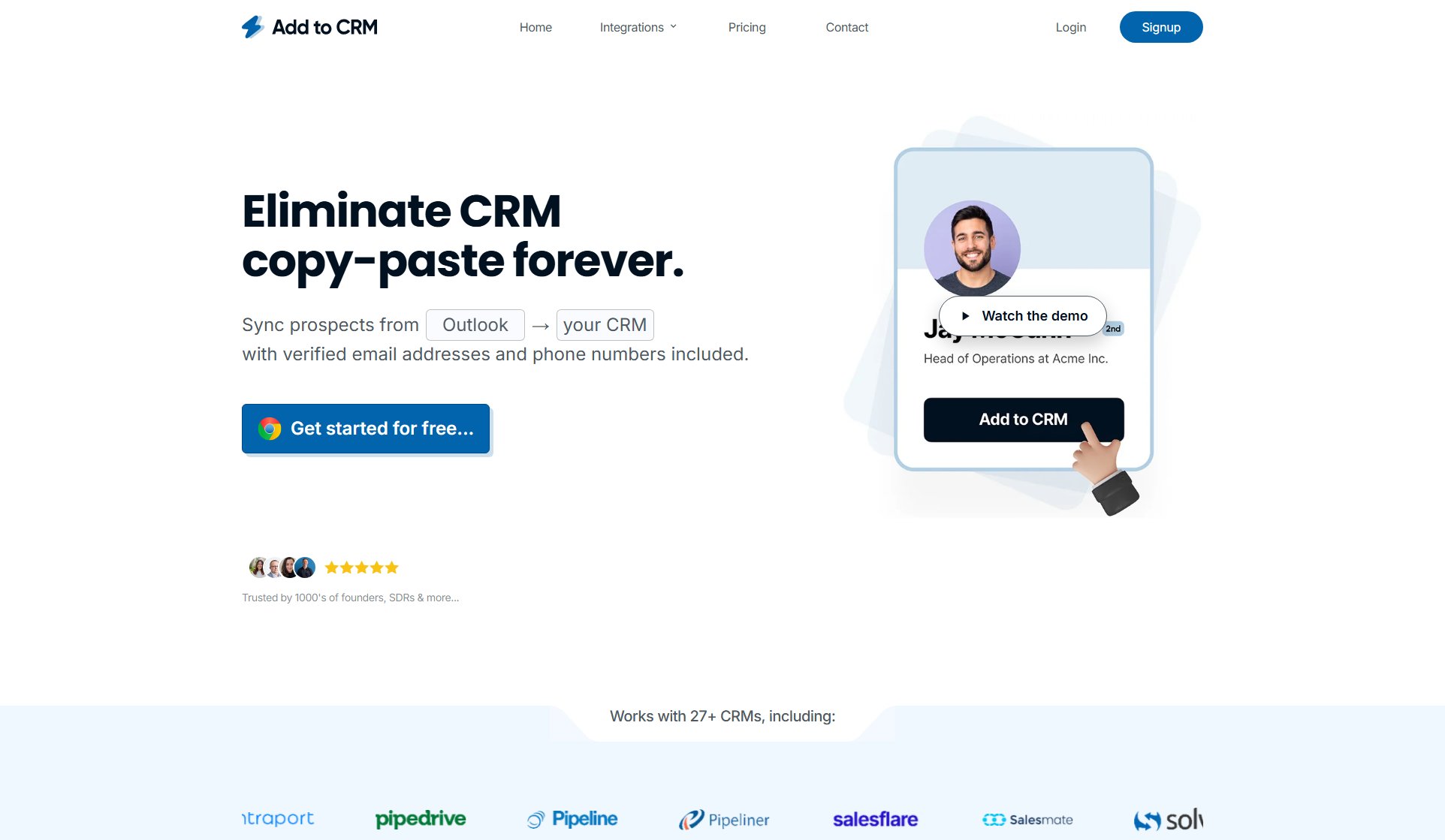
AddToCRM Official screenshot of the tool interface
What Can AddToCRM Do? Key Features
1-Click CRM Sync
AddToCRM allows users to sync enriched contact data directly to their CRM with a single click from LinkedIn®, Gmail, or Outlook. This feature eliminates manual copy-pasting and tab switching, saving significant time and reducing errors in data entry.
Verified Contact Database
Access a database of 220M professionals with verified business emails and direct phone numbers. The tool uses real-time verification technology to ensure 96% email accuracy, dramatically reducing bounce rates and improving outreach effectiveness.
Comprehensive Profile Enrichment
Each profile includes up to 31 data points including job title, seniority, department, company revenue, industry, and location. This rich data helps sales teams better qualify and personalize their outreach efforts.
Duplicate Detection
The extension automatically checks if a contact already exists in your CRM, preventing duplicate entries and maintaining data integrity. A green tick indicator shows when a profile is already in your system.
Multi-CRM Integration
Works seamlessly with 27+ popular CRMs including HubSpot, Pipedrive, Salesforce, and ActiveCampaign. Setup takes just 2 minutes, allowing teams to start syncing contacts immediately without complex configuration.
Team Collaboration
Higher tier plans allow teams to share enriched contacts and collaborate effectively. Features include custom field mapping to ensure data flows correctly into each CRM's specific structure.
Best AddToCRM Use Cases & Applications
Sales Prospecting
Sales teams can quickly build targeted prospect lists by finding verified contact information for decision-makers on LinkedIn and adding them directly to their CRM, eliminating manual research and data entry.
CRM Data Enrichment
Users can enhance existing CRM records with additional data points by using the extension to lookup contacts, adding missing emails, phone numbers, and company information to improve outreach effectiveness.
Event Follow-ups
After networking events or conferences, users can efficiently add new connections to their CRM from follow-up emails in Gmail or Outlook, ensuring no leads fall through the cracks.
Team Collaboration
Sales teams can share enriched contacts and maintain consistent CRM data across the organization, with features that prevent duplicates and ensure everyone works with the most current information.
How to Use AddToCRM: Step-by-Step Guide
Install the Chrome Extension from the Google Web Store and sign up for an AddToCRM account. The installation process takes less than 2 minutes and requires no technical expertise.
Connect your CRM by selecting it from the supported list and following the simple authorization steps. The extension supports 27+ CRMs including popular options like HubSpot, Salesforce, and Pipedrive.
Navigate to a LinkedIn profile, Gmail contact, or Outlook email where you want to find contact information. The extension works directly within these platforms without requiring you to switch tabs.
Open the AddToCRM extension to view enriched data about the person, including verified email addresses and phone numbers. The extension will also show if the contact already exists in your CRM.
Click 'Add to CRM' to sync the complete contact record with all available data points. The system automatically maps fields to your CRM structure, ensuring clean, consistent data entry.
AddToCRM Pros and Cons: Honest Review
Pros
Considerations
Is AddToCRM Worth It? FAQ & Reviews
The AddToCRM Chrome Extension helps you find verified email and phone numbers for business profiles and syncs them directly to your CRM from LinkedIn®, Gmail, and Outlook. It eliminates manual data entry and tab switching by providing all functionality where you work.
Yes, AddToCRM provides verified business emails and direct phone numbers for 220M professionals with 96% accuracy. The database includes comprehensive professional and company details to enhance your CRM records.
AddToCRM offers a 7-day money-back guarantee. You can cancel your subscription at any time, and annual plans are billed upfront but can be canceled before renewal.
Yes, AddToCRM is fully GDPR compliant. All data processing follows strict privacy regulations, and users have control over their data collection and usage.
Each credit allows you to find contact information for one person. Credits reset monthly and unused credits do not roll over. Different plans offer varying credit amounts to suit different usage needs.