Syndy
AI Copywriting assistant for LinkedIn to enhance readability and engagement
What is Syndy? Complete Overview
Syndy is an AI-powered copywriting assistant specifically designed for LinkedIn. It helps users refine their content layout, format posts professionally, and transform drafts into highly readable posts. Whether you need to create short paragraphs or structured listicles, Syndy ensures your content is optimized for maximum engagement. This tool is ideal for professionals, marketers, and businesses looking to improve their LinkedIn presence with polished and compelling posts.
Syndy Interface & Screenshots
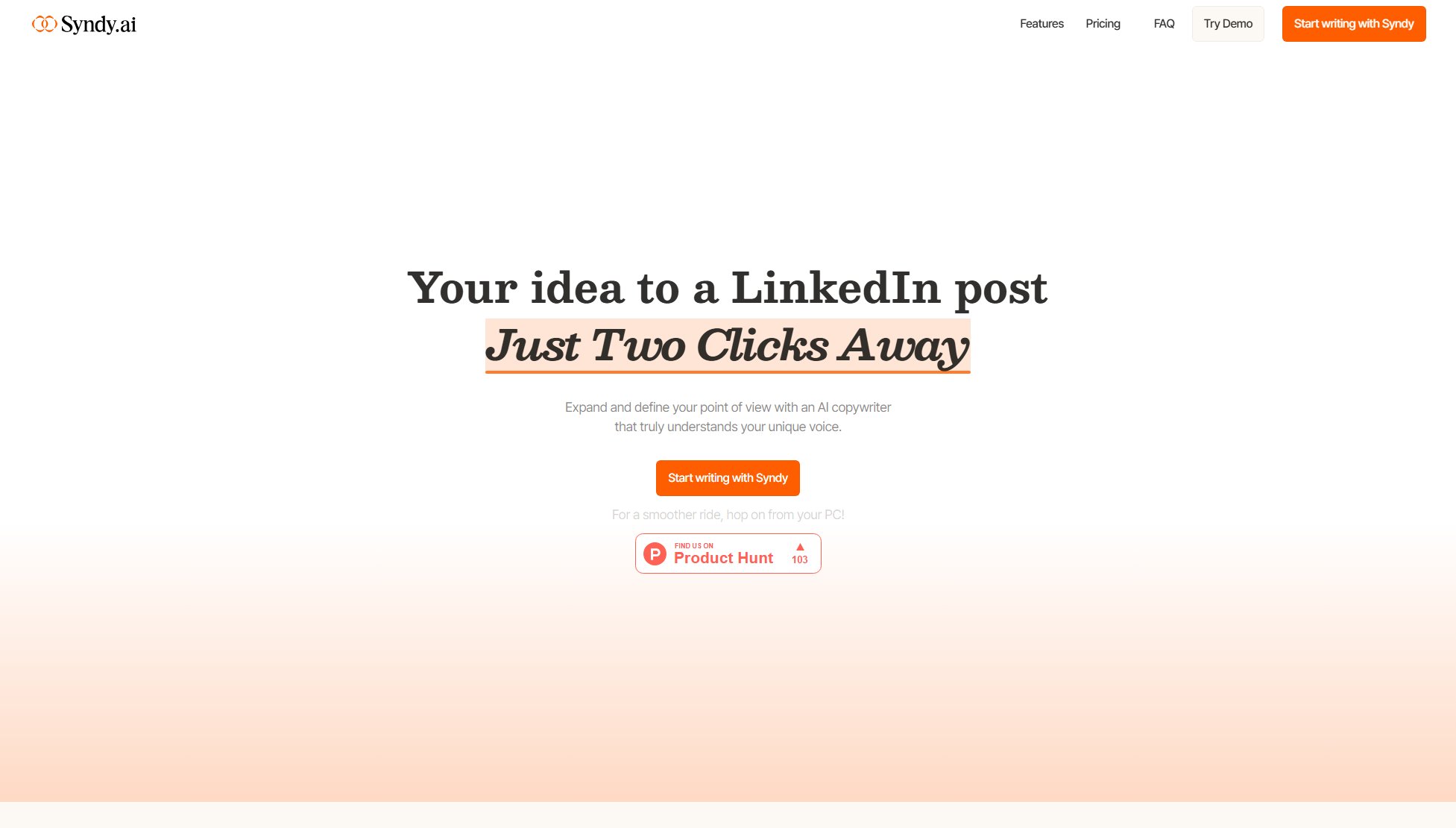
Syndy Official screenshot of the tool interface
What Can Syndy Do? Key Features
Refine Layout
Syndy helps you restructure your LinkedIn posts for better readability and engagement. It analyzes your draft and suggests optimal formatting to ensure your message is clear and impactful.
Professional Formatting
With Syndy, you can format your posts like a pro. The tool offers various formatting options, from short paragraphs to ascending listicles, making your content visually appealing and easy to read.
Content Compression
Syndy compresses your drafts into concise, high-impact posts. This feature is perfect for users who want to convey their message succinctly without losing the essence of their content.
Readability Optimization
The tool ensures your posts are optimized for readability, making them more engaging for your LinkedIn audience. It adjusts sentence structure, length, and formatting to enhance comprehension.
AI-Powered Suggestions
Syndy uses advanced AI to provide real-time suggestions for improving your LinkedIn posts. From word choice to overall structure, the tool helps you create content that resonates with your audience.
Best Syndy Use Cases & Applications
Professional Networking
Professionals can use Syndy to craft polished LinkedIn posts that highlight their expertise, share insights, and engage with their network more effectively.
Content Marketing
Marketers can leverage Syndy to create compelling LinkedIn content that drives engagement, attracts leads, and builds brand awareness.
Job Seekers
Job seekers can use Syndy to optimize their LinkedIn posts and profile updates, making them stand out to recruiters and potential employers.
How to Use Syndy: Step-by-Step Guide
Visit the Syndy website and sign up for an account to get started.
Paste your draft LinkedIn post into the Syndy editor or start writing directly within the tool.
Select the type of formatting you prefer, such as short paragraphs or listicles, to structure your content.
Use Syndy's AI-powered suggestions to refine and optimize your post for readability and engagement.
Preview your post to see how it will appear on LinkedIn and make any final adjustments.
Copy the finalized post and paste it directly into LinkedIn to share with your network.
Syndy Pros and Cons: Honest Review
Pros
Considerations
Is Syndy Worth It? FAQ & Reviews
Yes, Syndy offers a free plan with basic formatting options and limited AI suggestions. For more advanced features, you can upgrade to the Pro plan.
Currently, Syndy is specifically designed for LinkedIn to optimize posts for this platform. However, the formatting suggestions may be applicable to other platforms as well.
Syndy uses AI to analyze and optimize your posts for readability and engagement. It suggests better formatting, sentence structure, and word choice to make your content more compelling.
Yes, Syndy takes data privacy seriously. Your posts and personal information are handled securely and are not shared with third parties.
You can upgrade to the Pro plan by visiting the Syndy website and selecting the Pro option. You will be prompted to provide payment details to complete the upgrade.