SparkIn
Simple, Fast, Secure LinkedIn Automation Tool
What is SparkIn? Complete Overview
SparkIn is a LinkedIn automation tool designed to streamline and automate repetitive tasks on LinkedIn, such as sending connection invitations and messages, searching for user emails, and contact numbers. It aims to free users from manual operations, enhancing efficiency and productivity. The tool is particularly useful for professionals, recruiters, and businesses looking to expand their LinkedIn networks and generate leads. SparkIn emphasizes safety, ease of use, and automation, ensuring users can maximize their LinkedIn outreach without risking account restrictions.
SparkIn Interface & Screenshots
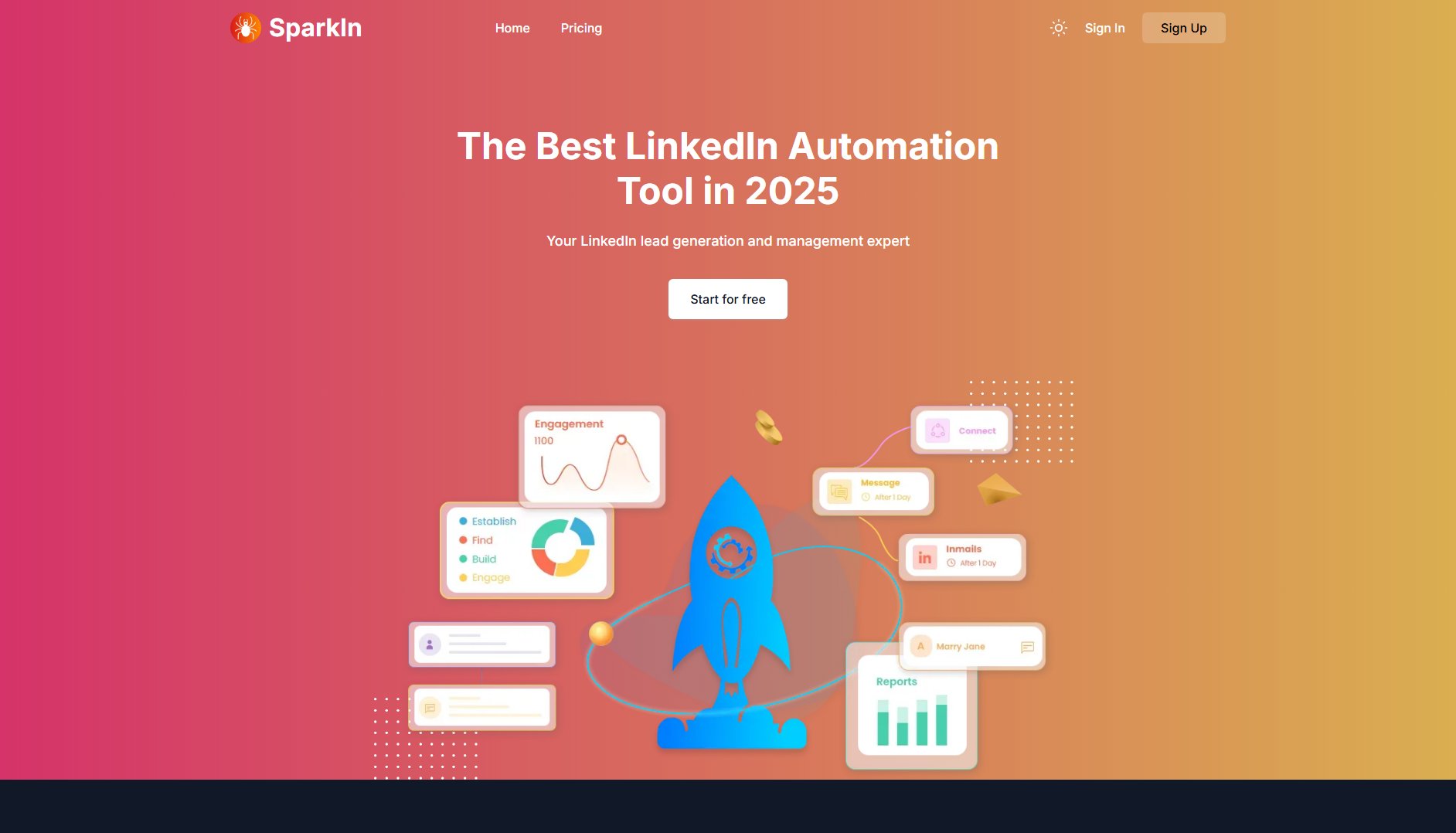
SparkIn Official screenshot of the tool interface
What Can SparkIn Do? Key Features
Automated Invitations
SparkIn automates the process of sending LinkedIn connection invitations, allowing users to set daily limits and intervals to mimic natural behavior and avoid triggering LinkedIn's security measures.
Message Automation
Users can automate personalized messages to their connections, saving time and ensuring consistent communication with potential leads or contacts.
Email and Contact Scraper
SparkIn can extract email addresses and contact numbers from LinkedIn profiles, making it easier for users to build their contact lists outside of LinkedIn.
Multiple Account Support
The tool supports managing multiple LinkedIn accounts simultaneously through multiple browser instances, enabling users to handle different accounts efficiently.
Safe Automation Settings
SparkIn includes recommended settings such as a daily limit of 30 invitations and a 2-minute interval between actions to ensure account safety and compliance with LinkedIn's policies.
Best SparkIn Use Cases & Applications
Lead Generation for Businesses
Businesses can use SparkIn to automate outreach to potential clients or partners on LinkedIn, significantly increasing the number of connections and generating more leads without manual effort.
Recruitment Automation
Recruiters can automate the process of sending connection requests and messages to potential candidates, saving time and improving efficiency in talent acquisition.
Personal Branding
Professionals looking to expand their network can use SparkIn to automate connection requests and follow-ups, helping them build a strong LinkedIn presence with minimal effort.
How to Use SparkIn: Step-by-Step Guide
Sign up or log in to SparkIn through the official website.
Connect your LinkedIn account to SparkIn by logging in via the tool's interface.
Configure your automation settings, such as daily invitation limits and message templates.
Start the automation process and let SparkIn handle your LinkedIn outreach tasks.
Monitor the tool's performance and adjust settings as needed to optimize results.
SparkIn Pros and Cons: Honest Review
Pros
Considerations
Is SparkIn Worth It? FAQ & Reviews
A LinkedIn automation tool like SparkIn automates repetitive tasks such as sending invitations and messages, searching for user emails, and contact numbers, saving users time and effort.
Yes, SparkIn prioritizes account safety with recommended settings like a daily limit of 30 invitations and a 2-minute interval between actions to mimic natural behavior.
Yes, SparkIn's core features are completely free to use.
SparkIn focuses on simplicity, speed, and security, offering a straightforward approach to automate LinkedIn tasks efficiently.
Yes, SparkIn allows users to manage multiple LinkedIn accounts through multiple browser instances.