Skreenie
AI Companion for Parents to Connect with Kids
What is Skreenie? Complete Overview
Skreenie is an AI-powered companion designed to help parents gain instant context on what their children are watching online. It enables families to connect, create, and have fun together by providing insights into kids' digital activities. The tool is tailored for parents who want to stay engaged with their children's online experiences while fostering meaningful family interactions. Skreenie bridges the gap between parents and kids in the digital world, making it easier to understand and participate in their online activities.
Skreenie Interface & Screenshots
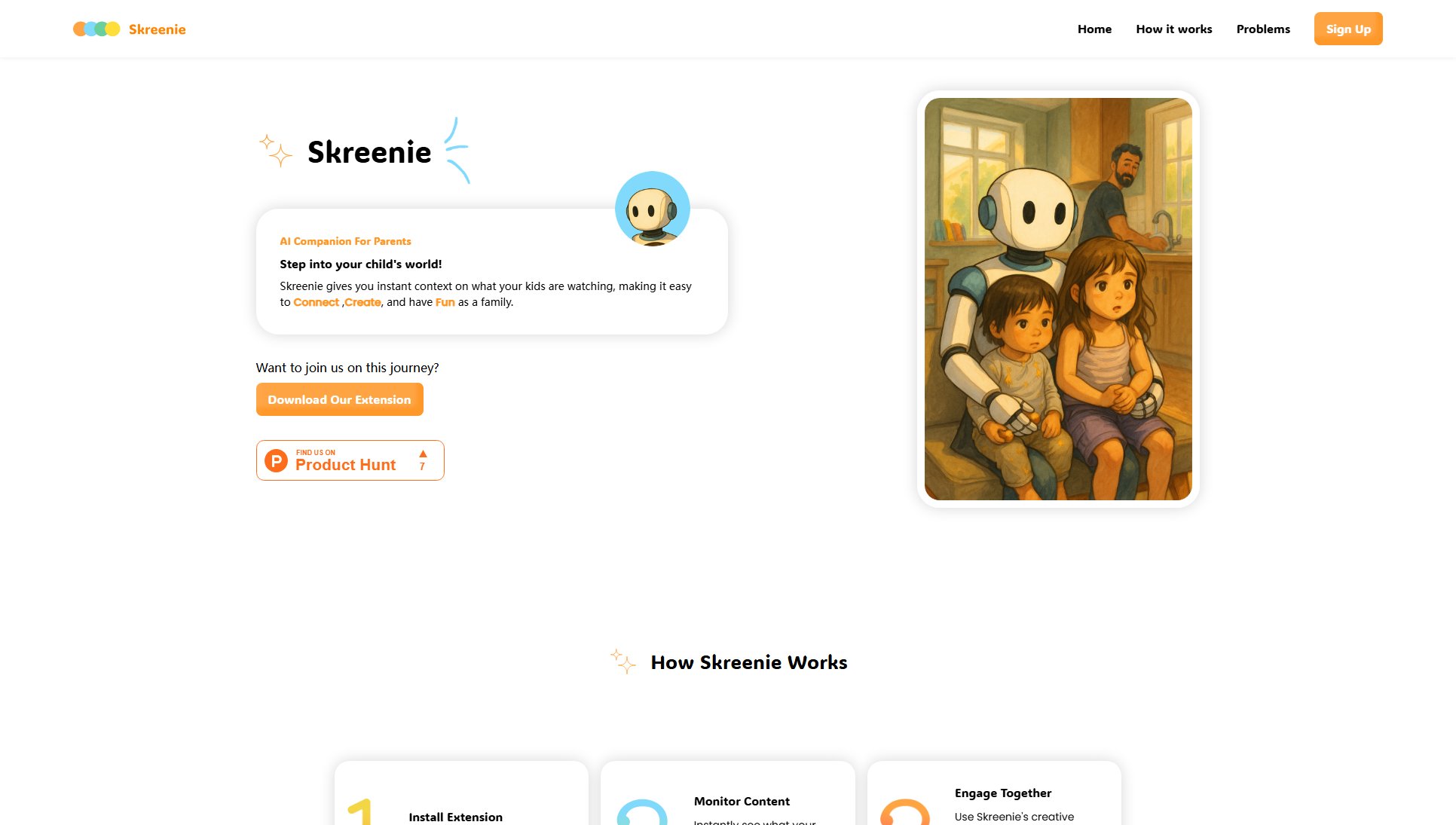
Skreenie Official screenshot of the tool interface
What Can Skreenie Do? Key Features
Instant Context
Skreenie provides real-time insights into what children are watching online, giving parents immediate context about the content. This feature helps parents stay informed and engaged with their kids' digital experiences without being intrusive.
Family Connection
The tool facilitates family bonding by enabling parents to connect with their kids over shared interests. It encourages conversations about online content, making it easier for families to find common ground and enjoy activities together.
Creative Engagement
Skreenie offers creative ways for families to interact with the content their kids are watching. Parents can use these insights to initiate fun and educational activities that align with their children's interests.
Easy Integration
Skreenie is designed as a browser extension, making it simple for parents to install and start using immediately. The seamless integration ensures that parents can access insights without disrupting their kids' online experience.
Best Skreenie Use Cases & Applications
Parent-Child Bonding
A parent uses Skreenie to understand their child's favorite YouTube channels and initiates a discussion about the content, leading to a shared viewing experience and deeper connection.
Educational Engagement
A teacher or parent identifies educational content their child is watching and supplements it with related activities or discussions to enhance learning.
Digital Safety
Parents use Skreenie to monitor the type of content their child is exposed to, ensuring it aligns with family values and safety guidelines.
How to Use Skreenie: Step-by-Step Guide
Download the Skreenie browser extension from the official website.
Install the extension on your preferred browser and complete the setup process.
Allow Skreenie to monitor the content your child is watching (with appropriate permissions).
Receive instant context and insights about the videos or shows your child is viewing.
Use the insights to engage with your child, start conversations, or plan family activities around their interests.
Skreenie Pros and Cons: Honest Review
Pros
Considerations
Is Skreenie Worth It? FAQ & Reviews
Yes, Skreenie currently offers a free version with basic features. Check the website for any updates on premium plans.
Skreenie is designed with privacy in mind, ensuring that only parents have access to the insights about their child's viewing habits. Always review the privacy policy for detailed information.
Skreenie is available as a browser extension, but specific browser compatibility should be checked on the official website.
Skreenie provides insights into the content your child is watching, but its capabilities may vary depending on the platform. Refer to the website for a list of supported platforms.
Simply download the browser extension from the Skreenie website, install it, and follow the setup instructions to begin receiving insights.