PO Assistant
AI-powered Jira & GitHub ticket creation for Product Owners
What is PO Assistant? Complete Overview
PO Assistant is an AI-powered tool designed specifically for Product Owners to streamline their ticket creation process. It revolutionizes how teams generate, refine, and submit structured tickets to Jira or GitHub. The tool addresses key pain points in product management workflows by dramatically reducing the time spent on ticket creation, eliminating the need for manual formatting, and ensuring consistency across tickets. With its intuitive chat interface, Product Owners can quickly turn complex ideas into well-structured tickets in seconds. The platform is particularly valuable for agile teams, product managers, and development teams looking to optimize their workflow and reduce administrative overhead. PO Assistant combines smart AI capabilities with seamless integration to popular development platforms, making it an essential tool for modern product teams.
PO Assistant Interface & Screenshots
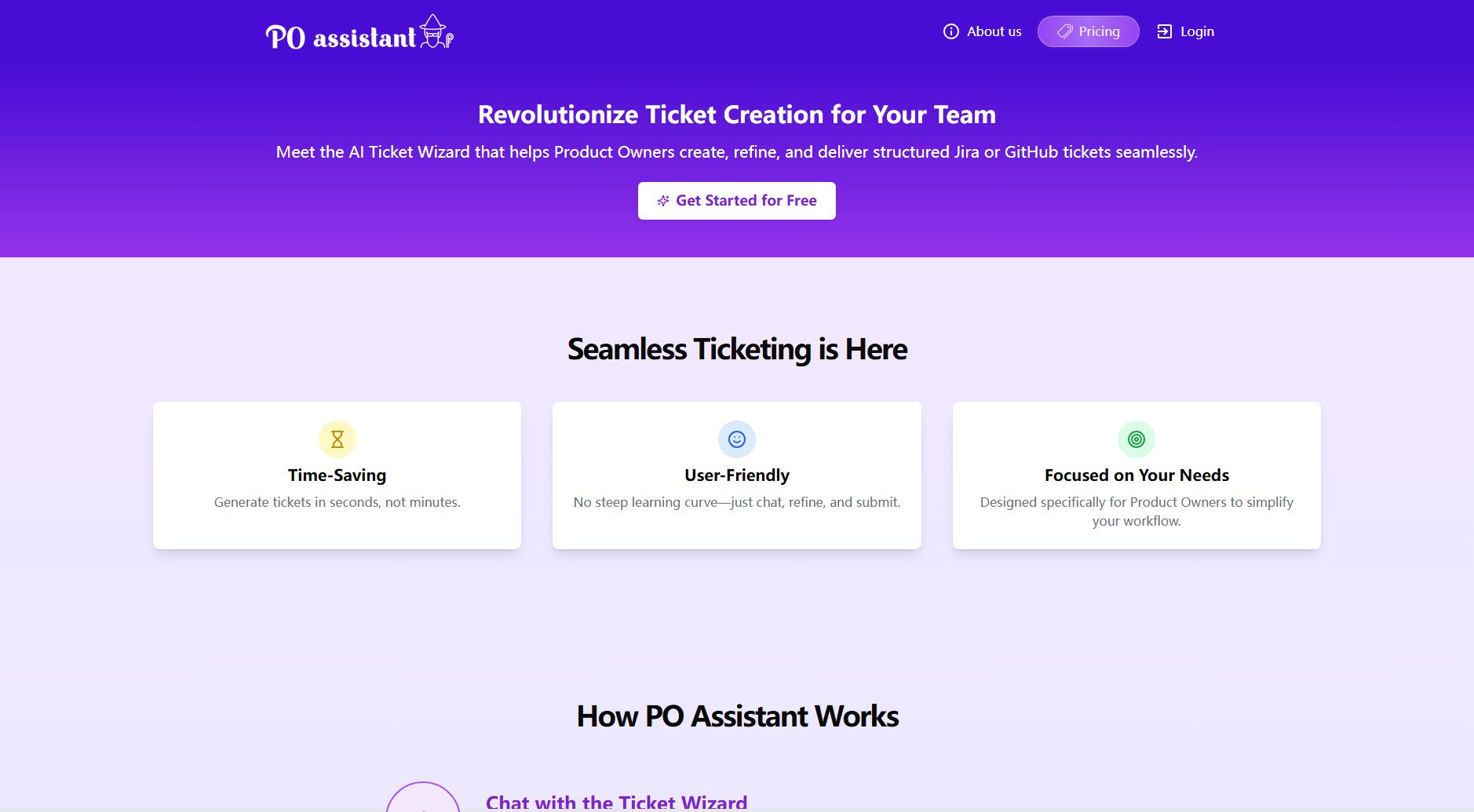
PO Assistant Official screenshot of the tool interface
What Can PO Assistant Do? Key Features
AI Ticket Wizard
The core functionality of PO Assistant is its conversational AI interface that understands product requirements and transforms them into perfectly structured tickets. The AI handles all the formatting, field population, and categorization automatically, saving Product Owners valuable time while ensuring all necessary information is included.
Jira & GitHub Integration
PO Assistant offers direct integration with both Jira and GitHub, allowing users to submit tickets without ever leaving the platform. This seamless integration eliminates the need for manual copying and pasting between systems, reducing errors and saving significant time in the ticketing process.
Image & PDF Analysis
Premium users can upload images and PDFs which the AI analyzes to extract relevant information for ticket creation. This powerful feature helps transform visual requirements, mockups, or documentation into actionable tickets with appropriate context and details automatically included.
Customizable Templates
Teams can create and save custom ticket templates that match their specific workflow requirements. This ensures consistency across all tickets while accommodating different ticket types (user stories, bugs, tasks) with appropriate fields and formats for each.
Instant Refinement
Before submission, users can review and refine the AI-generated tickets through an intuitive interface. This allows for quick adjustments to ensure the ticket perfectly matches the team's requirements while maintaining all the time savings of automated creation.
Best PO Assistant Use Cases & Applications
Sprint Planning Preparation
Product Owners can use PO Assistant to rapidly convert backlog items into properly formatted tickets before sprint planning sessions. This ensures all tickets are ready for estimation and assignment, making sprint planning meetings more efficient and productive.
Bug Report Conversion
When receiving bug reports from various channels (email, chat, etc.), Product Owners can quickly input the information into PO Assistant to generate standardized, actionable bug tickets with all necessary technical details and reproduction steps.
Design to Development Handoff
Design teams can share mockups and specifications which PO Assistant analyzes to create comprehensive development tickets. This bridges the gap between design and development, ensuring all visual requirements are properly captured in the technical tickets.
How to Use PO Assistant: Step-by-Step Guide
Start by chatting with the AI Ticket Wizard, describing your feature request, bug report, or task in natural language. You can provide as much or as little detail as you have - the AI will ask clarifying questions if needed.
Optionally upload images or PDFs (Premium feature) that contain relevant information. The AI will analyze these documents and incorporate relevant details into the ticket automatically.
Review the AI-generated ticket that appears in real-time. The interface shows exactly how the ticket will appear in Jira or GitHub, with all appropriate fields populated.
Make any necessary refinements using the simple editing interface. You can adjust wording, add or remove details, or select from alternative formulations suggested by the AI.
Select your destination platform (Jira or GitHub) and click submit. The ticket will be created instantly in your chosen system with all formatting preserved.
PO Assistant Pros and Cons: Honest Review
Pros
Considerations
Is PO Assistant Worth It? FAQ & Reviews
Yes, the Free plan allows up to 5 prompts (ticket generations) per day. Each conversation with the AI Ticket Wizard counts as one prompt, regardless of how many refinements you make to the resulting ticket.
Absolutely! PO Assistant supports integration with both Jira and GitHub. You can choose which platform to submit to each time you create a ticket, making it ideal for teams that use either or both systems.
When you upload an image or PDF, PO Assistant's AI analyzes the content to extract relevant information for ticket creation. It can identify UI elements in mockups, read text from documents, and understand relationships between different components to generate comprehensive tickets.
Currently, each PO Assistant account is designed for individual use. For team-wide access, we recommend each Product Owner or team member create their own account. We're exploring team plans for future releases.
You can cancel your Premium subscription at any time with no penalty. After cancellation, your account will revert to the Free plan features at the end of your current billing period.