PixandFlow
AI-powered banner generator for stunning social media & campaign ads
What is PixandFlow? Complete Overview
PixandFlow is an AI-powered banner generator that transforms simple descriptions into professional-quality banners for social media and advertising campaigns. Designed for marketers, small businesses, and agencies, it eliminates the need for design skills by using advanced AI to create visually appealing ads in seconds. The platform supports all standard social media and advertising dimensions, offers real-time customization, and maintains brand consistency across all outputs. Users can generate not just banners but also memes and quote graphics, making it a versatile tool for organic social media growth and paid advertising campaigns. PixandFlow is built on AWS infrastructure, ensuring enterprise-grade security and scalability while delivering results in as little as 10 seconds.
PixandFlow Interface & Screenshots
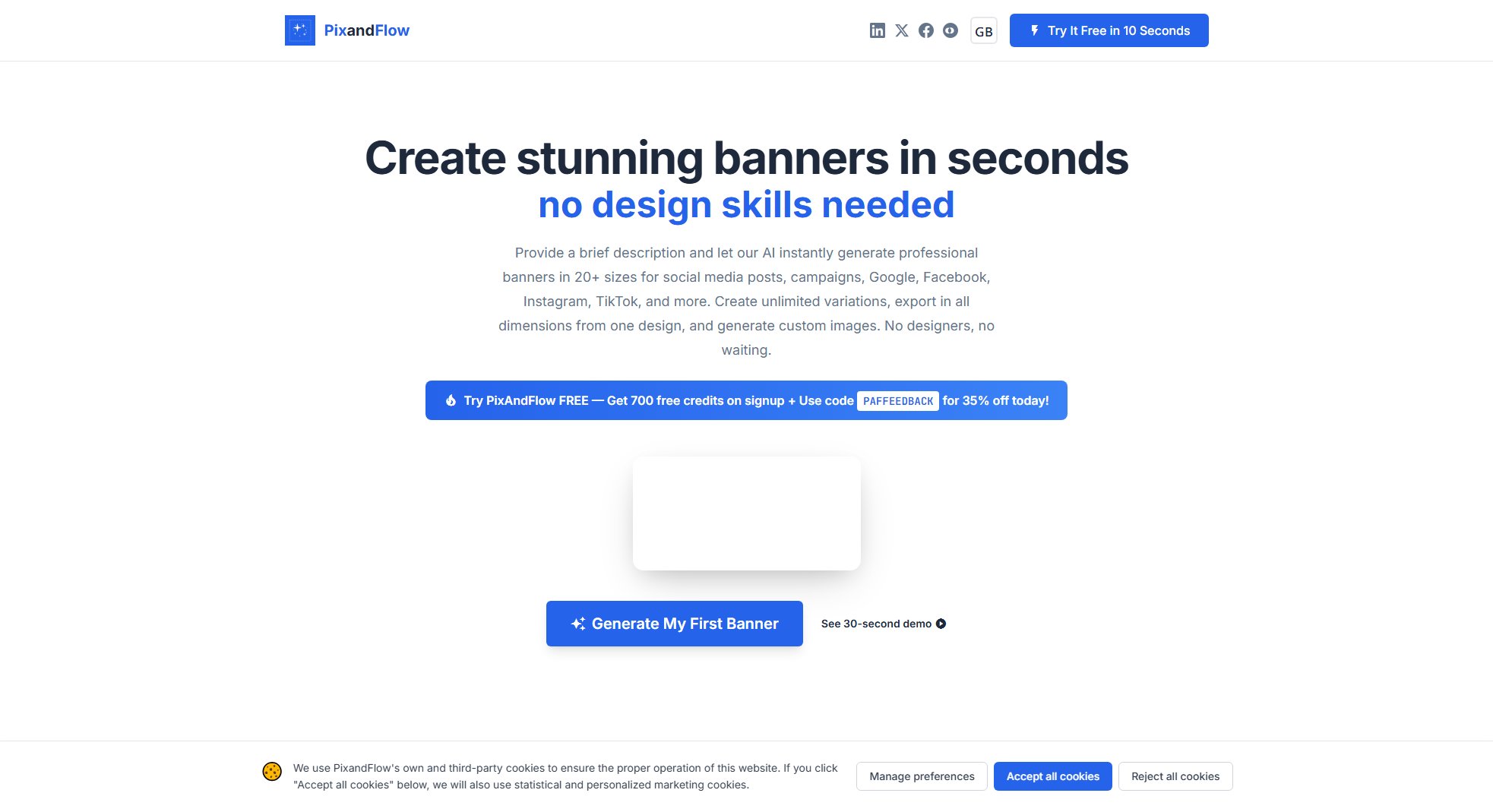
PixandFlow Official screenshot of the tool interface
What Can PixandFlow Do? Key Features
AI-Powered Generation
PixandFlow uses cutting-edge AI technology to transform your text descriptions into professional banner designs automatically. The system understands your requirements and creates visually appealing layouts with appropriate imagery, typography, and color schemes.
Multi-Platform Support
Generate banners optimized for all major platforms including Google Ads, Meta (Facebook/Instagram), X (Twitter), LinkedIn, and TikTok. The system automatically formats your design for each platform's specific requirements and dimensions.
All Standard Sizes
Create banners in every industry-standard size from small squares (200×200) to ultra-wide formats (1200×1500). The platform includes pre-sets for Google Ads, Meta Ads, social media posts, and display advertising formats.
Real-time Customization
Easily tweak colors, text, layouts, and elements with an intuitive editor that shows changes instantly. Adjust branding elements to maintain consistency across all your marketing materials without design expertise.
One Design, All Dimensions
Create one banner concept and instantly export it in all necessary dimensions for different platforms. This saves hours of manual resizing and ensures consistent branding across all your advertising channels.
Best PixandFlow Use Cases & Applications
Social Media Campaigns
Marketing teams can quickly generate visually consistent banners for Facebook, Instagram, LinkedIn, and Twitter campaigns. The AI ensures all posts maintain brand identity while being optimized for each platform's specific format requirements.
Paid Advertising
Digital marketers can create high-converting Google and Meta ads in multiple sizes from a single description. The platform's B2B-focused design aesthetic helps build trust and drive conversions for paid campaigns.
Organic Content Creation
Social media managers can generate engaging memes and quote graphics to boost organic reach. The AI creates culturally relevant content that resonates with target audiences and drives engagement.
Event Promotion
Create professional banners for corporate events, product launches, or personal celebrations. The system generates designs that capture the essence of any event type and outputs them in all necessary invitation and promotional formats.
How to Use PixandFlow: Step-by-Step Guide
Provide a description of your desired banner including key messaging, imagery preferences, and any specific requirements. The AI will analyze your input to understand your campaign goals.
The AI processes your description and generates multiple banner variations with appropriate layouts, colors, and imagery. This typically takes just 10-30 seconds depending on complexity.
Review the generated banners in the intuitive editor interface. Use the customization tools to tweak colors, text, and elements to perfectly match your brand identity.
Select the dimensions you need from the extensive list of platform-specific formats. The system automatically reformats your design for each selected size while maintaining design integrity.
Download your ready-to-use banners in high-resolution formats. You can download individual sizes or export complete sets for all your advertising channels with one click.
PixandFlow Pros and Cons: Honest Review
Pros
Considerations
Is PixandFlow Worth It? FAQ & Reviews
AI Units are credits used to generate banners in PixandFlow. Each banner generation consumes a certain number of units depending on complexity and size. The basic plan includes 3,000 units per month, which typically allows for hundreds of banner variations.
Yes, all banners created with PixandFlow can be used for commercial purposes including paid advertising, social media marketing, and client work. There are no usage restrictions beyond standard copyright guidelines.
PixandFlow supports high-quality PNG and JPEG exports. All banners are generated in high resolution suitable for both digital and print use when needed.
New users can apply the code PAFFEEDBACK at checkout to receive 35% off their first month's subscription. This applies to all paid plans but cannot be combined with other offers.
Yes, all PixandFlow subscriptions can be canceled at any time. When canceled, you'll retain access until the end of your current billing period.