Transcribe Pro
AI Audio Transcription & Summarization | Fast & Accurate
What is Transcribe Pro? Complete Overview
Transcribe Pro is an AI-powered transcription and summarization tool designed to convert audio files into accurate, readable text and summaries. It supports over 50 languages, including Arabic, English, and Spanish, with automatic language detection. The tool is ideal for professionals, content creators, and businesses needing fast, reliable transcription services. With a processing speed of 5.6 seconds per minute and 98% accuracy, Transcribe Pro ensures high-quality results. The platform also offers real-time streaming summaries, secure file processing, and easy export options, making it a versatile solution for various transcription needs.
Transcribe Pro Interface & Screenshots
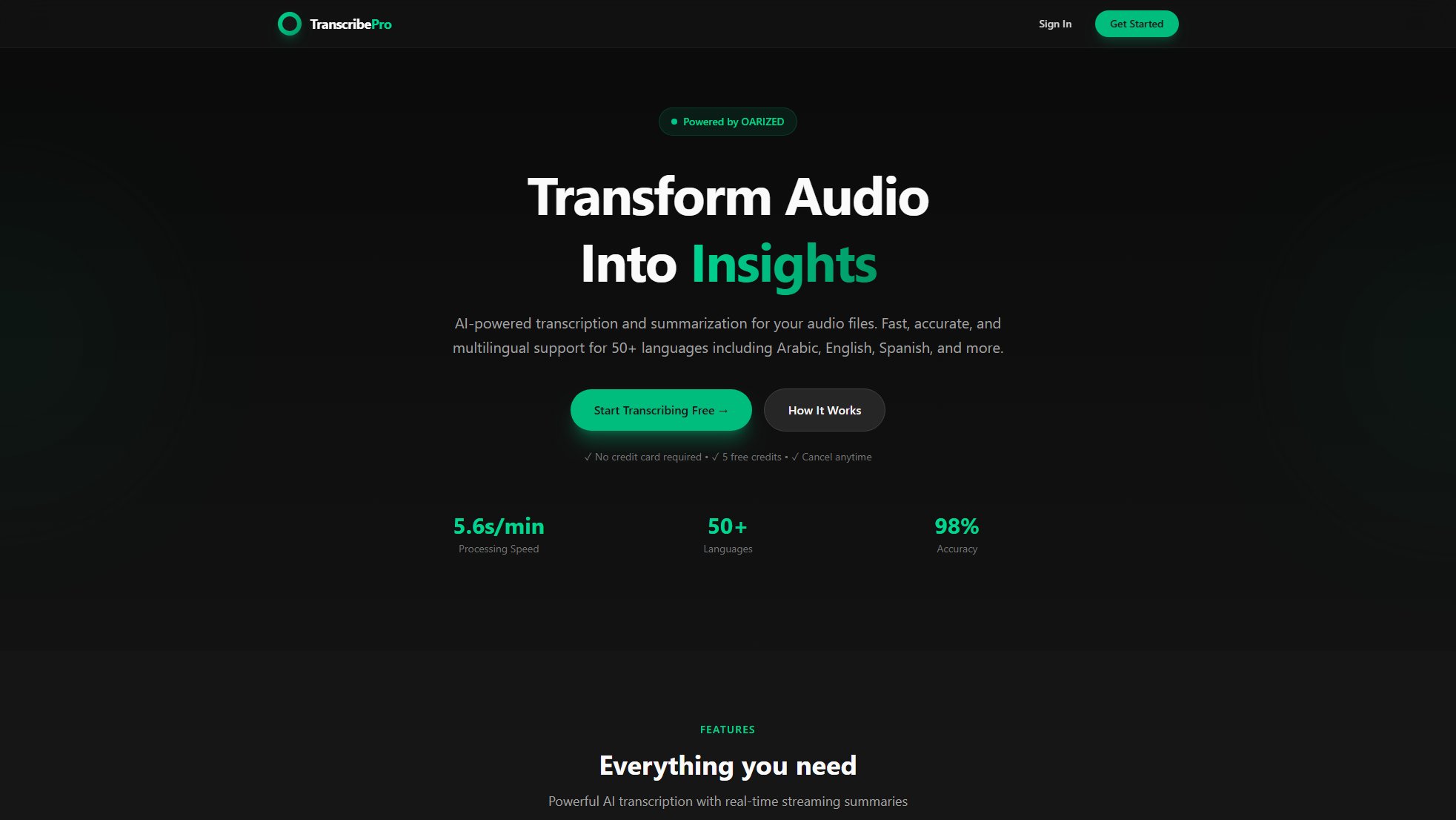
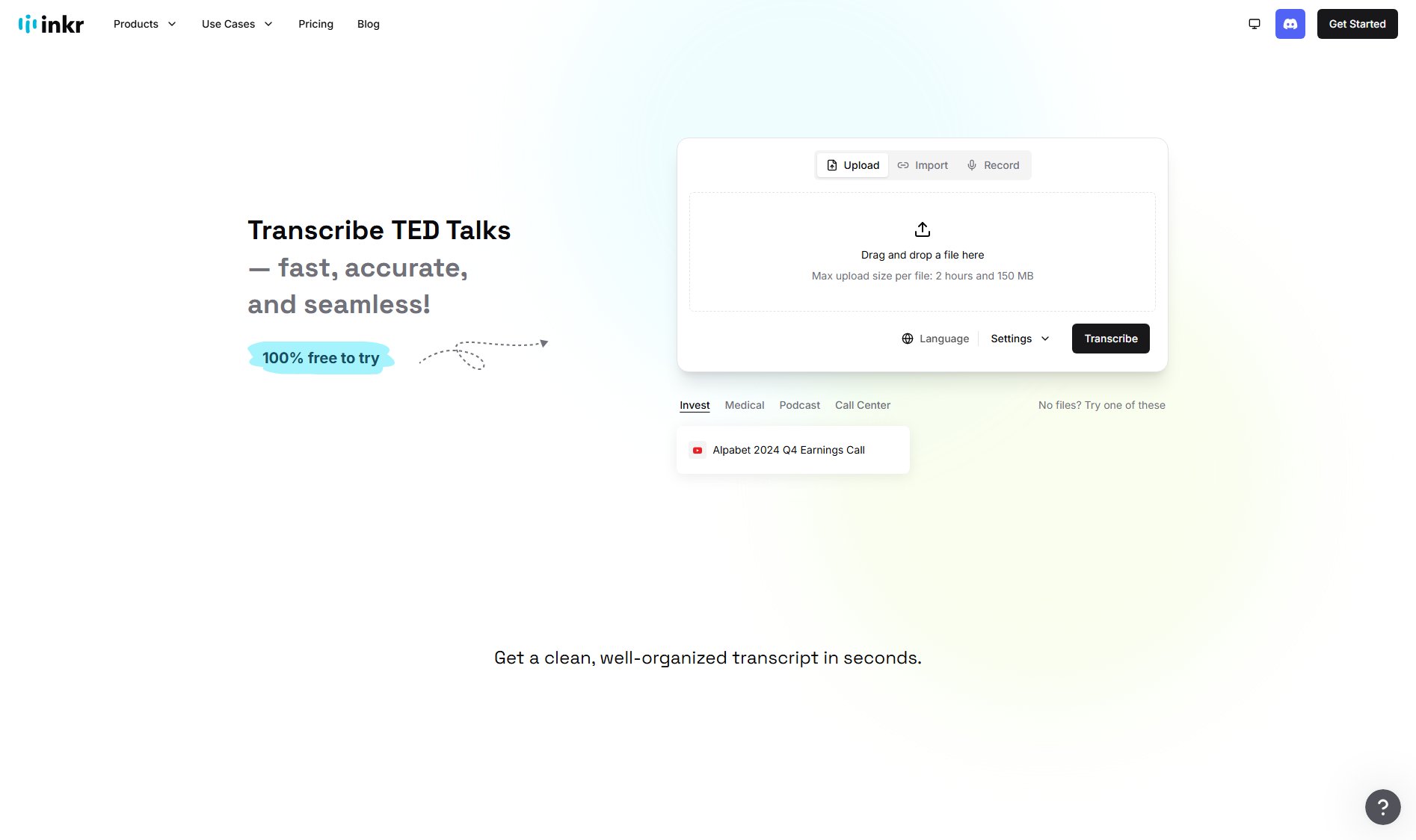
Transcribe Pro Official screenshot of the tool interface
What Can Transcribe Pro Do? Key Features
Lightning Fast Processing
Transcribe Pro leverages OpenAI's Whisper AI to process a 60-minute audio file in just 5-6 minutes, ensuring quick turnaround times for your transcription needs.
Multilingual Support
The tool supports over 50 languages, including Arabic, English, and Spanish, with automatic language detection for seamless transcription.
AI Summaries
Get instant AI-generated summaries with a streaming word-by-word display, allowing you to quickly grasp the key points of your audio content.
Real-Time Streaming
Watch your summary appear word-by-word as the AI processes your audio, providing a dynamic and interactive experience.
Secure & Private
Your files are processed securely and automatically deleted after transcription, ensuring your data remains confidential.
Easy Copy & Export
Copy your transcription and summary with one click or download them in any format for easy sharing and storage.
Best Transcribe Pro Use Cases & Applications
Content Creation
Content creators can use Transcribe Pro to quickly transcribe interviews, podcasts, or videos, making it easier to repurpose content for blogs, articles, or social media.
Business Meetings
Professionals can transcribe and summarize meeting recordings to capture key points and action items, improving productivity and follow-up.
Academic Research
Researchers can transcribe interviews or lectures, saving time on manual note-taking and focusing more on analysis and insights.
How to Use Transcribe Pro: Step-by-Step Guide
Upload your audio file by dropping it into the platform or pasting a YouTube URL for transcription.
The AI processes your audio in real-time, transcribing and summarizing the content as it goes.
Export your transcription and summary by copying the text or downloading it in your preferred format.
Transcribe Pro Pros and Cons: Honest Review
Pros
Considerations
Is Transcribe Pro Worth It? FAQ & Reviews
Transcribe Pro boasts a 98% accuracy rate, ensuring high-quality transcriptions for your audio files.
The tool supports over 50 languages, including Arabic, English, Spanish, and more, with automatic language detection.
Yes, your files are processed securely and automatically deleted after transcription to ensure privacy.
Transcribe Pro processes audio at a speed of 5.6 seconds per minute, making it one of the fastest tools available.
Yes, you can easily copy or download your transcriptions and summaries in any format.