SocialSocial.Social
Connect, share, and commerce in one social platform
What is SocialSocial.Social? Complete Overview
SocialSocial.Social is a dynamic social and commerce platform designed to bring together individuals and businesses to connect, share, and engage in commerce. The platform caters to a wide variety of interests, including Animal & Pet, Art, Business Services, Fashion, and more. It serves as a hub for users to list products, share content, and interact with like-minded individuals. Whether you're a small business owner, an artist, or a consumer looking for unique products, SocialSocial.Social provides a seamless experience to discover, share, and transact.
SocialSocial.Social Interface & Screenshots
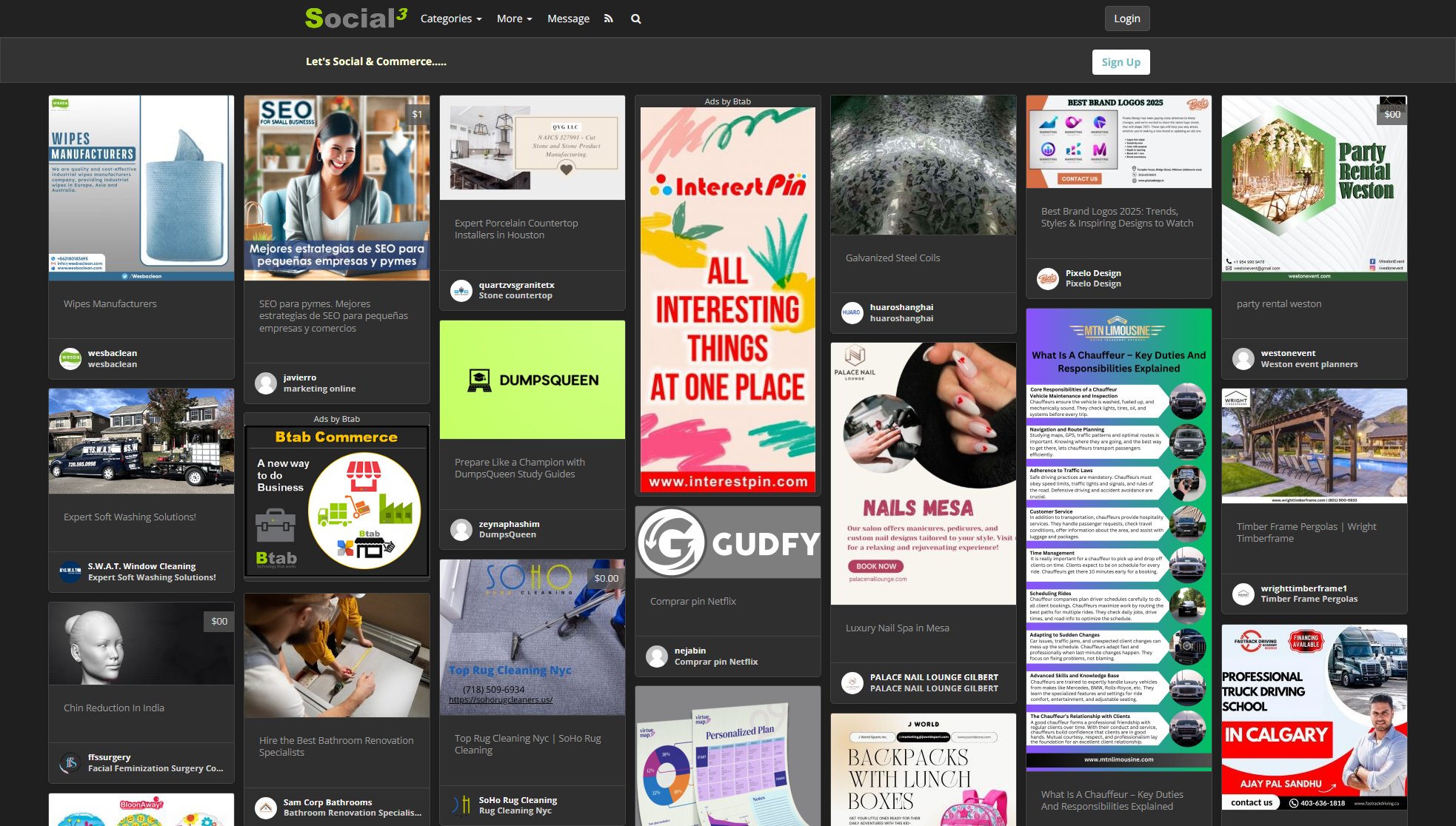
SocialSocial.Social Official screenshot of the tool interface
What Can SocialSocial.Social Do? Key Features
Multiple Categories
SocialSocial.Social offers a diverse range of categories, from Animal & Pet to Technology & Electronics, ensuring users can find or list products that match their interests.
User-Friendly Interface
The platform is designed to be intuitive and easy to navigate, allowing users to quickly sign up, log in, and start exploring or listing products.
Managed Listing Service
For businesses that need extra help, SocialSocial.Social provides a Managed Listing Service to optimize product listings and enhance visibility.
Secure Connection
The platform prioritizes security, ensuring all connections are verified to protect user data and transactions.
Best SocialSocial.Social Use Cases & Applications
Small Business Promotion
A small business owner can list their products in relevant categories, use the Managed Listing Service to optimize visibility, and engage with potential customers directly on the platform.
Artists and Creators
Artists can showcase their work in the Art / Architecture / Design category, reach a broader audience, and sell their creations without the need for a separate e-commerce site.
Event Organizers
Event organizers can list their events in the Events & Weddings category, sell tickets, and interact with attendees, all within the SocialSocial.Social platform.
How to Use SocialSocial.Social: Step-by-Step Guide
Visit the SocialSocial.Social website and sign up for an account using your email or social media credentials.
Browse through the various categories to find products or services that interest you, or list your own products if you're a seller.
Engage with other users by liking, sharing, or commenting on listings to build your network.
Complete transactions securely through the platform, ensuring a safe and smooth buying or selling experience.
SocialSocial.Social Pros and Cons: Honest Review
Pros
Considerations
Is SocialSocial.Social Worth It? FAQ & Reviews
Yes, SocialSocial.Social offers a free plan that includes basic listing capabilities and access to all categories.
The Managed Listing Service is a premium offering that helps businesses optimize their product listings for better visibility and includes dedicated support.
SocialSocial.Social prioritizes security by verifying all connections and ensuring safe transactions for all users.