Recap
Transform Your Knowledge Into Viral Authority with AI
What is Recap? Complete Overview
Recap is an AI-powered content creation platform designed to help professionals and creators transform their expertise into engaging, multi-platform content. It simplifies the process of generating viral visuals, videos, and posts by leveraging AI to curate and refine ideas, ensuring they resonate with target audiences. The tool is ideal for founders, content creators, educators, and thought leaders who want to build authority and grow their online presence. Recap addresses the challenge of content overload by providing personalized, platform-optimized outputs that save time and enhance engagement.
Recap Interface & Screenshots
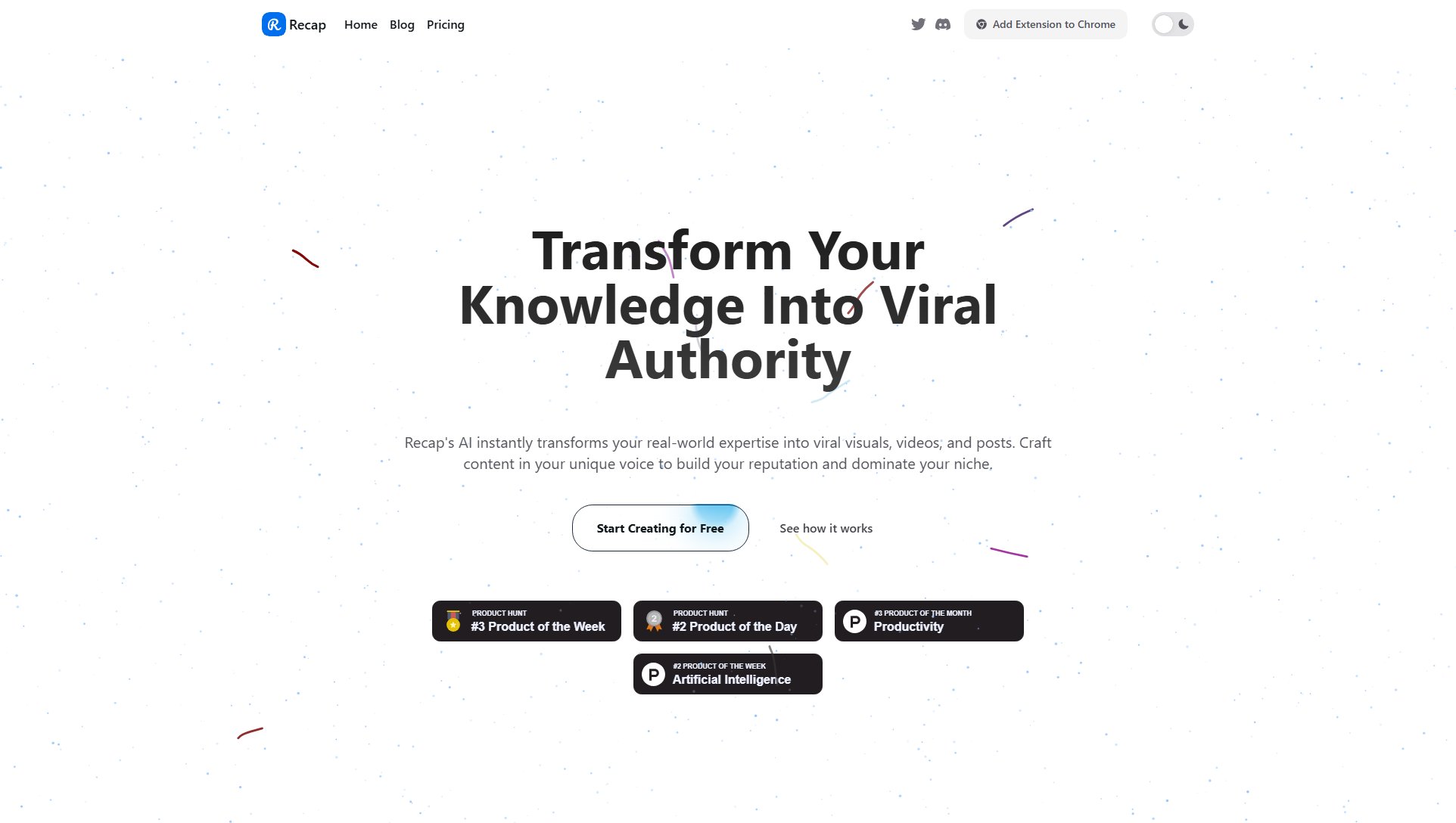
Recap Official screenshot of the tool interface
What Can Recap Do? Key Features
Content Agent
Recap's AI-powered Content Agent curates information from multiple expert perspectives, uncovering unique angles and keeping your content fresh and authentic. It learns your voice over time, ensuring consistency across all outputs.
Multi-Platform Optimization
Recap automatically adapts your content for major platforms like X, LinkedIn, TikTok, Instagram, and YouTube, ensuring each piece is tailored to the specific requirements of the platform for maximum engagement.
Diverse Visual Formats
Create a variety of visuals, including infographics, carousels, charts, and animated infographics, to make complex ideas easy to understand and share.
Custom Branding
Define your unique style with the Content Agent and apply it to all your visuals and videos, ensuring consistency and brand recognition across all content.
Simplified Workflow
From idea to publish, Recap streamlines the content creation process. Upload documents, paste links, or type notes, and let Recap handle the rest, including refining and publishing.
Best Recap Use Cases & Applications
Founder Building a Reputation
Founders can use Recap to document their journey, share insights, and attract talent and investment by turning their expertise into viral content.
Educator Simplifying Complex Topics
Educators can create easy-to-understand visuals and videos to teach complex subjects, making learning more engaging for students.
Content Creator Growing an Audience
Content creators can leverage Recap to produce platform-optimized posts and videos that resonate with their audience, building authority and engagement.
How to Use Recap: Step-by-Step Guide
Source Content: Start by uploading a document, pasting a link, or typing your notes. This forms the foundation for your content.
Unlock Angles: Recap's AI challenges your ideas from multiple perspectives, revealing new insights and unique angles you may not have considered.
Refine Content: Use Recap's powerful editor to make final tweaks, ensuring your content is polished and ready for publication.
Publish: Recap automatically customizes your content for each platform, allowing you to publish seamlessly across X, LinkedIn, TikTok, and more.
Recap Pros and Cons: Honest Review
Pros
Considerations
Is Recap Worth It? FAQ & Reviews
Recap is an AI content creation platform that turns your expertise into viral visuals, videos, and posts. It helps you build authority with on-brand content for major social platforms.
The Content Agent curates ideas from multiple expert perspectives, challenges assumptions, and surfaces unique angles. It learns your voice over time to keep content authentic and insightful.
Yes. Recap adapts a single idea into platform-ready formats for X, LinkedIn, TikTok, Instagram, and YouTube, helping you publish consistently with minimal effort.
Create infographics, carousels, charts, flowcharts, mind maps, and timelines. Recap also supports animated infographics for knowledge-based videos.
Yes. The Free Plan includes core features and limited credits. Upgrading unlocks more credits, advanced exports, and priority access to new features.