Imagine AI
Generate stunning images and stickers with advanced AI
What is Imagine AI? Complete Overview
Imagine AI is a powerful AI tool designed to generate high-quality images, stickers, and edit photos effortlessly. It caters to a broad audience, including e-commerce store owners, social media influencers, graphic designers, and entrepreneurs. The tool leverages state-of-the-art AI algorithms to transform text descriptions into stunning visuals, remove backgrounds, upscale images, and apply artistic styles like Ghibli. With a user-friendly interface, Imagine AI eliminates the need for design expertise, making professional-grade image creation accessible to everyone.
Imagine AI Interface & Screenshots
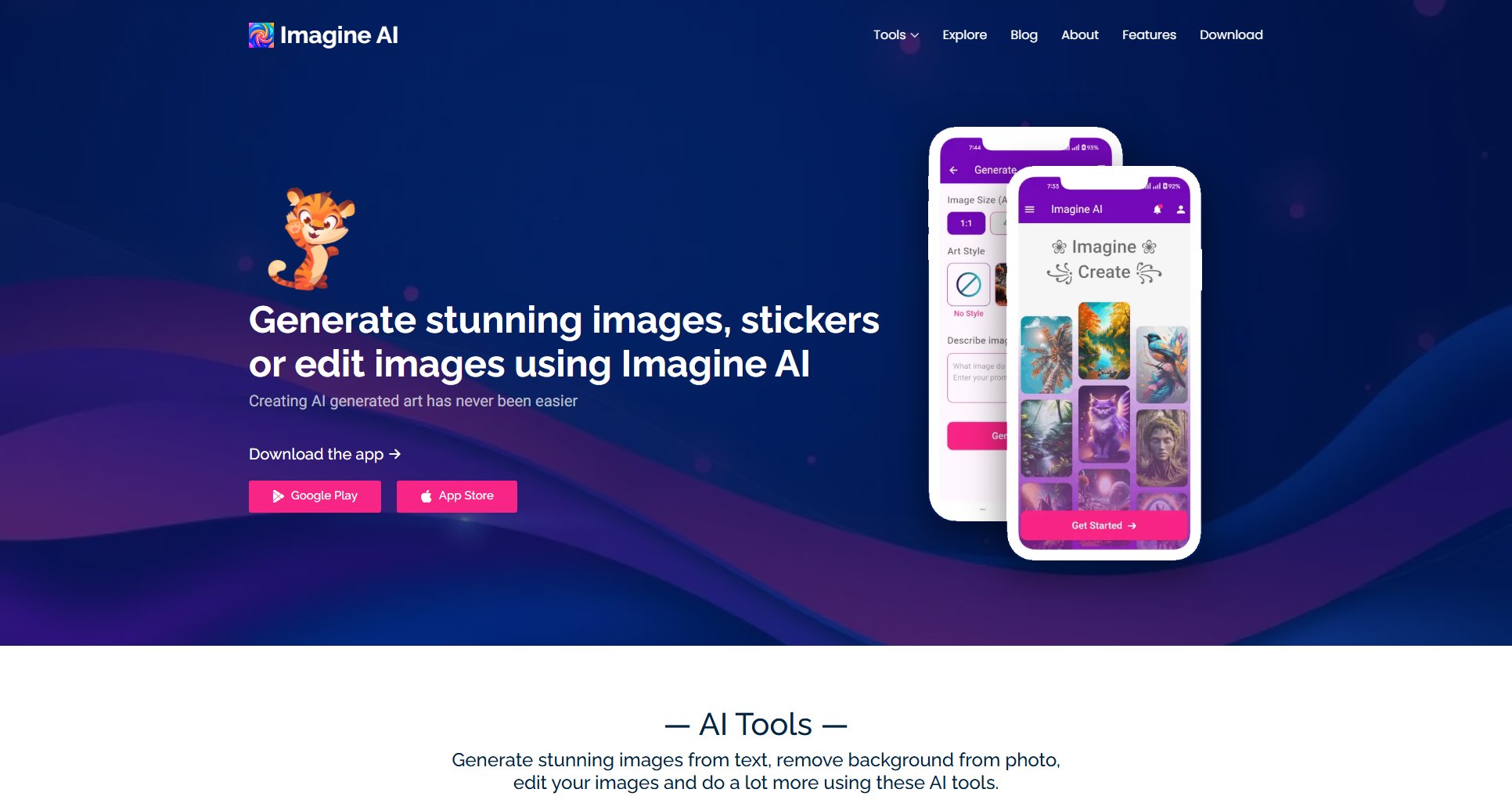
Imagine AI Official screenshot of the tool interface
What Can Imagine AI Do? Key Features
AI Art Generator
Create unique images from text descriptions using advanced AI algorithms. Choose from multiple styling options and generation speeds to tailor the output to your needs.
Generate Stickers
Produce customized, transparent stickers by simply describing what you want. Perfect for social media, branding, and personal projects.
Creative Upscale
Enhance image resolution by 2x or 4x without losing quality. Ideal for printing or high-definition displays, this feature ensures your images remain sharp and detailed.
Background Removal
Instantly remove backgrounds from any image with precision. The AI accurately detects and removes complex backgrounds, making it perfect for product photos and professional visuals.
Ghibli Style
Transform your images into dreamy, hand-painted artwork inspired by Studio Ghibli. Create whimsical characters and magical scenes effortlessly.
Best Imagine AI Use Cases & Applications
E-commerce Product Photos
E-commerce store owners can use Imagine AI to remove backgrounds from product images, ensuring clean, professional visuals that attract customers.
Social Media Content
Influencers and marketers can generate unique stickers and stylized images to enhance their social media posts and engage their audience.
Graphic Design
Graphic designers can leverage the AI to quickly create high-quality visuals and upscale low-resolution images for client projects.
Personal Art Projects
Art enthusiasts can experiment with Ghibli-style transformations and creative upscaling to bring their imaginative ideas to life.
How to Use Imagine AI: Step-by-Step Guide
Download the Imagine AI app from Google Play or the App Store and install it on your device.
Open the app and select the feature you want to use, such as image generation, background removal, or upscaling.
Input your text description or upload the image you want to edit. Customize settings like style, colors, and resolution as needed.
Let the AI process your request. Depending on the feature, this may take a few seconds to a minute.
Review the generated image or edited photo. Make any final adjustments if necessary.
Download or share your creation directly from the app.
Imagine AI Pros and Cons: Honest Review
Pros
Considerations
Is Imagine AI Worth It? FAQ & Reviews
Imagine AI uses advanced artificial intelligence algorithms to create images based on your input. You describe what you want, and the AI generates a unique image in seconds.
Yes, you can adjust parameters like style, colors, and details to fine-tune the outputs to your preferences.
Image upscaling enhances photo resolution, making them sharper and more detailed. The AI increases image size without losing quality, ideal for printing or HD displays.
The background removal tool uses AI to accurately detect and remove even complex backgrounds, providing clean, professional results.
Yes, images and stickers created with Imagine AI can be used for both personal and commercial purposes.