Online Gamepad Tester
Web-based tool for real-time gamepad testing
What is Online Gamepad Tester? Complete Overview
The Online Gamepad Tester is a free, web-based tool designed to help gamers, developers, and technicians test gamepad inputs in real time without any downloads or installations. It provides instant feedback on button presses, stick movements, trigger sensitivity, and detects issues like stick drift and dead zones. Compatible with popular brands like Xbox, PlayStation, Nintendo, and more, this tool is accessible in any browser and supports both wired and wireless connections. Whether you're troubleshooting a faulty controller or developing a game, this tool offers accurate and reliable results.
Online Gamepad Tester Interface & Screenshots
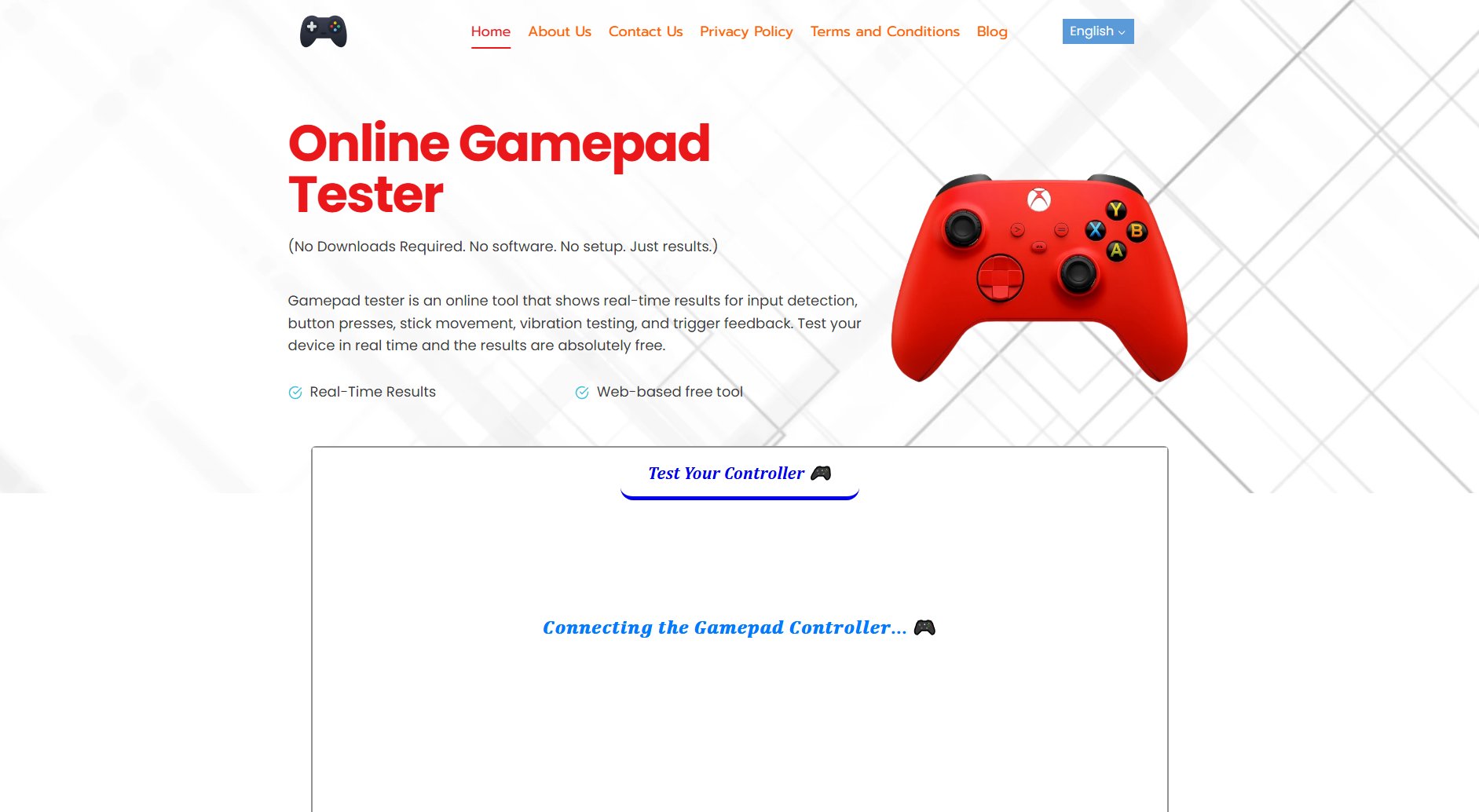
Online Gamepad Tester Official screenshot of the tool interface
What Can Online Gamepad Tester Do? Key Features
Real-Time Input Display
See live results when pressing any button or moving the joystick. The tool instantly reflects input detection, making it easy to identify responsive and non-responsive controls.
Fast, Web-Based, and Free
No downloads or installations required. The tool runs directly in your browser and provides immediate results, completely free of charge.
Works in Any Browser
Compatible with all modern browsers without requiring additional plugins or extensions. Simply open the website and start testing.
Button & Trigger Response Checker
Test each button and trigger to ensure they register inputs correctly. Quickly identify unresponsive or sticky buttons.
Joystick Drift & Deadzone Detection
Detect stick drift and dead zones by moving the joystick. The tool highlights areas where the input isn't registering properly.
Compatible with Famous Brands
Supports controllers from Xbox, PlayStation (DualShock and DualSense), Nintendo, Logitech, Redragon, and generic USB controllers.
Best Online Gamepad Tester Use Cases & Applications
Gamer Testing Controller Functionality
Gamers can use the tool to test their controllers before gaming sessions to ensure all buttons, triggers, and joysticks are functioning correctly. This helps avoid in-game frustrations caused by unresponsive controls.
Developer Input Mapping Verification
Game developers can verify controller input mappings during development. The tool provides accurate feedback, ensuring all controls are correctly mapped and responsive.
Technician Troubleshooting
Technicians can diagnose hardware issues like stick drift, dead buttons, or trigger problems. The tool helps pinpoint issues quickly, saving time on repairs.
How to Use Online Gamepad Tester: Step-by-Step Guide
Connect your gamepad to your PC via USB cable or Bluetooth. Ensure the controller is properly recognized by your system.
Open the Online Gamepad Tester in your preferred browser. No additional setup or installations are required.
Press all buttons one by one and observe the real-time display to check their responsiveness. Move the joysticks to test for drift or dead zones.
Review the results to identify any issues. If problems are detected, follow the provided troubleshooting tips to resolve them.
Online Gamepad Tester Pros and Cons: Honest Review
Pros
Considerations
Is Online Gamepad Tester Worth It? FAQ & Reviews
No, the tool runs directly in your browser. No need to install or download any app.
Absolutely! Developers use it to test controller input mapping during game development.
It can detect stick movement, button presses, trigger sensitivity, D-pad direction, and sometimes vibration (rumble) or drift in analog sticks.
Yes! It is safe to use this tester. It runs entirely in your browser without harming your hardware. No downloads, no installs, and no data collection means you’re safe and secure.
All the latest controllers, like PlayStation (DualShock and DualSense), Xbox, Nintendo and Switch Pro are supported. Many generic USB controllers are also on the list.
Just plug in a controller and the browser will detect automatically.
Most browsers can’t detect a gamepad until you press a button. This is usually due to how the browser’s Gamepad API works, but it can also happen if your USB ports have power saving enabled, your controller battery is low, or your drivers are outdated. Once you press any button, the API activates and your controller appears.
Yes! You can test using USB wire connection, Bluetooth, or wireless dongles as long as your system detects them.
Just connect your controller, leave the sticks untouched, and see if the display flickers or shows movement. Any deviation from center indicates drift. Move the stick and watch if it snaps back as expected.
Not all modern browsers support it. So, if vibration isn’t working, try switching to Chrome or Firefox.