Thinking Emoji
Copy, paste, and explore the meaning of emojis instantly
What is Thinking Emoji? Complete Overview
The Thinking Emoji tool is a free online resource designed to make emoji usage effortless and insightful. It provides a comprehensive collection of emojis that users can copy and paste directly into their messages, social media posts, and other digital communications. The tool is particularly focused on the thinking emoji (🤔), offering detailed analyses of its meanings, usage scenarios, and cultural impact. With millions of daily users worldwide, the Thinking Emoji tool helps individuals and professionals alike enhance their digital communication by adding expressive and thoughtful elements to their interactions. The platform is perfect for anyone looking to understand emojis better or use them more effectively in both personal and professional contexts.
Thinking Emoji Interface & Screenshots
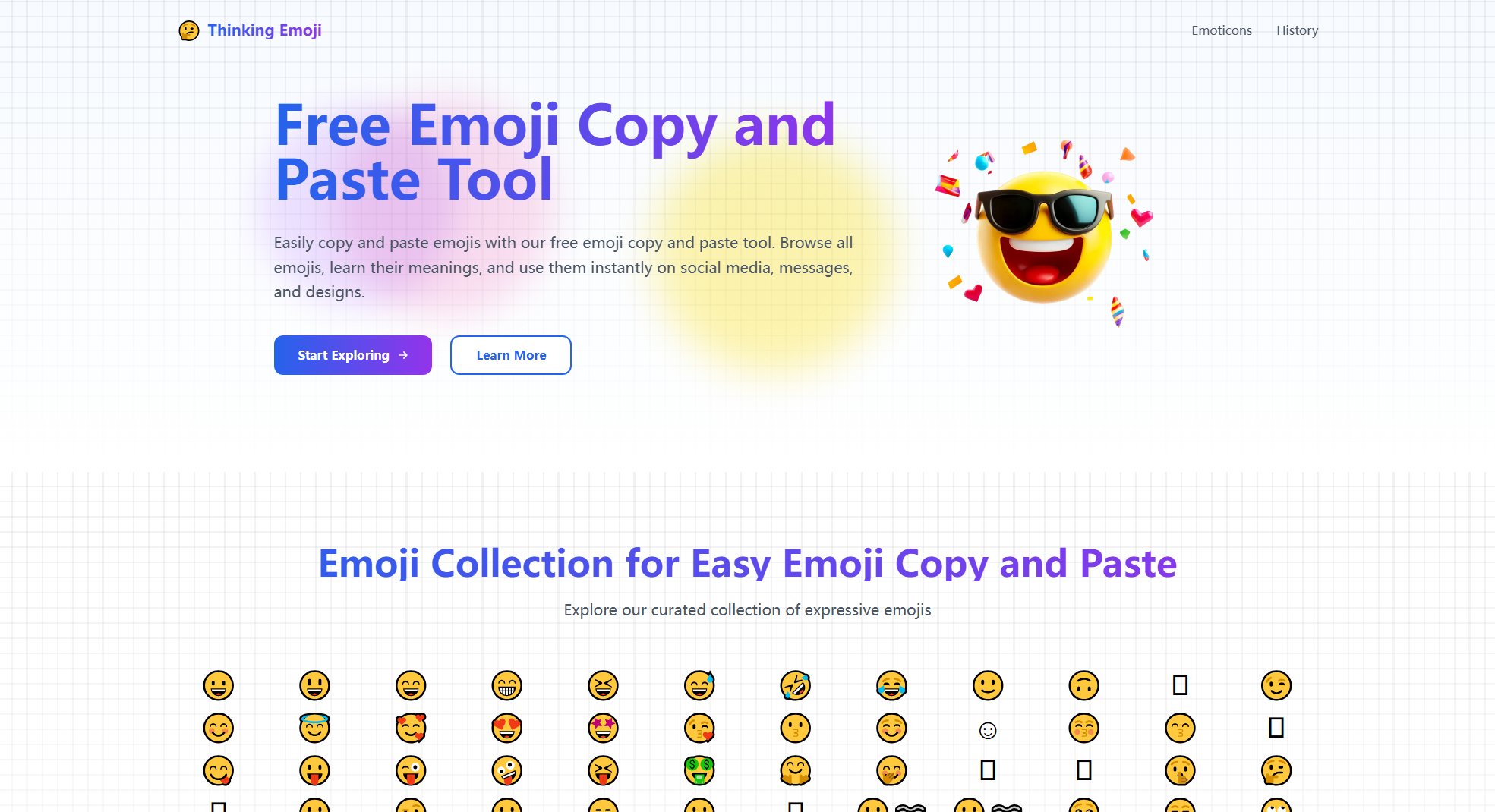
Thinking Emoji Official screenshot of the tool interface
What Can Thinking Emoji Do? Key Features
Emoji Copy and Paste
Instantly copy any emoji from the collection and paste it into your messages, social media, or documents. The tool supports all modern devices and operating systems, ensuring seamless emoji usage across platforms.
Emoji Meaning Analysis
Explore the deeper meanings behind emojis, particularly the thinking emoji (🤔). Learn about its various interpretations, from contemplation to curiosity, and understand how it can be used to convey different emotions.
Usage Scenarios
Get recommendations on when and how to use the thinking emoji in different contexts, such as social media, professional settings, and everyday conversations. Discover the perfect moments to express thoughtful consideration or mild skepticism.
Emoji Combinations
Enhance your communication by combining the thinking emoji with other emojis to create nuanced expressions. Examples include 🤔💡 for brainstorming or 🤔📊 for analyzing data, adding depth to your messages.
Cultural Impact Insights
Learn about the global reach and cultural significance of the thinking emoji. With over 2.8 billion uses daily and recognition by 94% of people, the tool highlights how this emoji has become a universal symbol of contemplation.
Best Thinking Emoji Use Cases & Applications
Professional Communication
Use the thinking emoji in work emails or team chats to express thoughtful consideration of ideas or proposals, adding a friendly tone to professional discussions.
Social Media Engagement
Enhance your social media posts by adding the thinking emoji to convey curiosity or contemplation, making your interactions more engaging and relatable.
Educational Contexts
Students and educators can use the thinking emoji to indicate deep thought or questioning during online learning sessions or study groups.
Everyday Messaging
Incorporate the thinking emoji into casual chats to express skepticism, confusion, or thoughtful pauses, enriching your digital conversations.
How to Use Thinking Emoji: Step-by-Step Guide
Visit the Thinking Emoji website and browse the extensive collection of emojis available for copy and paste.
Click on any emoji you wish to use. The emoji will be automatically copied to your clipboard.
Paste the emoji into your desired platform (e.g., social media, messaging apps, documents) using the standard paste command (Ctrl+V or Cmd+V).
Explore the meaning and usage scenarios for the thinking emoji to use it effectively in your communications.
Thinking Emoji Pros and Cons: Honest Review
Pros
Considerations
Is Thinking Emoji Worth It? FAQ & Reviews
Emoji copy and paste is a simple way to select any emoji from a list or tool, copy it to your clipboard, and paste it into messages, social media, documents, or anywhere else you want to use emojis.
To copy an emoji, simply click or tap on the emoji icon in our tool or emoji list. It will be copied to your clipboard automatically. Then, paste it by right-clicking or using keyboard shortcuts (Ctrl+V on Windows, Cmd+V on Mac).
Yes, our emoji copy and paste tool works on all modern devices including desktops, laptops, tablets, and smartphones across different operating systems like Windows, macOS, iOS, and Android.
Emojis copied via our tool are copied as Unicode text characters, which means you can paste and use them anywhere text input is supported without losing quality.
Yes, our emoji copy and paste tool is completely free, allowing you to quickly find, copy, and use any emoji you want without any cost or registration.
The Thinking Emoji expresses a state of contemplation, puzzlement, or skepticism. It's typically used to show someone deep in thought about a question or to express subtle doubt. The emoji is characterized by a hand on the chin and furrowed brows, depicting a thoughtful expression.