The Digital Clock
Free, stylish, and accurate online clock with seconds
What is The Digital Clock? Complete Overview
The Digital Clock is a free, easy-to-use online tool that displays the current time in a clean digital format, including seconds. It serves as a reliable timekeeping solution for various users, from students and professionals to anyone needing precise time tracking. The tool syncs with your device's system time, ensuring accuracy, and offers multiple viewing styles like digital, analog, and flip clock modes. It's perfect for exams, meetings, workouts, or simply staying focused. With no setup required and full-screen functionality, The Digital Clock provides a distraction-free experience. Additionally, it includes features like a world clock for tracking time across different cities, making it versatile for global users.
The Digital Clock Interface & Screenshots
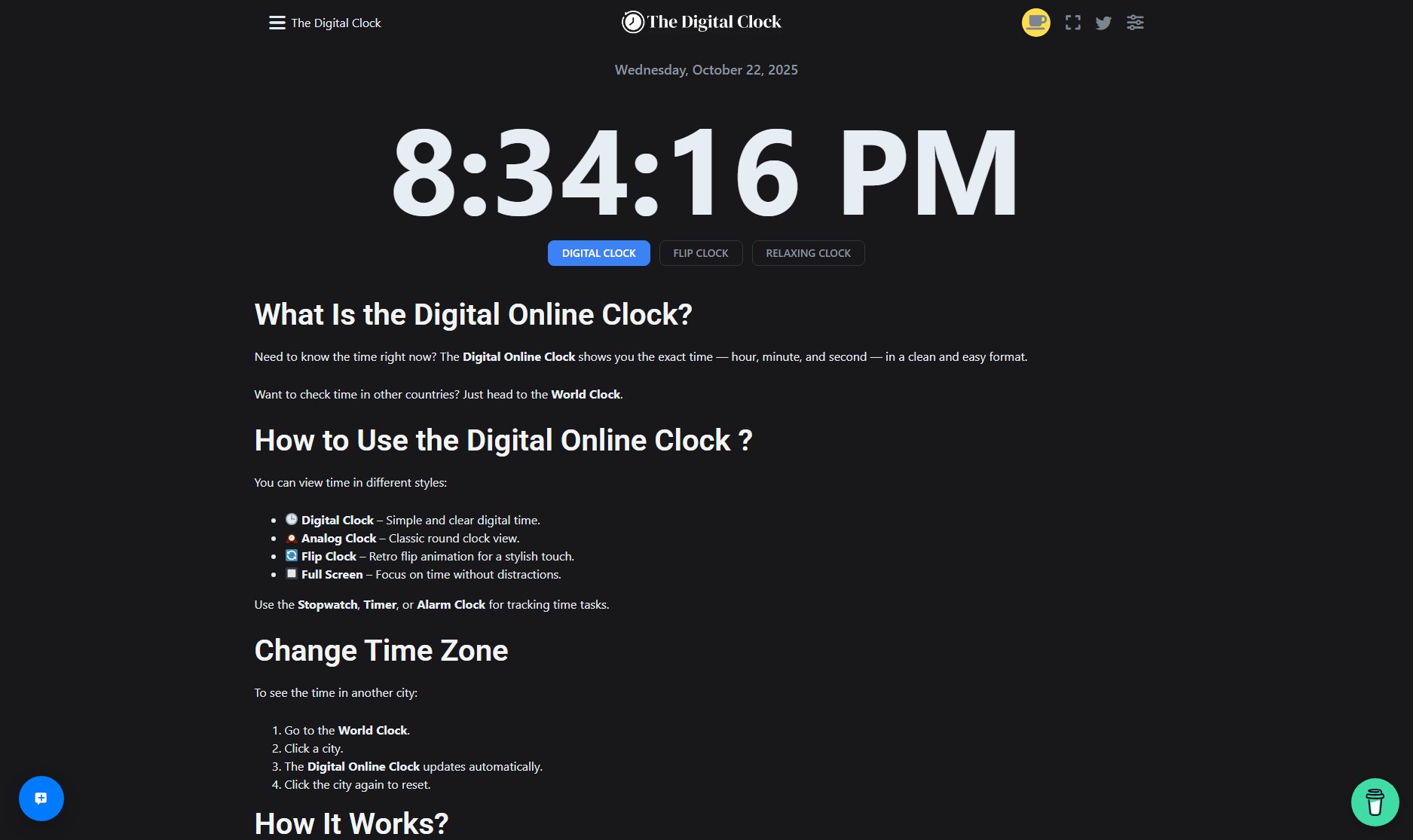
The Digital Clock Official screenshot of the tool interface
What Can The Digital Clock Do? Key Features
Multiple Clock Styles
Choose between digital, analog, or flip clock views to suit your preference. The digital clock is simple and clear, the analog clock offers a classic round display, and the flip clock provides a retro animation for a stylish touch.
Full-Screen Mode
Focus on the time without distractions by switching to full-screen mode. Ideal for presentations, workspaces, or personal use, this feature ensures the clock is the center of attention.
World Clock
Easily track time across different cities and countries. Simply select a city from the world clock section, and the digital clock updates automatically to show the local time there.
Customizable Themes
Personalize your clock by changing its color and style. Right-click on the hour to adjust its color, allowing you to match the clock to your vibe or workspace.
Stopwatch, Timer, and Alarm
Beyond just displaying time, The Digital Clock includes practical tools like a stopwatch, timer, and alarm clock, making it versatile for tracking tasks and managing time effectively.
Best The Digital Clock Use Cases & Applications
Classroom or Exam Settings
Teachers and students can use The Digital Clock to keep track of time during exams or classes. The clear display of seconds helps in precise time management.
Workplace Meetings
Professionals can display the clock during meetings to ensure discussions stay on schedule. The full-screen mode keeps everyone focused on the time.
Fitness and Workouts
Gym-goers and trainers can use the timer or stopwatch features to track workout intervals, ensuring accurate timing for exercises and rest periods.
Global Teams
Teams working across different time zones can use the world clock feature to coordinate schedules and meetings without confusion.
How to Use The Digital Clock: Step-by-Step Guide
Visit The Digital Clock website (https://thedigitalclock.com) on your device. The clock will automatically display the current time based on your system settings.
Choose your preferred clock style: digital, analog, or flip. Use the menu to switch between these views effortlessly.
Customize the clock by right-clicking on the hour to change its color or adjusting settings like showing the date, seconds, or switching to 24-hour format.
For full-screen viewing, click the full-screen option. This is ideal for presentations or when you need a distraction-free time display.
Use the world clock feature to check time in other cities. Select a city, and the clock updates automatically. Click the city again to reset to your local time.
The Digital Clock Pros and Cons: Honest Review
Pros
Considerations
Is The Digital Clock Worth It? FAQ & Reviews
Yes, The Digital Clock is completely free to use. There are no hidden costs or subscriptions required to access its features.
Yes, The Digital Clock displays hours, minutes, and seconds. You can toggle seconds on or off in the settings.
Absolutely! The Digital Clock is responsive and works seamlessly on desktops, tablets, and mobile phones.
The clock syncs with your device's system time. If your device time is correct, the clock will be accurate. Ensure your device's time settings are properly configured.
Yes, you can customize the clock's color by right-clicking on the hour and selecting your preferred color.