TestDriver
AI Agent for QA Testing - Prompt Once, Test Anything
What is TestDriver? Complete Overview
TestDriver is an AI-powered QA testing tool designed to simplify and automate the process of generating end-to-end tests for any application or website. It helps developers and QA teams reduce test flakiness and code complexity, particularly in Playwright tests. TestDriver supports testing across web, mobile, and desktop applications, offering both browser-use and computer-use capabilities. The tool is trusted by professionals for its ability to quickly generate tests, adapt to UI changes, and ensure comprehensive test coverage. Target users include developers, QA engineers, and enterprises looking for scalable and efficient testing solutions.
TestDriver Interface & Screenshots
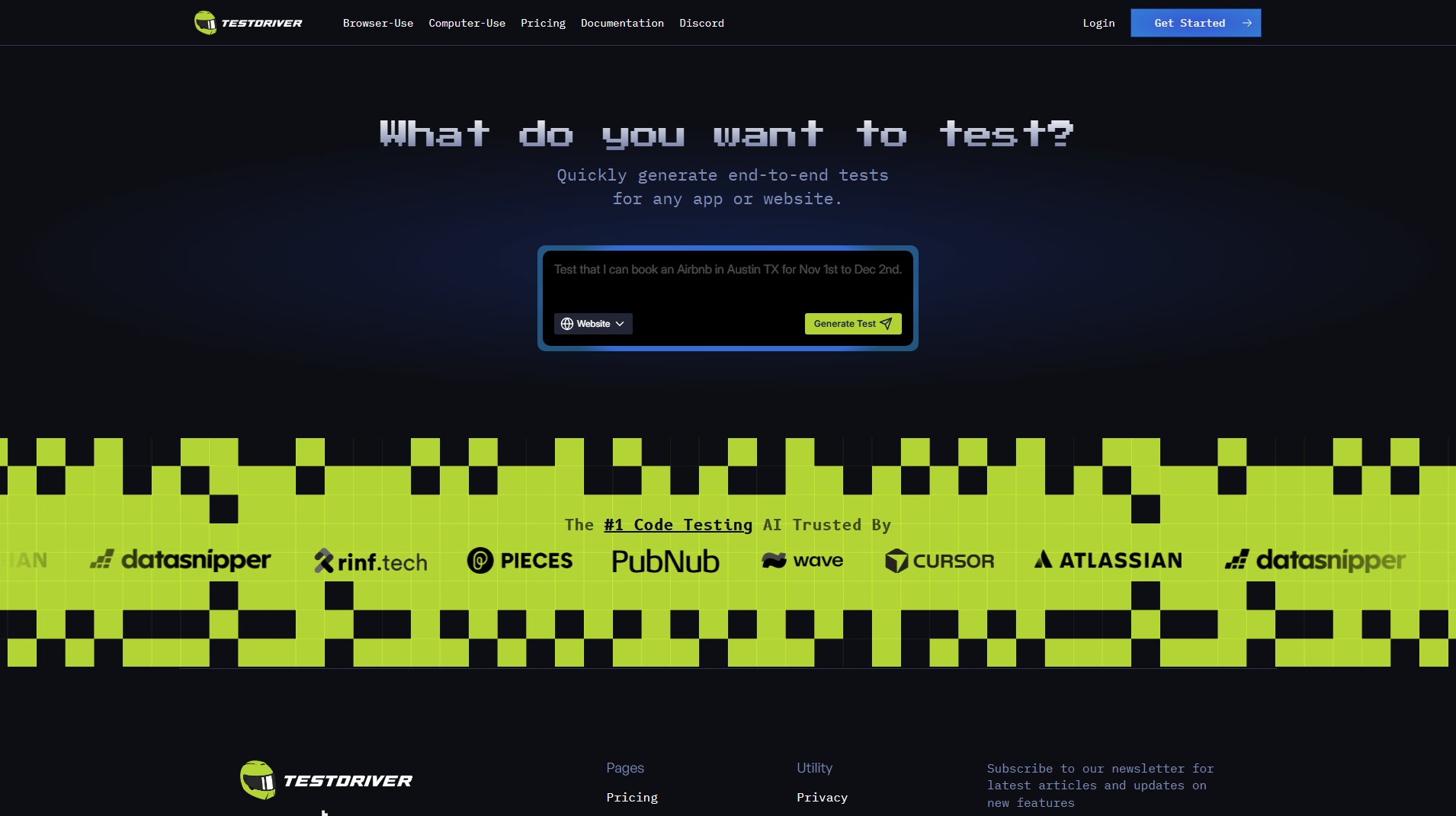
TestDriver Official screenshot of the tool interface
What Can TestDriver Do? Key Features
Quick Test Generation
TestDriver can generate 3 new QA tests in just 45 seconds, significantly speeding up the testing process. This feature is ideal for teams looking to quickly validate new features or updates.
Playwright SDK Integration
The tool integrates seamlessly with Playwright, reducing test flakiness and code complexity. This ensures more reliable and maintainable tests for web applications.
Multi-Platform Testing
TestDriver supports testing across web, mobile, and desktop applications, making it a versatile solution for diverse testing needs.
Adaptive Testing
The AI can adapt to changes in the application or UI, reducing the need for manual test updates and ensuring tests remain relevant over time.
Parallel Test Execution
TestDriver allows unlimited parallel tests, enabling faster test execution and quicker feedback loops for development teams.
Best TestDriver Use Cases & Applications
Regression Testing
TestDriver can automatically generate and run regression tests whenever new features are added, ensuring existing functionality remains intact.
UI Change Adaptation
When UI elements change, TestDriver adapts the tests accordingly, reducing the manual effort required to update test scripts.
Cross-Browser Testing
Teams can use TestDriver to ensure their web applications work consistently across different browsers and devices.
How to Use TestDriver: Step-by-Step Guide
Navigate to the TestDriver website and click on 'Get Started' to begin using the tool.
Choose the type of application you want to test (web, mobile, or desktop) and provide the necessary details or prompts.
Let TestDriver generate the tests automatically based on your inputs. You can review and customize the generated tests if needed.
Execute the tests either in the browser or on a computer-use agent, depending on your plan.
Analyze the test results and integrate them into your CI/CD pipeline for continuous testing.
TestDriver Pros and Cons: Honest Review
Pros
Considerations
Is TestDriver Worth It? FAQ & Reviews
TestDriver is an AI-powered tool that automates the generation and execution of QA tests, reducing manual effort and improving test reliability.
Yes, TestDriver can automatically generate tests based on user-defined prompts or stories, significantly speeding up the testing process.
TestDriver reduces test flakiness by adapting to UI changes and providing reliable test generation and execution.
Yes, TestDriver supports unlimited parallel tests, enabling faster execution and quicker feedback.
Yes, TestDriver offers a free plan during its limited preview phase, and enterprise customers can request white-glove onboarding.