Task AI Studio
AI-Powered WhatsApp Task Manager for Enhanced Productivity
What is Task AI Studio? Complete Overview
Task AI Studio is an innovative AI-powered task management tool designed to streamline your productivity through WhatsApp. It leverages artificial intelligence to help users prioritize tasks, set reminders, and gain insights into their productivity patterns. The tool is perfect for individuals and teams looking to optimize their daily workflows without switching between multiple apps. With seamless WhatsApp integration, Task AI Studio ensures that managing tasks is as simple as sending a message. Whether you're a busy professional, a student, or a team leader, this tool adapts to your needs, offering smart prioritization, customizable reminders, and detailed productivity reports.
Task AI Studio Interface & Screenshots
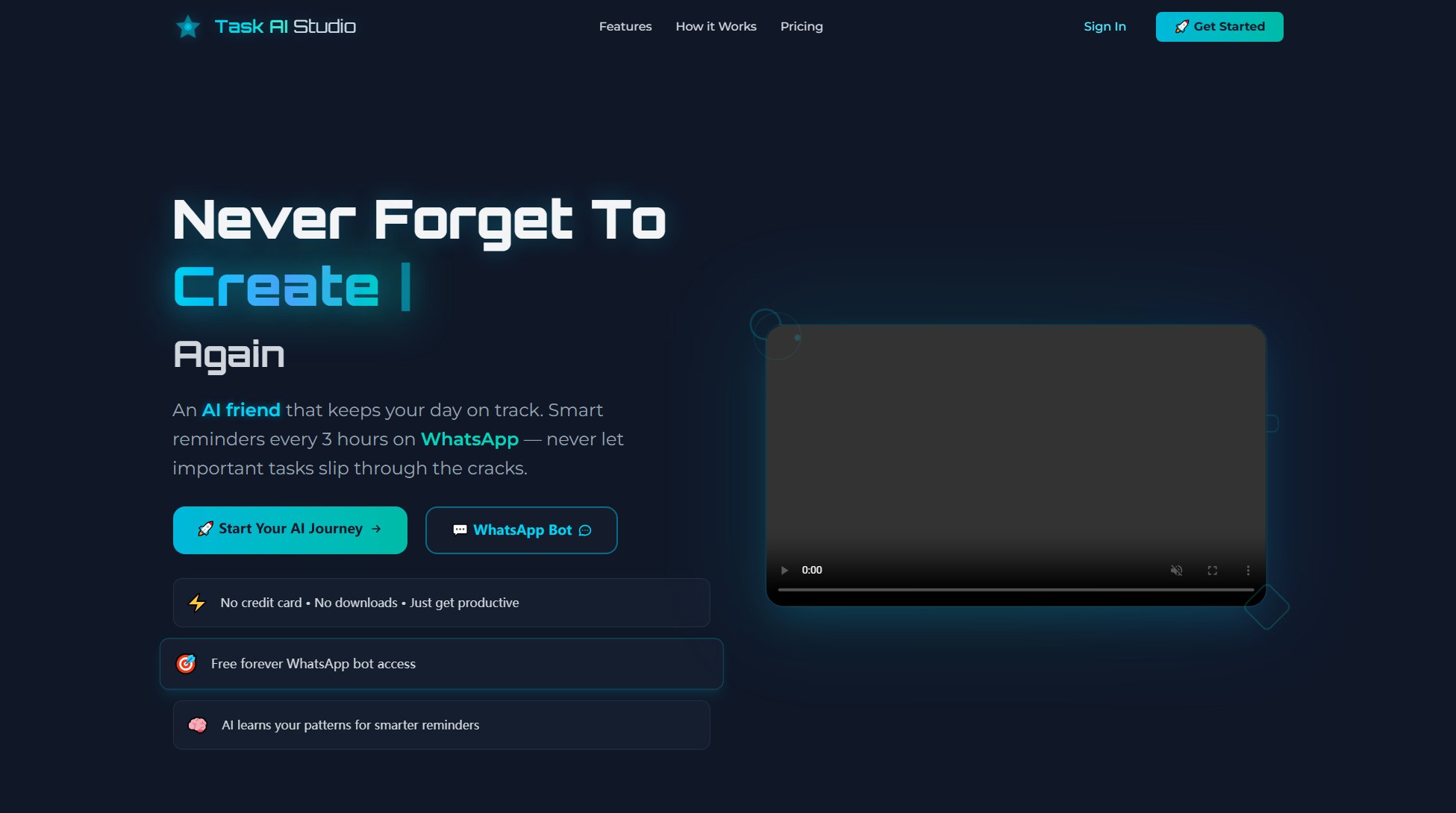
Task AI Studio Official screenshot of the tool interface
What Can Task AI Studio Do? Key Features
AI-Powered Task Prioritization
Task AI Studio uses advanced AI algorithms to prioritize your tasks based on urgency and importance. It can handle up to 50+ tasks daily in the Professional plan and offers unlimited prioritization in the Enterprise plan, ensuring you always focus on what matters most.
WhatsApp Integration
Manage your tasks directly through WhatsApp, making it incredibly convenient to add, update, and prioritize tasks without needing to switch apps. This seamless integration ensures you stay productive without any additional learning curve.
Customizable Reminders
Set reminders tailored to your schedule. The Basic plan offers reminders every 3 hours, while the Professional and Enterprise plans allow you to customize reminder times to fit your workflow perfectly.
Productivity Reports
Gain valuable insights into your productivity with weekly and monthly reports. The Professional plan includes a weekly productivity report, and the Enterprise plan offers advanced reports and insights to help you track and improve your efficiency over time.
Unlimited Tasks
Add as many tasks as you need without any restrictions. The Basic plan already offers unlimited tasks, making it ideal for users who want to get started without any limitations.
Best Task AI Studio Use Cases & Applications
Busy Professionals
Professionals juggling multiple projects can use Task AI Studio to prioritize tasks, set reminders, and receive productivity insights, ensuring they stay on top of their workload without missing deadlines.
Students
Students can manage their assignments, study schedules, and extracurricular activities efficiently with Task AI Studio's AI prioritization and reminder features, helping them balance academics and personal life.
Teams and Enterprises
Teams can leverage the Enterprise plan to coordinate tasks, track productivity, and generate advanced reports, making it easier to manage collaborative projects and ensure everyone stays aligned.
How to Use Task AI Studio: Step-by-Step Guide
Sign up for a free account on Task AI Studio's website and choose your preferred plan (Basic, Professional, or Enterprise).
Connect your WhatsApp account to Task AI Studio to enable seamless task management through the messaging platform.
Start adding tasks by sending messages to the Task AI Studio WhatsApp bot. You can specify deadlines, priorities, and other details as needed.
Let the AI prioritize your tasks automatically. You can also customize reminders and receive notifications directly on WhatsApp.
Review your productivity reports and insights to track your progress and identify areas for improvement.
Task AI Studio Pros and Cons: Honest Review
Pros
Considerations
Is Task AI Studio Worth It? FAQ & Reviews
Yes, Task AI Studio offers a free Basic plan with unlimited tasks, reminders every 3 hours, and 5 AI prioritizations per day.
Absolutely! You can upgrade or downgrade your plan at any time to suit your changing productivity needs.
Once you sign up, you can connect your WhatsApp account to Task AI Studio. You can then manage your tasks by sending messages to the Task AI Studio bot, just like chatting with a friend.
No, Task AI Studio has transparent pricing with no hidden fees. You can cancel your subscription anytime without any penalties.
Enterprise users receive priority support, ensuring any issues or questions are addressed promptly to keep your productivity on track.