SpeechCut
Cut by Speech, Not Waveforms - Edit videos effortlessly by removing filler words.
What is SpeechCut? Complete Overview
SpeechCut revolutionizes video editing by allowing users to edit videos based on speech rather than waveforms. It is designed to make video creation faster and more efficient by automatically transcribing spoken content and enabling users to remove unnecessary parts like filler words and pauses with a simple tap. This tool is perfect for content creators, professionals, and anyone looking to produce polished videos without the hassle of traditional editing. SpeechCut is particularly beneficial for those who want to improve their video quality by eliminating verbal mistakes and awkward pauses, making their content more professional and engaging. The app is mobile-friendly, ensuring convenience and accessibility for users on the go.
SpeechCut Interface & Screenshots
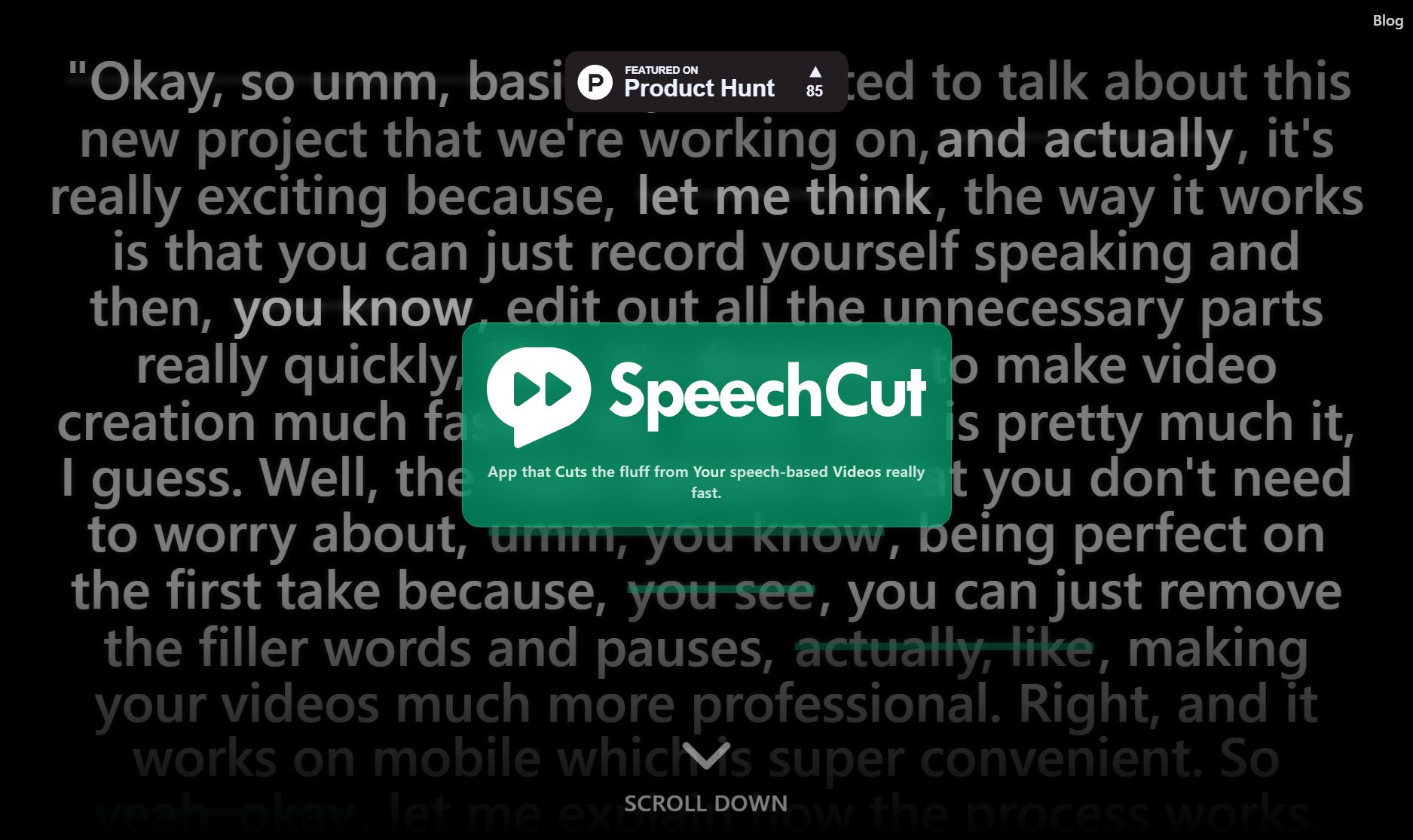
SpeechCut Official screenshot of the tool interface
What Can SpeechCut Do? Key Features
Automatic Transcription
SpeechCut automatically transcribes your spoken content, converting it into editable text. This feature saves time and eliminates the need for manual transcription, allowing you to focus on refining your video content.
Filler Word Removal
Easily identify and remove filler words like 'umm,' 'like,' and 'you know' from your videos. This feature helps in creating more concise and professional content by eliminating verbal clutter.
Pause Elimination
SpeechCut detects and allows you to remove awkward pauses in your speech, ensuring a smooth and continuous flow in your videos. This enhances the overall viewing experience for your audience.
Mobile Compatibility
Designed for mobile use, SpeechCut enables you to edit videos on the go. Whether you're recording a quick update or a detailed presentation, you can edit and refine your content anytime, anywhere.
Seamless Sync
After editing, SpeechCut seamlessly syncs the remaining audio and video, ensuring that the final output is smooth and professional. This feature guarantees that your edits don't disrupt the natural flow of your content.
Best SpeechCut Use Cases & Applications
Content Creation
Content creators can use SpeechCut to produce cleaner, more professional videos by removing verbal mistakes and filler words, enhancing viewer engagement.
Professional Presentations
Professionals can refine their presentations by eliminating awkward pauses and verbal clutter, ensuring a more polished and confident delivery.
Educational Videos
Educators can create concise and clear instructional videos by removing unnecessary verbal fillers, making the content more accessible to students.
How to Use SpeechCut: Step-by-Step Guide
Record your video using the SpeechCut app or upload an existing video file. The app supports various formats and ensures high-quality recording.
SpeechCut automatically transcribes your spoken content, displaying the text on the screen for easy editing.
Review the transcription and tap on the words or phrases you want to remove, such as filler words or pauses.
Confirm your edits, and SpeechCut will process the changes, seamlessly syncing the remaining audio and video.
Export your polished video in your preferred format, ready to share with your audience.
SpeechCut Pros and Cons: Honest Review
Pros
Considerations
Is SpeechCut Worth It? FAQ & Reviews
Yes, SpeechCut is available on both iOS and Android platforms, making it accessible to a wide range of users.
Yes, SpeechCut can be used for commercial purposes, but you may need to check the licensing details for specific use cases.
SpeechCut's transcription feature is highly accurate, but it may vary depending on audio quality and clarity of speech.
The free version may have limitations on video length, while the Pro version offers more flexibility with longer videos.
After editing, you can export your videos in various formats directly from the app, ready to share or upload.