Skydi
Master code reviews with real-world practice and expert feedback
What is Skydi? Complete Overview
Skydi is an innovative platform designed to help developers enhance their code review skills through practical, real-world examples and expert feedback. The tool simulates actual code review scenarios, allowing users to study code, leave comments, and compare their feedback with expert analyses. Skydi is ideal for developers looking to improve their code review proficiency, whether they are preparing for technical interviews or aiming to adopt industry best practices. By providing instant expert feedback and a variety of complexity levels, Skydi ensures users can practice and refine their skills effectively.
Skydi Interface & Screenshots
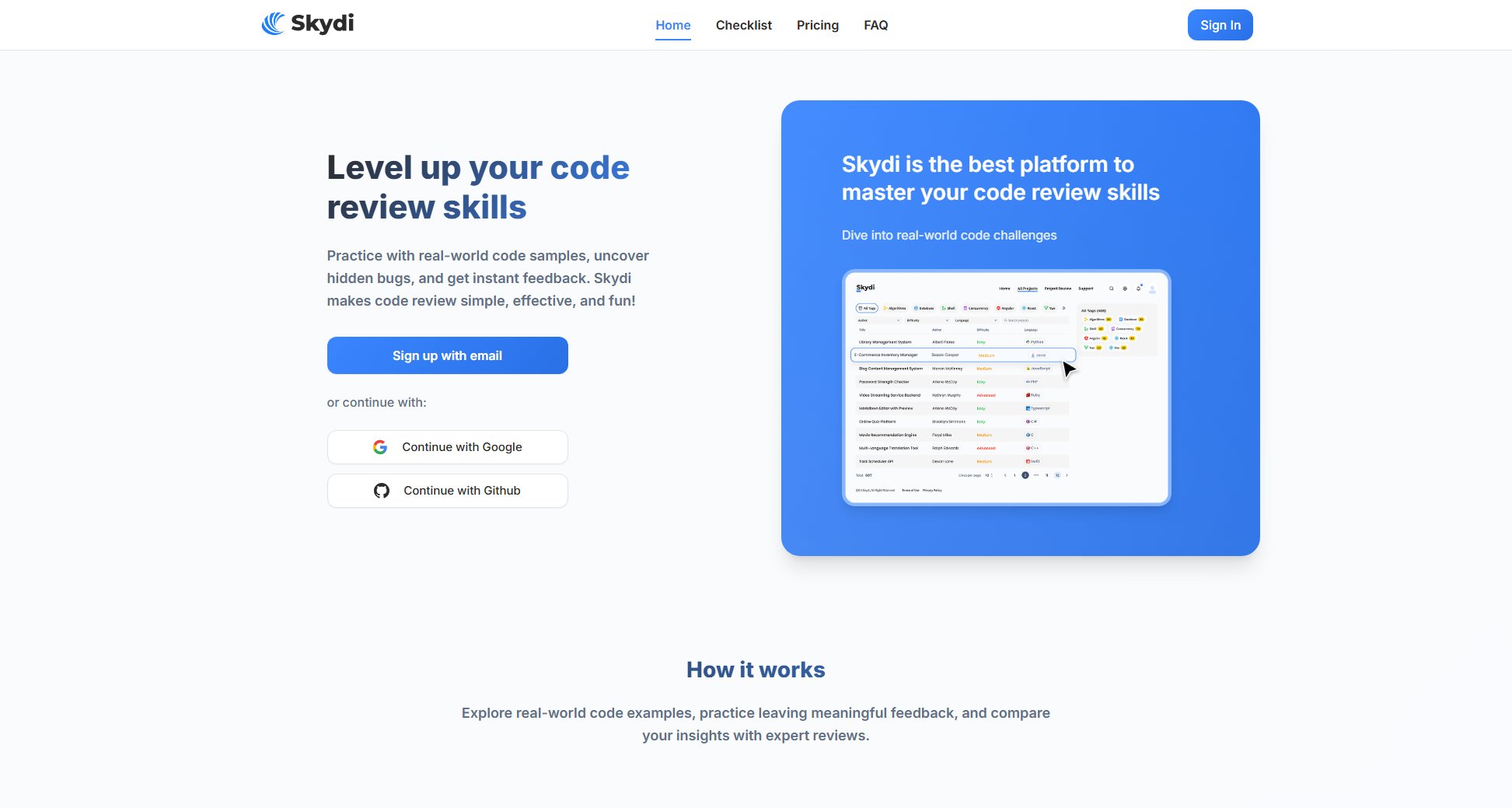
Skydi Official screenshot of the tool interface
What Can Skydi Do? Key Features
Real-world code samples
Skydi offers a collection of real-world code samples sourced from technical interviews, providing users with authentic scenarios to practice their code review skills. These samples cover a range of complexities, ensuring users can gradually build their expertise.
Expert feedback
After submitting their reviews, users receive instant feedback from industry experts. This feature helps users understand how their feedback compares to professional standards and identifies areas for improvement.
Practice with different complexity levels
Skydi provides code samples of varying difficulty levels, allowing users to start with simpler reviews and progress to more complex scenarios as they gain confidence and skill.
Industry best practices
The platform includes resources on industry best practices, helping users learn the standards and techniques used by professionals in the field. This ensures users not only practice but also adopt the right methodologies.
Interactive learning process
Skydi's step-by-step process—study the code, leave comments, submit, and compare—mirrors real-world code review workflows, making the learning experience both practical and engaging.
Best Skydi Use Cases & Applications
Preparing for technical interviews
Developers can use Skydi to practice code reviews, a common component of technical interviews. By comparing their feedback with expert analyses, they can identify gaps in their knowledge and improve their performance.
Improving team code review processes
Teams can leverage Skydi to standardize their code review practices. By studying expert feedback and best practices, team members can align their reviews with industry standards, leading to higher-quality code.
Self-paced skill development
Individual developers can use Skydi to independently enhance their code review skills. The platform's varied complexity levels and expert feedback make it an excellent tool for continuous learning.
How to Use Skydi: Step-by-Step Guide
Study the code: Begin by reading the project's description and exploring the source code provided. This step helps you understand the context and scope of the code you'll be reviewing.
Leave comments: Identify potential issues or suggest improvements, just as you would in a real code review. This step encourages critical thinking and attention to detail.
Submit your review: Once you've completed your comments, submit your review for analysis. This action triggers the comparison with expert feedback.
Compare with expert analysis: Review the expert feedback to see how your comments stack up against professional standards. This step is crucial for identifying strengths and areas needing improvement.
Study best practices: Take advantage of the platform's resources on industry best practices to refine your approach and enhance your code review skills.
Skydi Pros and Cons: Honest Review
Pros
Considerations
Is Skydi Worth It? FAQ & Reviews
Yes, Skydi offers a free plan with access to basic code samples and limited expert feedback. This is a great way to try out the platform before committing to a paid plan.
Skydi provides real-world code samples from technical interviews, covering a range of complexities to suit different skill levels.
After submitting your review, Skydi compares your comments with expert analyses, highlighting areas where your feedback aligns with professional standards and where improvements can be made.
Absolutely. Skydi is an excellent tool for teams looking to standardize their code review processes and adopt industry best practices.
Skydi accepts major credit cards and PayPal for subscription payments.