Seedream 4.0 AI
Bytedance's advanced AI image generator & editor
What is Seedream 4.0 AI? Complete Overview
Seedream 4.0 is ByteDance's next-generation AI image creation tool that combines text-to-image generation and image editing in a unified platform. It offers professional-grade 2K and 4K resolution outputs with advanced multi-modal capabilities for complex scene comprehension and artistic transformations. The tool is designed for creative professionals, digital artists, marketers, and enterprises who need high-quality visual content. Key advantages include processing up to 6 reference images simultaneously, superior prompt adherence compared to competitors like Google's Nano Banana, and commercial licensing options. Users can start for free with daily credit rewards and upgrade for advanced features.
Seedream 4.0 AI Interface & Screenshots
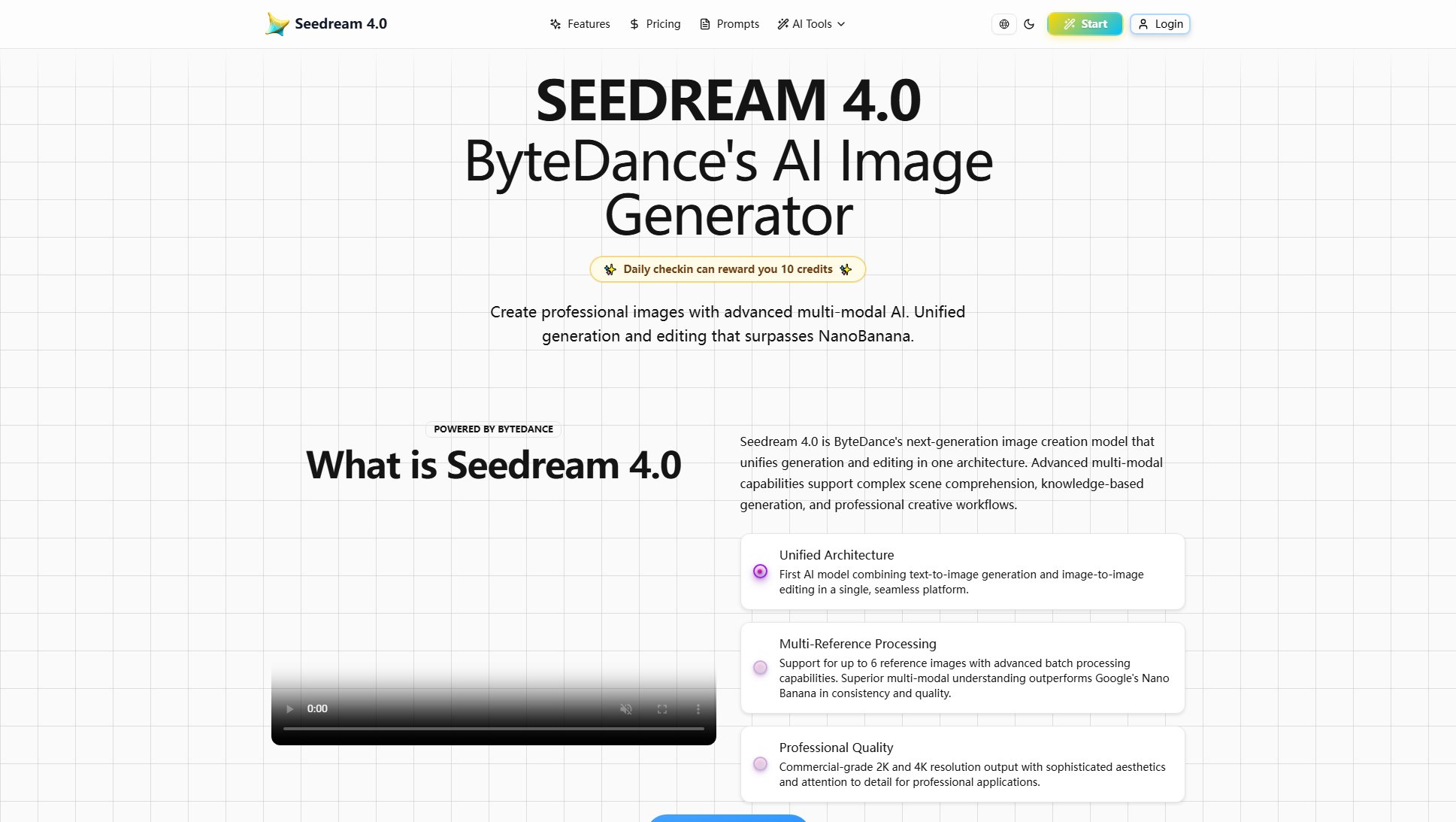
Seedream 4.0 AI Official screenshot of the tool interface
What Can Seedream 4.0 AI Do? Key Features
Unified Generation & Editing
Seedream 4.0 combines text-to-image creation and image-to-image editing in one seamless architecture. This eliminates the need to switch between different tools for generation and refinement, streamlining creative workflows. The model maintains consistent quality and style across both generation and editing operations.
Multi-Reference Processing
Support for up to 6 reference images with advanced batch processing capabilities. This allows for complex scene compositions and consistent style applications across multiple images. The system outperforms competitors in multi-modal understanding, maintaining superior consistency in details like textures, lighting, and proportions.
Professional-Grade Resolution
Native 2K and 4K output with commercial-grade quality, featuring crisp details, clean edges, and low compression artifacts. The tool handles complex textures like fur, metal highlights, and glass refraction with professional precision, making outputs suitable for high-end design applications.
Natural Language Editing
Simply describe desired changes in plain English (e.g., 'Change background to sunset beach' or 'make the person wear red jacket'). The AI understands complex instructions and applies precise edits without requiring technical expertise. This makes advanced image manipulation accessible to non-professionals.
Artistic Style Transformation
Capable of applying diverse artistic styles including Van Gogh brushstrokes and Makoto Shinkai lighting. The system maintains consistency while transforming images across different aesthetic treatments, enabling creative experimentation without losing core image qualities.
Best Seedream 4.0 AI Use Cases & Applications
Product Line Visualization
Marketing teams can generate consistent product lineup images by processing multiple reference photos simultaneously. The AI maintains uniform lighting, angles, and styling across all product shots, saving hours of manual editing.
Concept Art Creation
Game developers and illustrators can rapidly prototype character designs by describing visual attributes in natural language. The system interprets complex descriptions to generate professional concept art in various artistic styles.
Advertising Material Production
Create high-quality marketing visuals by combining product photos with imaginative backgrounds. The natural language editing allows quick iterations ('make the product larger', 'change background to cityscape at night') without technical skills.
Educational Content Generation
Teachers and content creators can produce detailed infographics, timelines, and knowledge graphs by describing concepts. The AI's comprehension capabilities transform abstract ideas into clear visual representations suitable for learning materials.
How to Use Seedream 4.0 AI: Step-by-Step Guide
Create an account and log in to access the platform. New users receive free credits for initial exploration. Daily check-ins reward additional credits (10 per day) that never expire.
Input your creative vision either through text prompts or by uploading reference images (up to 6). For best results, include specific details about subjects, attributes, and desired style in your description.
Select your preferred processing options - choose between Seedream 4.0 or Nano Banana models, set aspect ratio (multiple presets available), and specify output resolution (2K or 4K).
Generate your images (costs 3 credits per image). The system processes multiple images simultaneously while maintaining style consistency. You can review and refine results in the History section.
Download your final images with full commercial rights. The platform preserves all your generated content for future reference and reuse in professional projects.
Seedream 4.0 AI Pros and Cons: Honest Review
Pros
Considerations
Is Seedream 4.0 AI Worth It? FAQ & Reviews
Yes, Seedream 4.0 offers free access to basic features with daily credit rewards. Every registered user receives complimentary credits to start creating images. For commercial applications and advanced features, flexible subscription plans are available.
Seedream 4.0 supports up to 6 reference images simultaneously for advanced editing workflows. This allows for complex scene compositions and consistent style applications across multiple images.
Seedream 4.0 currently supports Chinese and English prompts. However, you can describe concepts in your preferred language and refine the output through the editing interface.
Commercial use requires a Professional or Studio subscription. These plans include full commercial licensing rights for the generated images, making them suitable for professional marketing materials, product visuals, and other business applications.
Each image generation costs 3 credits. Free users receive daily credits through check-ins, while paid subscribers get monthly allocations. Credits don't expire for free users, while subscription credits are valid for the billing cycle.