ReplyBox
AI-powered email assistant for Gmail & Outlook, saving time with smart replies and voice control.
What is ReplyBox? Complete Overview
ReplyBox is an AI-powered email assistant designed to enhance productivity by simplifying email management. It integrates seamlessly with Gmail and Outlook Web, offering features like AI-generated replies, voice-to-text email composition, and smart email summaries. The tool is perfect for busy professionals, teams, and enterprises looking to streamline their email communication. ReplyBox helps users respond faster and smarter by detecting email sentiment, providing multilingual support, and offering a centralized dashboard for all email interactions. With its intuitive interface and powerful AI capabilities, ReplyBox transforms your inbox into a productivity powerhouse.
ReplyBox Interface & Screenshots
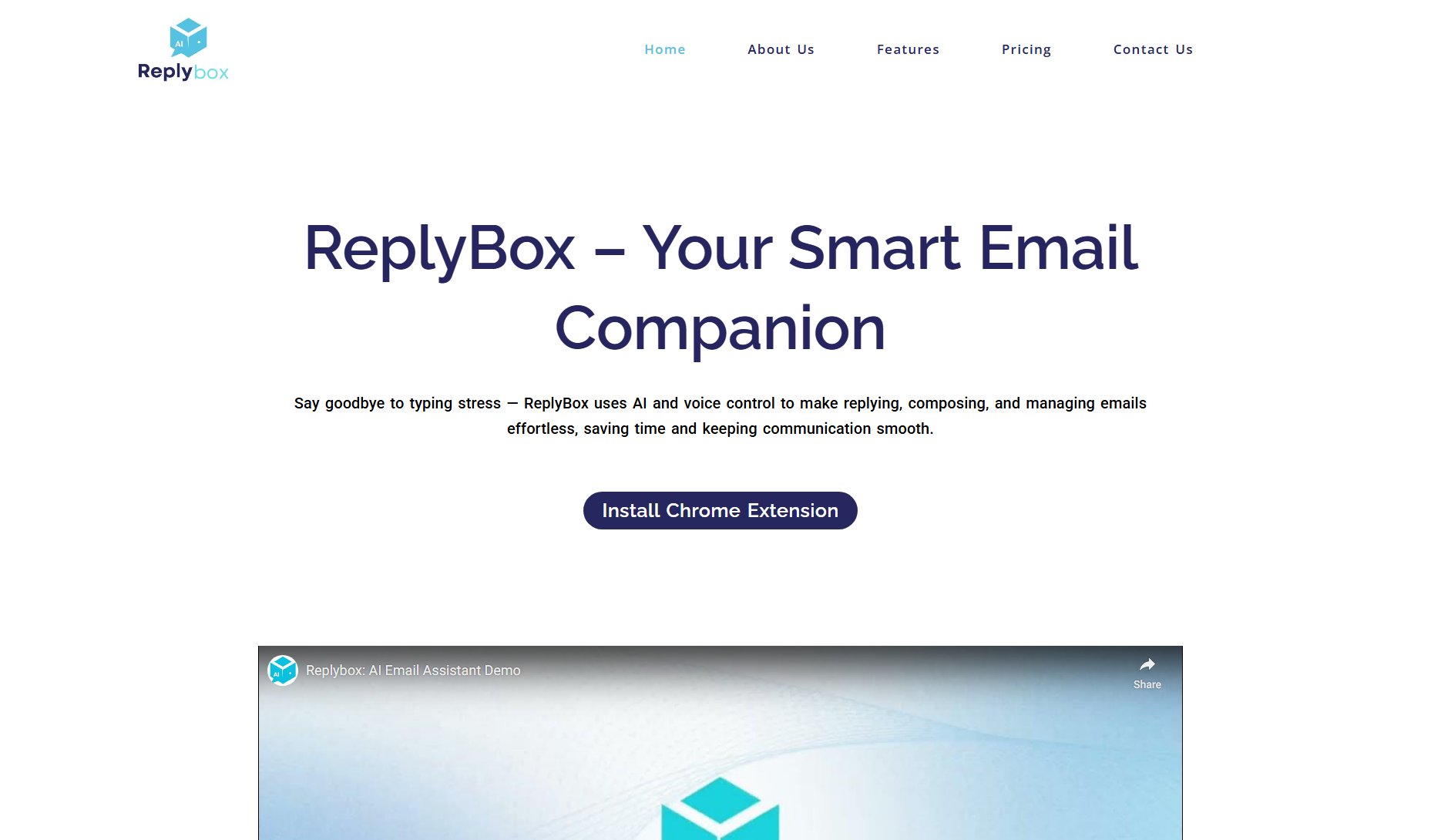
ReplyBox Official screenshot of the tool interface
What Can ReplyBox Do? Key Features
Voice-to-Text Email Composer
ReplyBox allows users to compose emails effortlessly by simply speaking. The tool converts speech into polished email drafts, making it ideal for busy professionals and on-the-go users. The feature includes accurate voice recognition and ensures a natural tone, saving time and reducing typing effort.
One-Click Reply Generator
Users can generate tailored replies instantly by selecting their preferred tone and hitting the generate button. This feature ensures that responses fit seamlessly into any email conversation, whether formal, casual, friendly, or professional.
Smart Email Summaries
ReplyBox provides concise summaries of long emails, highlighting key points and detecting the sender's tone (e.g., happy, urgent, frustrated). This helps users quickly understand the message and respond appropriately without reading the entire email.
Text-to-Speech Playback
Users can listen to their email content instead of reading it, making it easier to stay productive while multitasking. This feature is particularly useful for those who are driving, walking, or working out.
Unified Dashboard
ReplyBox offers a centralized dashboard that displays summaries of all incoming emails, allowing users to scan, prioritize, and act instantly. This feature enhances productivity by providing an organized view of email interactions.
Multilingual Support
ReplyBox supports multiple languages, enabling users to compose and reply in the sender's native tongue. This feature is perfect for international business, ensuring clear and fluent communication across different languages.
Draft Saving
Users can save AI-generated replies and drafts for later review and sending. This feature ensures that no great response is lost and allows for easy editing and refinement before sending.
Best ReplyBox Use Cases & Applications
Busy Professionals
Professionals juggling multiple tasks can use ReplyBox to quickly generate polished email replies and compose messages hands-free, saving valuable time and reducing stress.
International Teams
Teams working across different languages can leverage ReplyBox's multilingual support to communicate fluently and effectively, ensuring clear and professional interactions.
Customer Support
Customer support agents can use ReplyBox to generate quick, consistent, and tone-appropriate responses to client queries, improving efficiency and customer satisfaction.
Remote Workers
Remote workers can stay productive while multitasking by using ReplyBox's text-to-speech feature to listen to emails and voice-to-text to compose replies without typing.
How to Use ReplyBox: Step-by-Step Guide
Install the ReplyBox Chrome extension from the Chrome Web Store and log in to your account.
Open your Gmail or Outlook Web inbox and click on the ReplyBox icon to activate the tool.
Use the voice-to-text feature to compose emails by speaking, or select a template for quick replies.
Generate AI-powered replies by selecting your preferred tone and length, then review and edit as needed.
Save drafts for later or send your emails directly from the ReplyBox interface.
Monitor your email interactions and summaries from the unified dashboard to stay organized and productive.
ReplyBox Pros and Cons: Honest Review
Pros
Considerations
Is ReplyBox Worth It? FAQ & Reviews
The Free plan includes 50 AI actions/month, email summaries, AI-generated replies, voice-to-text for 1 month, and the ability to save up to 5 drafts.
After your 1-month trial, voice-to-text is disabled unless you upgrade to Premium Lite or Professional Lite. All other features in the Free Plan continue.
Yes, you can upgrade, downgrade, or cancel anytime directly from your extension settings or dashboard.
Every time you generate a reply, summarize an email, or use voice-to-text, it counts as one AI Action. Your usage resets monthly based on your plan.
You get access to 10+ ready-to-use templates like apologies, follow-ups, proposals, and support replies. In the Professional plan, you can also create custom templates.
Yes. ReplyBox works inside Gmail and Outlook Web (OWA). Just install the Chrome extension — no extra setup required.
Currently, ReplyBox is designed for desktop browsers (Chrome). Mobile compatibility is coming soon.
Yes. We never store your emails. All processing is done securely and in real time using trusted AI models.
Absolutely. We respond to all support queries within 24 hours. Email us anytime at [email protected].