Ray3
Next-Gen AI Video Model with HDR & Keyframe Control
What is Ray3? Complete Overview
Ray3 is Luma's most advanced AI video model, designed to think, reason, and create cinematic stories. With native 16-bit HDR output, intelligent scene reasoning, and precise keyframe control, Ray3 empowers creators to explore ideas faster and deliver professional-quality 4K HDR videos with unparalleled creative freedom. It is engineered to understand creative intent, reason visually, and generate breathtaking HDR footage from text, images, or even existing SDR video. Ray3 is not just a generator; it's a complete creative partner for the modern storyteller, catering to professionals in film, advertising, social media, and game production.
Ray3 Interface & Screenshots
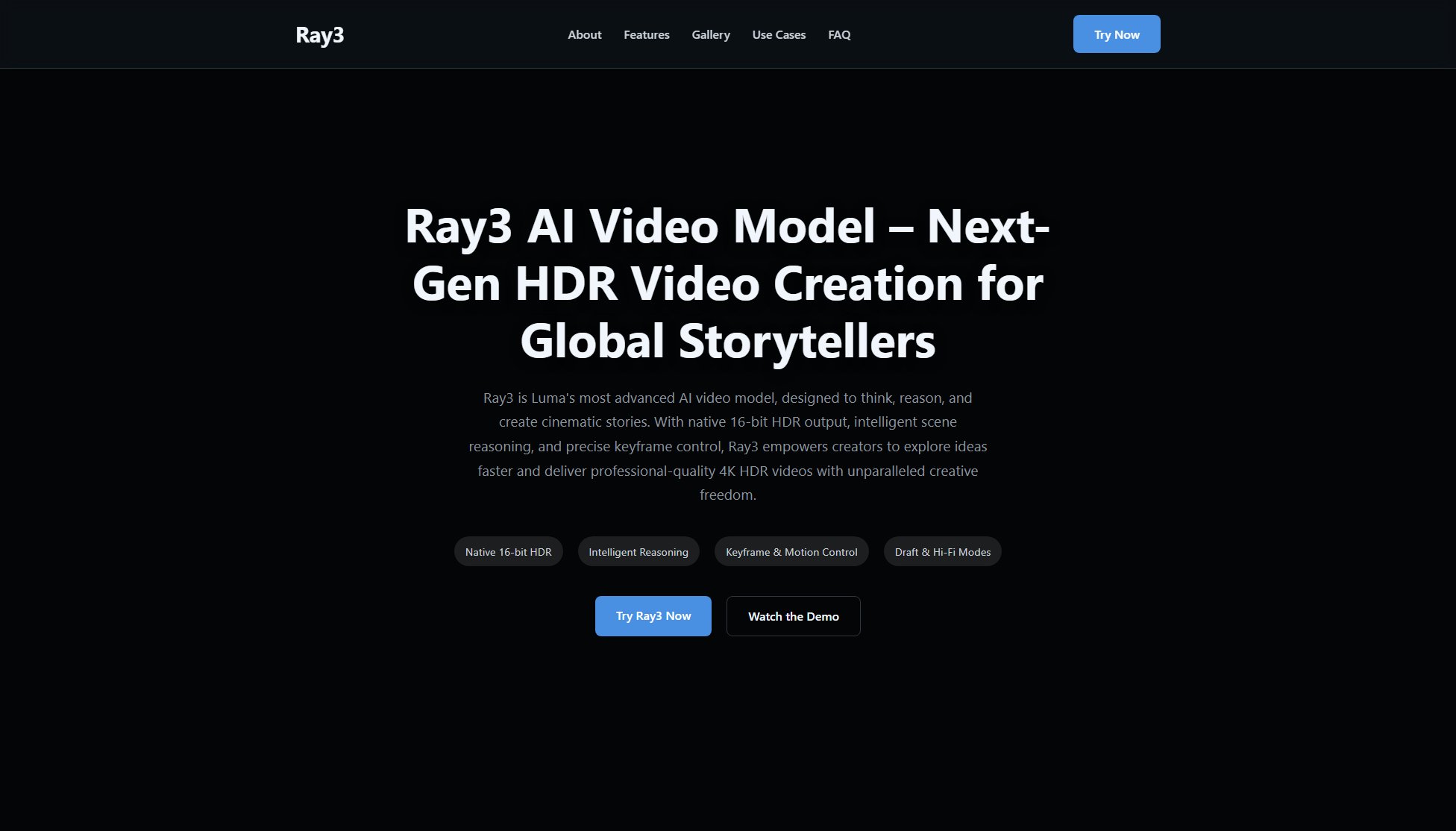
Ray3 Official screenshot of the tool interface
What Can Ray3 Do? Key Features
Native 16-bit HDR
Ray3 produces cinema-grade visuals with striking dynamic range and color depth. It supports 16-bit HDR output in EXR format, allowing seamless integration into professional VFX and color grading pipelines. This feature ensures your videos have the highest quality with true-to-life colors and contrast.
Intelligent Reasoning
Ray3 excels in scene interpretation with accurate physics, persistent characters, and logical object interactions. This intelligent reasoning capability ensures that your scenes are consistent and believable, making your storytelling more immersive and engaging.
Keyframe & Motion Control
Take full command of your narrative with Ray3's flexible tools. Define motion paths, camera movements, object layouts, and seamless loops for precise storytelling. This feature gives you the control needed to bring your creative vision to life exactly as you imagine it.
Draft & Hi-Fi Modes
Ray3 offers Draft Mode for rapid and cost-effective idea exploration. Once you've perfected your shot, you can render it in immaculate 4K HDR quality with Hi-Fi export. This dual-mode approach balances speed and quality, making it ideal for both prototyping and final production.
Professional Workflow Integration
Ray3 is designed to fit directly into professional editing, color grading, and VFX pipelines. With support for industry-standard formats like EXR, it ensures seamless compatibility with tools used in high-end film and game production.
Best Ray3 Use Cases & Applications
Film & Animation Previsualization
Ray3 rapidly generates dynamic storyboards and animates complex sequences, allowing filmmakers and animators to visualize their final vision in minutes rather than weeks. This accelerates the pre-production process and reduces costs.
Advertising & Social Media
Create eye-catching campaigns, engaging short-form content, and compelling branded stories that stop the scroll. Ray3's high-quality output and creative controls make it ideal for marketers and content creators.
Game & Virtual Production
Build immersive environments, design dynamic character animations, and produce realistic in-game cinematics with incredible efficiency. Ray3's integration with professional workflows ensures seamless compatibility with game development pipelines.
How to Use Ray3: Step-by-Step Guide
Start by entering a text prompt, uploading an image, or importing an existing SDR video. Ray3 will analyze your input to understand the creative intent.
Use the intelligent reasoning tools to refine the scene. Adjust physics, character persistence, and object interactions to ensure consistency and believability.
Leverage keyframe and motion control features to define camera movements, object paths, and other dynamic elements. This step allows you to fine-tune the narrative flow.
Preview your creation in Draft Mode to explore ideas rapidly. Make adjustments as needed to perfect your shot before committing to a final render.
Export your video in 4K HDR quality with EXR format support. This ensures your output is ready for professional editing, color grading, and VFX pipelines.
Ray3 Pros and Cons: Honest Review
Pros
Considerations
Is Ray3 Worth It? FAQ & Reviews
Ray3 is Luma AI's next-generation video model, featuring native 16-bit HDR, advanced reasoning, and professional-grade controls for creators.
Its key differentiators are native 16-bit HDR output for cinematic quality, advanced reasoning for scene consistency, and EXR export for seamless integration into professional workflows.
Absolutely. Ray3 is designed to fit directly into professional editing, color grading, and VFX pipelines with industry-standard format support like EXR.
Yes, Draft Mode allows for rapid and low-cost experimentation, enabling you to refine ideas before committing to a final, high-fidelity 4K HDR export.
Ray3 supports EXR format for professional workflows, ensuring compatibility with high-end editing and VFX software.