PicFix.AI
AI-powered photo editing and enhancement in seconds
What is PicFix.AI? Complete Overview
PicFix.AI is an advanced AI-powered photo editing platform that enables users to transform their photos with professional-grade results in seconds. The tool addresses common photo editing challenges by offering automated solutions for background removal, image restoration, professional headshot creation, and AI-generated imagery. Designed for both individuals and businesses, PicFix.AI eliminates the need for complex editing software by providing intuitive, one-click solutions powered by artificial intelligence. The platform is particularly valuable for content creators, marketers, photographers, and anyone looking to enhance their digital imagery without technical expertise. With its diverse range of AI models, PicFix.AI makes advanced photo editing accessible to users of all skill levels.
PicFix.AI Interface & Screenshots
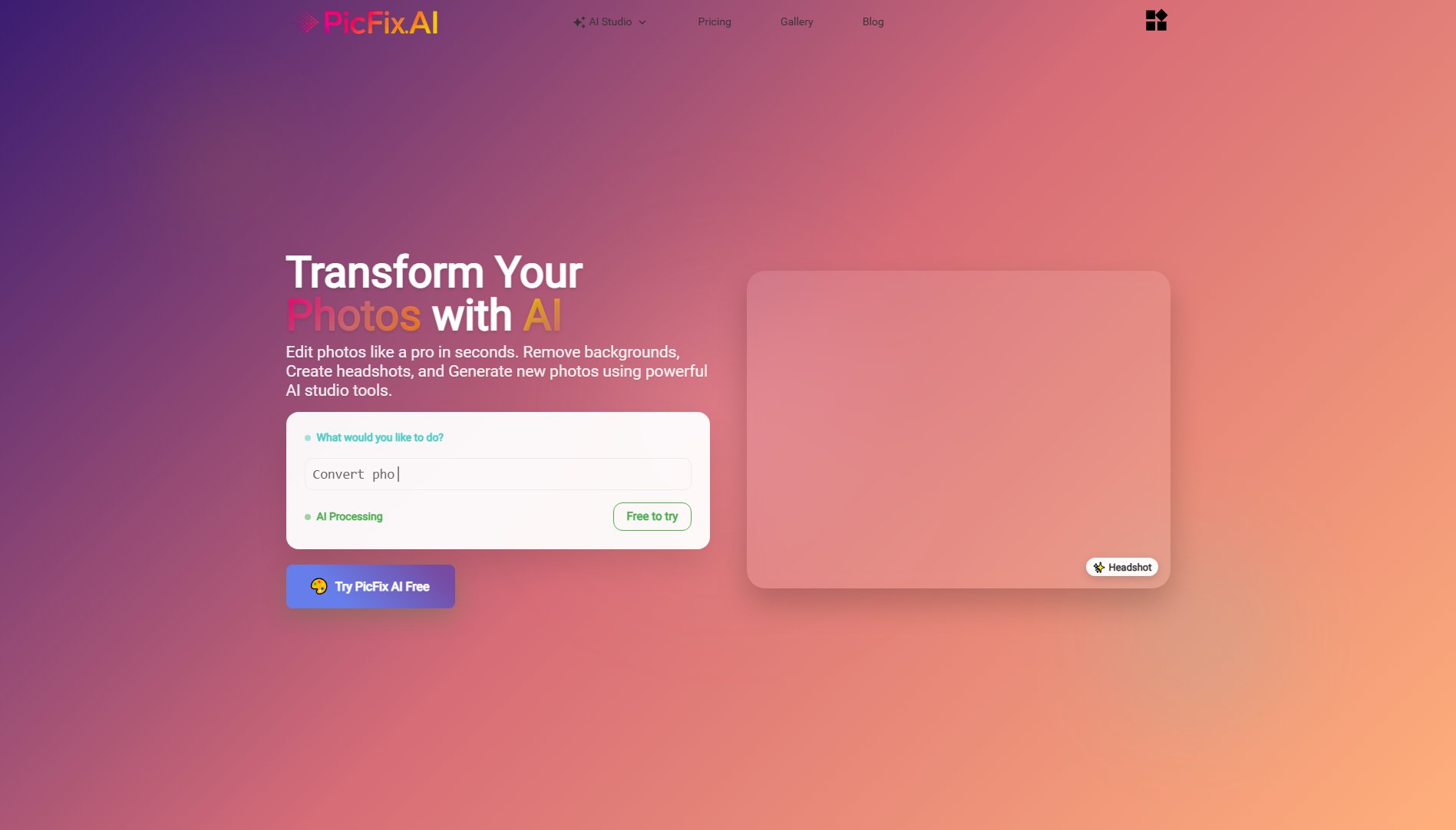
PicFix.AI Official screenshot of the tool interface
What Can PicFix.AI Do? Key Features
AI Image Generator
Create stunning, high-quality images from scratch using AI's creative capabilities. The generator can produce various styles and themes based on user input, making it perfect for content creation, marketing materials, or artistic projects.
Professional Headshot Conversion
Transform ordinary photos into polished professional headshots automatically. This feature adjusts lighting, enhances facial features, and improves overall image quality to create LinkedIn-worthy portraits in seconds.
Background Removal
Instantly remove backgrounds from images with precision. This tool is ideal for e-commerce product photos, profile pictures, or any image requiring a transparent or new background.
Image Restoration
Automatically restore old, damaged, or low-quality photos by repairing scratches, improving resolution, and enhancing colors. This feature brings cherished memories back to life with AI-powered restoration.
Hair Style Changer
Experiment with different hair colors and styles virtually. Users can preview blonde, brunette, or any color transformation before making real-life changes.
Text/Watermark Removal
Clean images by removing unwanted text, logos, or watermarks while preserving the original image quality underneath.
Image Combination
Seamlessly merge multiple images into one natural-looking composition. Perfect for creating group photos or combining elements from different sources.
Home Designer
Visualize interior design concepts by applying different styles to room photos. This tool helps homeowners and designers experiment with decor ideas.
Best PicFix.AI Use Cases & Applications
E-commerce Product Photos
Online sellers can quickly remove backgrounds from product images, create consistent white backgrounds, and enhance product details to improve their store's visual appeal and conversion rates.
Professional Networking
Job seekers and professionals can transform casual photos into polished headshots suitable for LinkedIn profiles, resumes, and professional websites, making strong first impressions.
Social Media Content Creation
Influencers and content creators can generate unique AI images, remove unwanted elements from photos, and create visually cohesive feeds without needing design skills.
Family Photo Restoration
Individuals can restore and colorize old family photos, preserving cherished memories by repairing damage and improving clarity with AI-powered restoration tools.
Interior Design Visualization
Homeowners and designers can experiment with different decor styles by applying them to room photos, helping visualize renovations before making physical changes.
How to Use PicFix.AI: Step-by-Step Guide
Visit PicFix.AI website and select the desired editing tool from the available options (e.g., background removal, image restoration, AI generation).
Upload your image file or provide a text prompt if using the AI generator. The platform supports common image formats including JPG, PNG, and WEBP.
Adjust any available settings or parameters specific to your chosen tool. Some features offer customization options for more precise results.
Click the process button and wait a few seconds while the AI analyzes and enhances your image. Processing time may vary based on image complexity.
Preview the results and make any final adjustments if needed. The intuitive interface makes it easy to compare before and after versions.
Download your enhanced image in high quality. Paid plans remove watermarks and offer higher resolution outputs.
PicFix.AI Pros and Cons: Honest Review
Pros
Considerations
Is PicFix.AI Worth It? FAQ & Reviews
Yes, PicFix.AI offers a free plan that allows users to test 3 models with 5 daily credits. Outputs include watermarks in the free version.
All purchased credits expire after 60 days from the date of purchase, regardless of the plan selected.
The platform supports common image formats including JPG, PNG, and WEBP for both input and output.
Yes, images created with PicFix.AI can be used commercially, though you should review the Terms of Service for specific usage guidelines.
The AI generator creates images based on text prompts, using advanced machine learning models to interpret your description and produce relevant visual content.
Currently, PicFix.AI is web-based and accessible through browsers on both desktop and mobile devices, with no dedicated mobile app.