Photo2Calendar
Turn Photos & Text into Calendar Events with AI
What is Photo2Calendar? Complete Overview
Photo2Calendar is an innovative AI-powered tool designed to simplify event scheduling by converting photos and text into calendar events. It caters to a wide range of users, including students, professionals, and healthcare patients, by automating the process of adding events to their calendars. The tool eliminates the hassle of manual entry, reduces the risk of missing important dates, and enhances productivity by seamlessly syncing events from photographed schedules, medical appointments, and work-related deadlines.
Photo2Calendar Interface & Screenshots
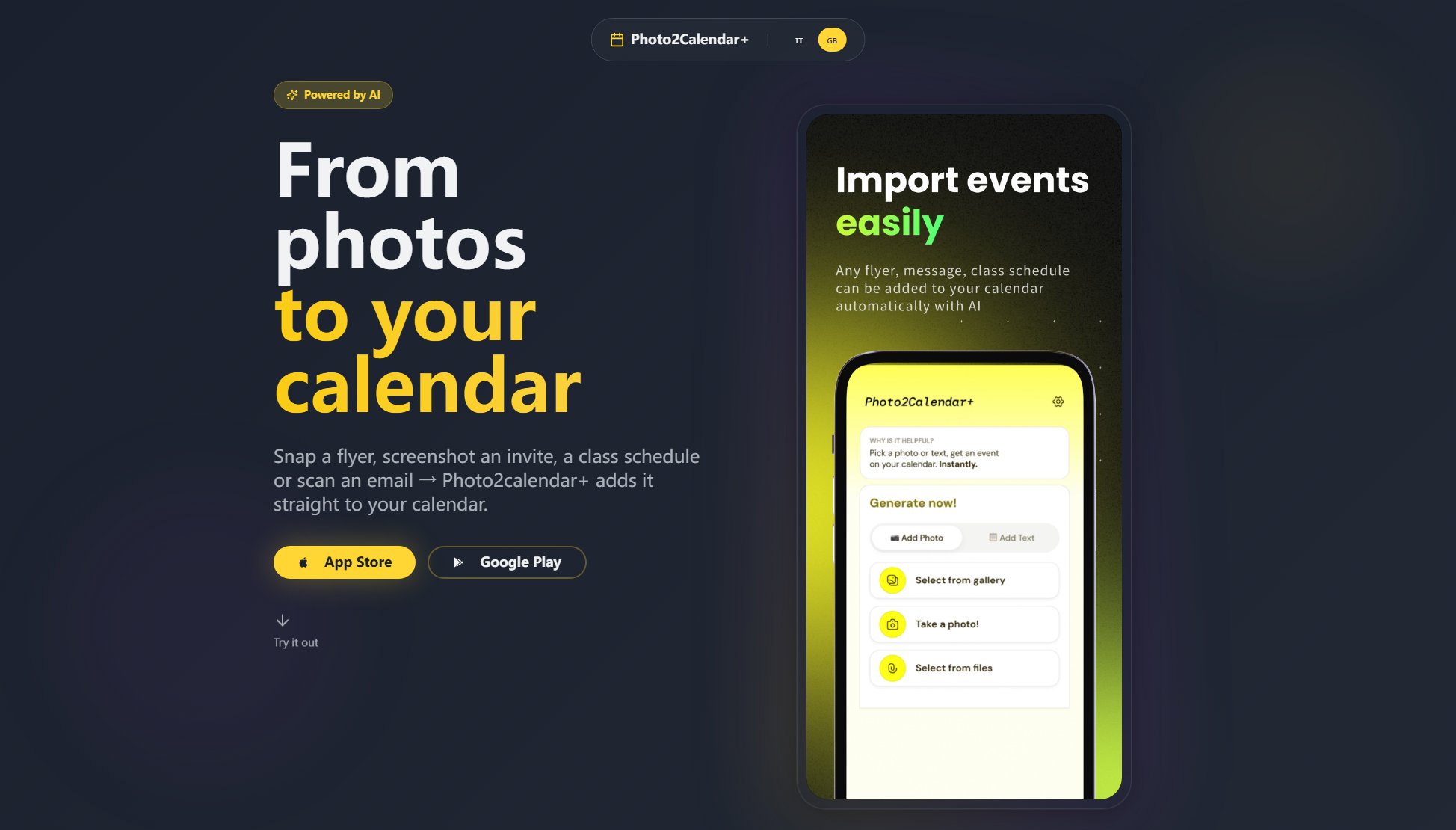
Photo2Calendar Official screenshot of the tool interface
What Can Photo2Calendar Do? Key Features
AI-Powered Event Extraction
Photo2Calendar uses advanced AI to accurately detect and extract event details from photos of schedules, ensuring all relevant information like dates, times, and descriptions are captured without errors.
Automatic Calendar Sync
Once events are extracted, they are automatically synced with your preferred calendar app, such as Google Calendar or Apple Calendar, saving you the time and effort of manual entry.
Multi-Use Case Support
The tool supports various scenarios, including university schedules, medical appointments, and work events, making it versatile for different user needs.
User-Friendly Interface
With an intuitive design, Photo2Calendar is easy to use, requiring just a photo upload to start the event extraction process, making it accessible for all users regardless of technical skill.
Cross-Platform Availability
Photo2Calendar is available on both Android and iOS platforms, ensuring users can access its features regardless of their device.
Best Photo2Calendar Use Cases & Applications
University Schedules
Students can photograph their class schedules and have all their classes automatically added to their calendar, ensuring they never miss a lecture or deadline.
Medical Appointments
Patients can manage their healthcare by photographing appointment cards, automatically syncing visits and treatments to their calendar, reducing the risk of missing important medical dates.
Work Events
Professionals can streamline their work schedules by photographing meeting notices and deadlines, keeping all work-related events organized and easily accessible.
How to Use Photo2Calendar: Step-by-Step Guide
Take a photo of your schedule or event list using your smartphone camera.
Open the Photo2Calendar app and upload the photo from your gallery.
Let the AI analyze the photo and extract event details such as dates, times, and descriptions.
Review the extracted events for accuracy and make any necessary adjustments.
Sync the events directly to your preferred calendar app with a single tap.
Photo2Calendar Pros and Cons: Honest Review
Pros
Considerations
Is Photo2Calendar Worth It? FAQ & Reviews
Yes, Photo2Calendar offers a free plan with basic features. For advanced functionalities, you can upgrade to the Pro plan.
Photo2Calendar supports major calendar apps like Google Calendar and Apple Calendar, ensuring compatibility with most users' preferred tools.
The AI is highly accurate in detecting and extracting event details, but users can review and adjust the information before syncing to their calendar.
Yes, Photo2Calendar is available for download on both the Google Play Store and Apple App Store.
Users can manually edit any extracted event details before syncing to ensure all information is correct.