Paper Animator
Create beautiful paper animations online for free
What is Paper Animator? Complete Overview
Paper Animator is an advanced online tool designed to transform any photo into mesmerizing paper animation effects. Using cutting-edge technology, it creates realistic paper cut-out effects, folding animations, and origami-style transitions. The tool is perfect for content creators, designers, and marketers looking to add unique visual elements to their projects. With features like smart background removal and high-quality video exports (720p & 1080p with green screen support), Paper Animator delivers professional-grade results instantly. Whether you're a beginner or a professional, this tool simplifies the process of creating stunning paper animations without requiring any technical skills.
Paper Animator Interface & Screenshots
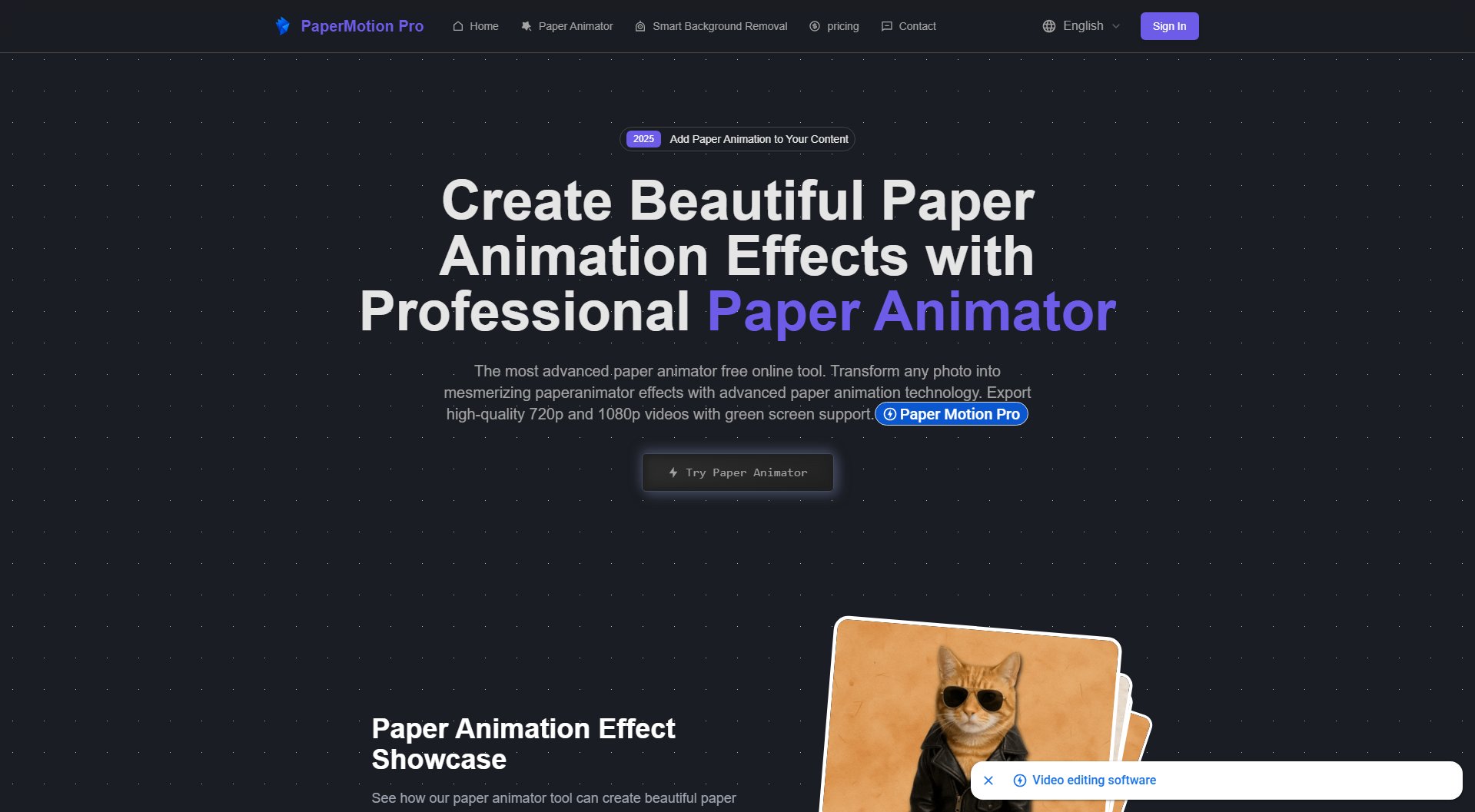
Paper Animator Official screenshot of the tool interface
What Can Paper Animator Do? Key Features
Advanced Paper Animation Engine
Utilizes state-of-the-art technology to create realistic paper animation effects with incredible accuracy. The paper cut-out effect and folding animations mimic natural paper textures and movements.
Multiple Paper Animation Styles
Choose from various styles including paper cut-out, folding animations, tearing effects, and origami-style transitions to create diverse and engaging content.
Real-time Preview
See your paper animation come to life instantly with the real-time preview feature, allowing you to make adjustments before finalizing your project.
High-Quality Video Export
Export your animations in 720p or 1080p resolution with green screen support and transparent backgrounds, making it ideal for professional projects and video editing.
Smart Background Removal
Automatically detects and removes backgrounds from your images, ensuring clean and professional paper animation effects with transparent or green screen backgrounds.
Best Paper Animator Use Cases & Applications
Social Media Content
Create eye-catching paper animations for social media posts, stories, and ads to engage your audience with unique and visually appealing content.
Educational Videos
Use paper animations to illustrate concepts in educational videos, making complex ideas easier to understand with visually engaging paper effects.
Marketing Campaigns
Enhance your marketing materials with professional paper animations that stand out in presentations, websites, and promotional videos.
Creative Projects
Add a creative touch to personal projects, such as digital art, greeting cards, or DIY videos, with custom paper animations.
How to Use Paper Animator: Step-by-Step Guide
Upload your image to the Paper Animator tool. Use the zoom slider to adjust the image size and control shadow intensity for optimal results.
Select your preferred paper animation style, such as paper cut-out, folding animations, or origami effects. Enable the green screen background if needed.
Adjust the image position, rotation angle, and edge settings to customize the animation effects. Fine-tune the paper texture and shadow details for a realistic look.
Preview your animation in real-time to ensure it meets your expectations. Make any final adjustments before exporting.
Export your paper animation in your preferred format (PNG with transparent background or high-quality video) and download it for use in your projects.
Paper Animator Pros and Cons: Honest Review
Pros
Considerations
Is Paper Animator Worth It? FAQ & Reviews
Paper Animator is an advanced tool that transforms any photo into beautiful paper animation effects. Simply upload your image, choose your preferred style, and the tool will create the animation in seconds using cutting-edge technology.
Yes! The free version allows you to create basic paper animation effects with features like paper cut-out and smart background removal. Paid plans offer additional credits and advanced options.
You can create various styles including paper cut-out, folding animations, tearing effects, and origami-style transitions, all customizable to suit your needs.
Absolutely! Paper Animator supports 720p and 1080p video exports with green screen support and transparent backgrounds, perfect for professional projects.
The tool automatically detects and removes backgrounds from your images, ensuring clean and professional paper animation effects with transparent or green screen backgrounds.
The paper cut-out effect uses advanced technology to create realistic torn edges, natural shadows, and authentic paper textures, delivering the most realistic paper animation effects available.