OmniPull Downloader
Professional download management with multi-threaded speed and universal support
What is OmniPull Downloader? Complete Overview
OmniPull Downloader is a powerful and versatile download management tool designed for both general users and professionals. It leverages modern technology to provide lightning-fast downloads with multi-threading and aria2c integration. The tool supports a wide range of protocols including HTTP, HTTPS, and streaming protocols, ensuring seamless browser integration across all platforms. With advanced features like smart scheduling, queue management, and clipboard monitoring, OmniPull automates and optimizes your download workflows. Built-in security features, resume capability, and error recovery mechanisms ensure reliable and secure downloads. Additionally, it offers media extraction capabilities from YouTube and other platforms via yt-dlp, allowing users to select formats and quality options. OmniPull is available as a native application for Windows, macOS, and Linux, providing a consistent user experience across all platforms.
OmniPull Downloader Interface & Screenshots
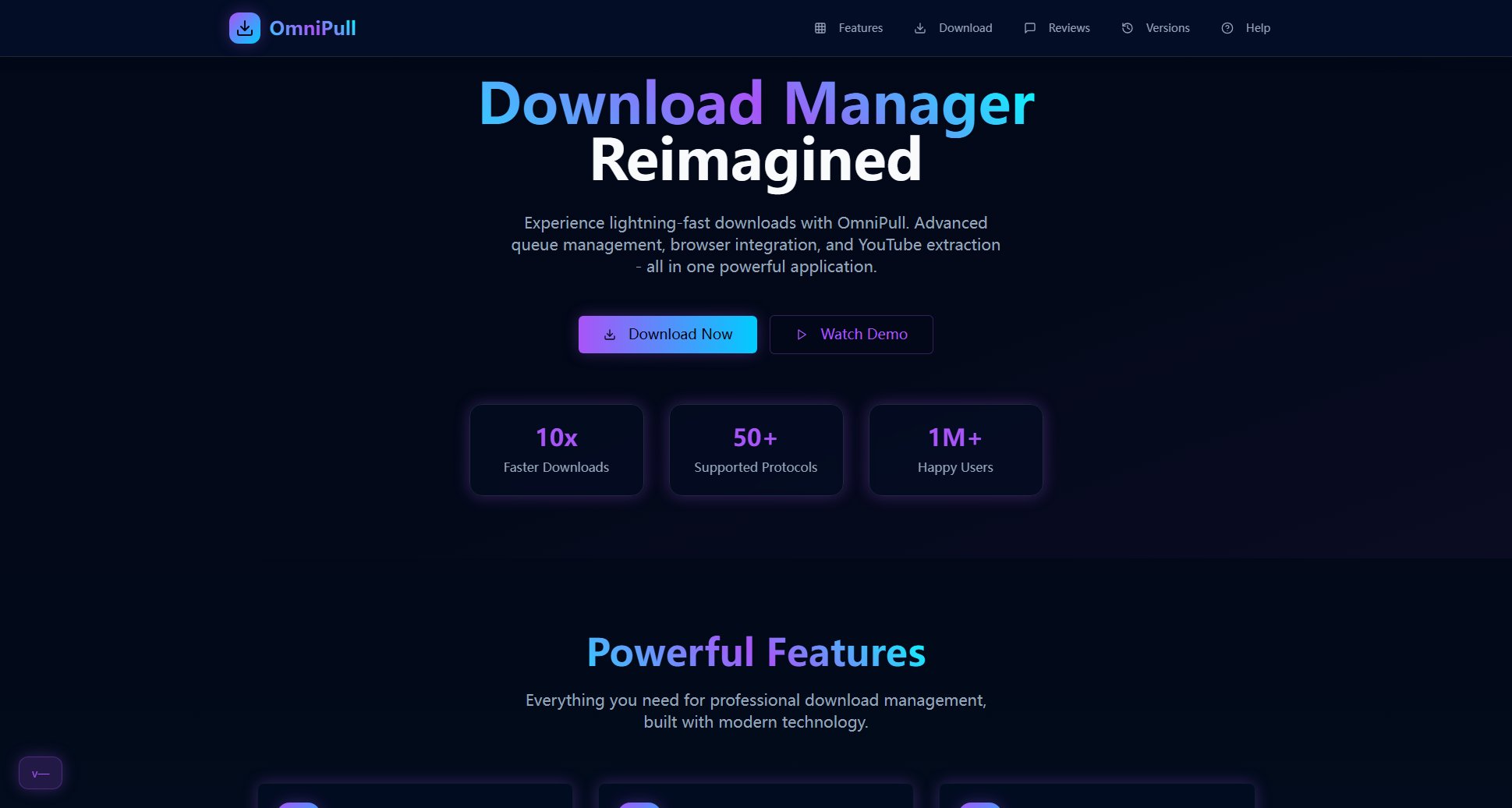
OmniPull Downloader Official screenshot of the tool interface
What Can OmniPull Downloader Do? Key Features
Lightning Speed
OmniPull Downloader utilizes multi-threaded downloads with aria2c integration to maximize acceleration and efficiency. This ensures that your downloads are completed in the shortest possible time, even for large files.
Universal Support
The tool supports a wide range of protocols including HTTP, HTTPS, and streaming protocols. It offers seamless browser integration across all platforms, making it easy to download content from any source.
Smart Scheduling
OmniPull includes advanced queue management, scheduling, and clipboard monitoring features. These allow users to automate their download workflows, ensuring that downloads are handled efficiently without manual intervention.
Secure & Reliable
Built-in security features, resume capability, and error recovery mechanisms ensure that your downloads are both secure and reliable. Even if a download is interrupted, OmniPull can resume it from where it left off.
Media Extraction
OmniPull supports YouTube and media extraction via yt-dlp, allowing users to download videos and other media with format selection and quality options. This feature is perfect for content creators and media enthusiasts.
Cross-Platform
OmniPull is available as a native application for Windows, macOS, and Linux, providing a consistent and user-friendly experience across all platforms. This ensures that users can enjoy the same powerful features regardless of their operating system.
Best OmniPull Downloader Use Cases & Applications
Content Creators
Content creators can use OmniPull to download high-quality videos and media from YouTube and other platforms. The format selection and quality options allow them to get the best resources for their projects.
IT Professionals
IT professionals can leverage OmniPull's multi-threaded downloads and scheduling features to manage large file downloads efficiently. The tool's reliability and resume capability ensure that critical downloads are completed without issues.
General Users
General users can benefit from OmniPull's ease of use and universal support. Whether downloading files from the web or extracting media, the tool provides a seamless and efficient experience.
How to Use OmniPull Downloader: Step-by-Step Guide
Download and install OmniPull Downloader from the official website. The installation process is straightforward and compatible with Windows, macOS, and Linux.
Launch the application and configure your preferences. You can set up download locations, thread counts, and other settings to optimize your download experience.
Copy the URL of the file or media you want to download. OmniPull's clipboard monitoring feature will automatically detect the URL and prompt you to start the download.
Select the download options, such as format and quality for media files, and start the download. OmniPull will handle the rest, ensuring fast and efficient downloads.
Monitor the download progress in the application. You can pause, resume, or cancel downloads as needed, and OmniPull will manage the queue efficiently.
Once the download is complete, access your files from the designated download location. OmniPull ensures that all downloads are organized and easily accessible.
OmniPull Downloader Pros and Cons: Honest Review
Pros
Considerations
Is OmniPull Downloader Worth It? FAQ & Reviews
Yes, OmniPull offers a free version with basic download functionality. However, advanced features like media extraction and higher thread counts are available in the Pro and Enterprise plans.
OmniPull is available as a native application for Windows, macOS, and Linux, providing a consistent user experience across all platforms.
Yes, OmniPull includes resume capability and error recovery mechanisms, allowing you to resume interrupted downloads from where they left off.
Yes, OmniPull supports YouTube and media extraction via yt-dlp, allowing you to download videos with format selection and quality options.
You can upgrade to the Pro or Enterprise plan through the official OmniPull website. The Enterprise plan offers custom pricing and features tailored to your needs.