NextBunny
Free Next.js drag and drop builder for modern web development
What is NextBunny? Complete Overview
NextBunny is a free drag and drop builder specifically designed for Next.js applications, offering developers an intuitive way to create modern web interfaces. The tool focuses on providing extensive customization options through a comprehensive theme system, allowing users to adjust visual elements like fonts, colors, and spacing with precision. It's particularly valuable for frontend developers and teams looking to accelerate their Next.js project development while maintaining design consistency. NextBunny solves the pain point of manual UI configuration by offering a visual interface for styling components, reducing development time and ensuring design system coherence across applications.
NextBunny Interface & Screenshots
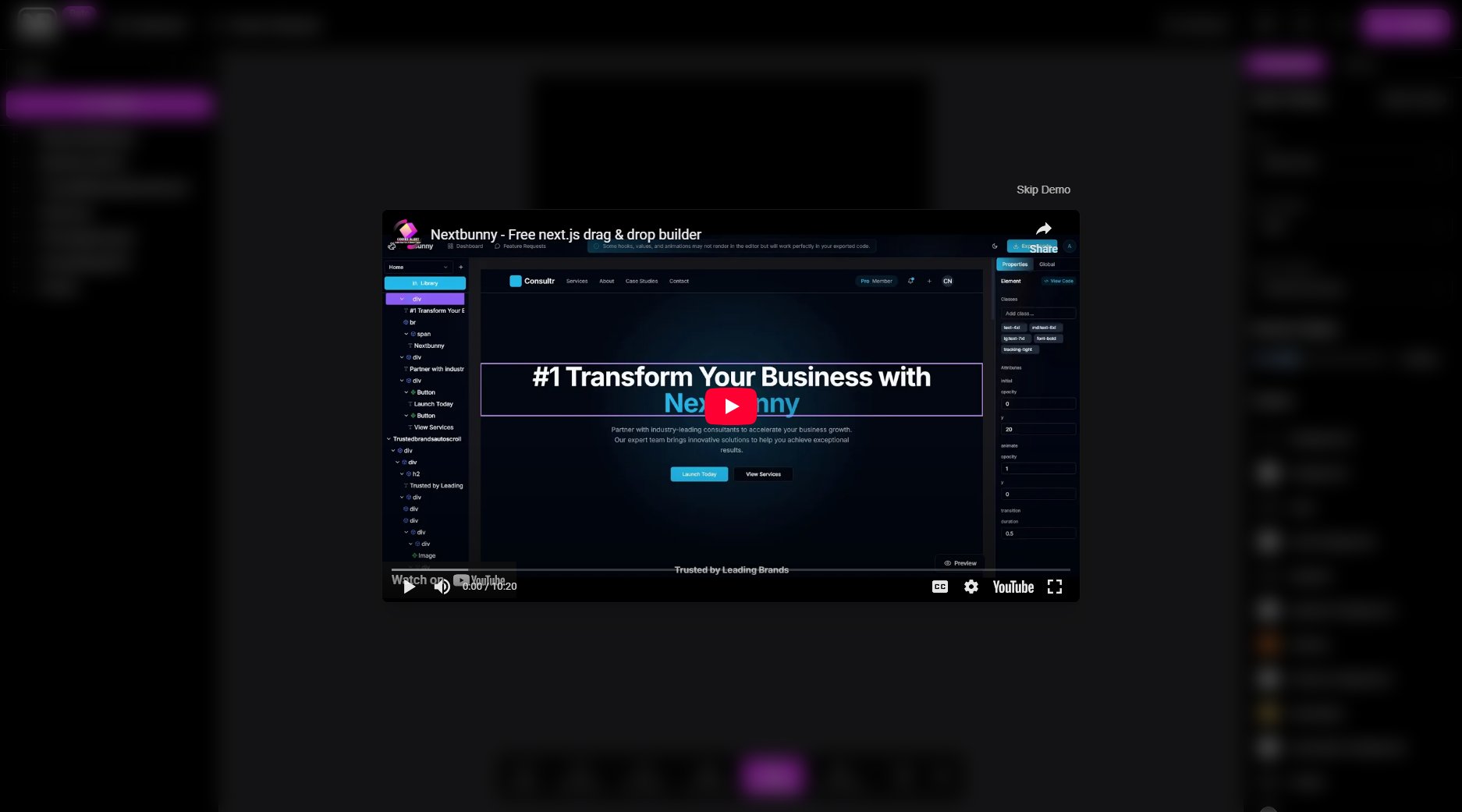
NextBunny Official screenshot of the tool interface
What Can NextBunny Do? Key Features
Drag and Drop Interface
NextBunny provides an intuitive drag and drop builder that simplifies the process of creating Next.js components and layouts, eliminating the need for manual coding of basic UI elements.
Comprehensive Theme Customization
The tool offers extensive theme controls including font settings (family, weight, spacing), border radius adjustments, and a complete color system for all UI components and states.
Dark Theme Support
Built-in dark theme capability with customizable colors for both light and dark modes, ensuring your application looks great in any display preference.
Component Styling System
Detailed styling options for cards, popovers, inputs, and sidebar components with foreground/background color pairs for consistent design across all elements.
Visual State Management
Customizable colors for different component states including primary, secondary, accent, destructive, and muted states with matching foreground colors.
Best NextBunny Use Cases & Applications
Rapid Prototyping
Frontend teams can use NextBunny to quickly create and iterate on UI prototypes for Next.js applications, significantly reducing design-to-development time.
Design System Implementation
Developers can leverage the comprehensive theme customization to implement and maintain consistent design systems across multiple Next.js projects.
Client Presentations
Agencies can demonstrate potential designs to clients using the visual builder before committing to full development, with real-time theme adjustments.
How to Use NextBunny: Step-by-Step Guide
Visit the NextBunny website and access the drag and drop builder interface.
Select and drag components onto your canvas to build your Next.js application layout.
Use the theme customization panel to adjust fonts, colors, and spacing to match your design requirements.
Preview your design in both light and dark modes using the theme toggle.
Export or integrate the generated components into your Next.js project.
NextBunny Pros and Cons: Honest Review
Pros
Considerations
Is NextBunny Worth It? FAQ & Reviews
Yes, NextBunny is currently offered as a completely free tool with all features available without any limitations.
NextBunny is designed for building modern web applications using Next.js, including landing pages, dashboards, and content-rich websites.
The current version supports Geist Sans as the default font, but you can likely implement custom fonts by modifying the exported code.
NextBunny provides export functionality that generates the necessary React/Next.js components and styling configurations for your project.
While the website doesn't explicitly mention responsive features, drag and drop builders typically include responsive design capabilities.