MySelpost
Global chat meets creative photo roasting & app creation
What is MySelpost? Complete Overview
MySelpost is a unique platform that combines global social interaction with creative digital tools. It serves as both a chat platform for connecting with friends worldwide and a creative suite that transforms sketches or text prompts into functional websites and applications. The platform solves key pain points for digital creators by eliminating the need for coding skills to prototype ideas, while also providing a fun social space for casual users through features like photo roasting. Target audiences include social media enthusiasts, amateur digital creators, startup founders testing concepts, and remote teams looking for collaborative creative tools alongside communication features.
MySelpost Interface & Screenshots
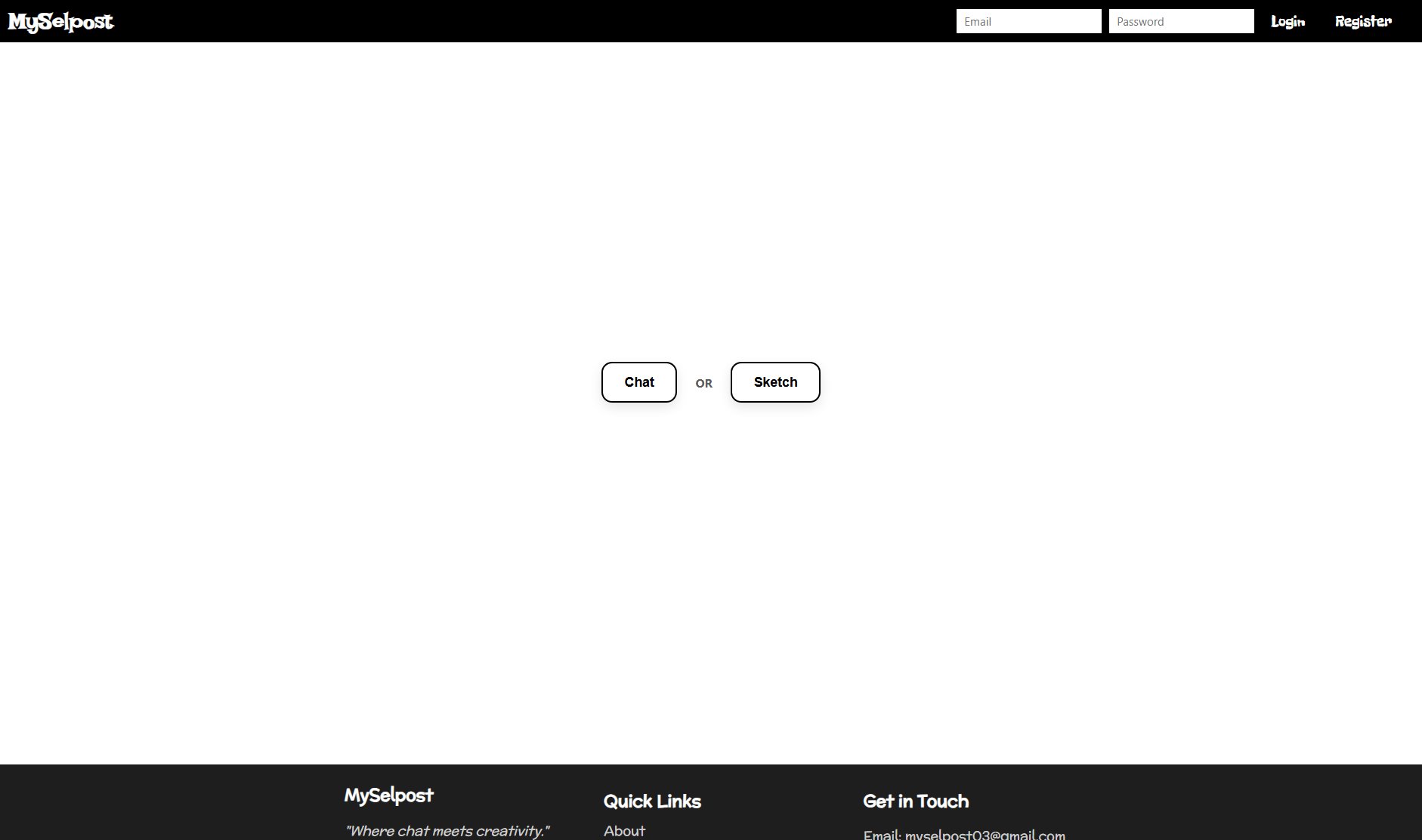
MySelpost Official screenshot of the tool interface
What Can MySelpost Do? Key Features
Global Chat
Connect with friends and communities worldwide through real-time messaging. The chat supports multimedia sharing and group conversations, making it ideal for both personal and professional networking across borders.
Sketch-to-App Conversion
Revolutionary tool that transforms hand-drawn sketches or text descriptions into functional web/app prototypes. Users can quickly visualize ideas without coding knowledge, significantly reducing development time for early-stage concepts.
Photo Roasting
Unique social feature where users can playfully critique and comment on shared photos in a lighthearted environment. This creates engaging interactions and viral content opportunities within the community.
Prompt-Based Creation
Advanced AI interprets text prompts to generate website/app layouts, color schemes, and basic functionality. This lowers the barrier to digital creation for non-technical users while providing inspiration for professionals.
Collaboration Tools
Built-in features for team collaboration on projects, including shared canvases, real-time editing, and version control. Enables remote teams to brainstorm and develop ideas together within the platform.
Best MySelpost Use Cases & Applications
Startup Prototyping
Founders can quickly turn napkin sketches into interactive prototypes to validate ideas with potential users and investors before committing to full development.
Remote Team Brainstorming
Distributed teams use the collaborative features to visualize concepts during virtual meetings, with the AI helping refine rough ideas into presentable formats.
Social Content Creation
Influencers and content creators generate unique visual content by transforming simple prompts into shareable digital art pieces and interactive elements.
Educational Projects
Students and teachers utilize the platform to create educational apps and websites as part of project-based learning, focusing on concepts rather than coding hurdles.
How to Use MySelpost: Step-by-Step Guide
Register an account using email or social login to access both chat and creation features. The streamlined signup process takes under a minute.
Navigate to the chat section to connect with existing contacts or discover new communities based on interests and locations.
For creative projects, upload sketches or type descriptive prompts in the creation studio. The AI will analyze your input and generate multiple prototype options.
Customize generated prototypes using the intuitive drag-and-drop editor. Adjust layouts, colors, and content without needing technical skills.
Share your creations directly through chat or publish them to receive community feedback and engagement.
MySelpost Pros and Cons: Honest Review
Pros
Considerations
Is MySelpost Worth It? FAQ & Reviews
Currently MySelpost is web-based with full mobile browser support. Native apps for iOS and Android are in development and expected to launch next quarter.
The AI produces surprisingly accurate basic layouts from clear sketches or detailed prompts. While not replacement for professional development, it's excellent for visualization and early-stage testing.
Yes, all plans allow export of generated prototypes as image files or basic HTML. Pro and Team plans offer additional export formats suitable for further development.
We employ both AI and human moderation to maintain a positive community environment, especially in public chat rooms and photo roasting sections.
We accept all major credit cards, PayPal, and cryptocurrency payments for subscription plans. Enterprise customers can request invoice billing.