Locki
Simplified security for text encryption in your browser
What is Locki? Complete Overview
Locki is a browser extension designed to provide seamless encryption for sensitive text directly in your browser. It allows users to protect passwords, API keys, private notes, and other confidential information with just one click. The tool utilizes AES-256 encryption, ensuring that sensitive data never leaves the device unprotected. Locki is perfect for individuals, teams, and enterprises looking to enhance their security without disrupting their workflow. It integrates smoothly with popular web applications like Slack, Jira, and Gmail, offering a simple yet powerful solution for text encryption.
Locki Interface & Screenshots
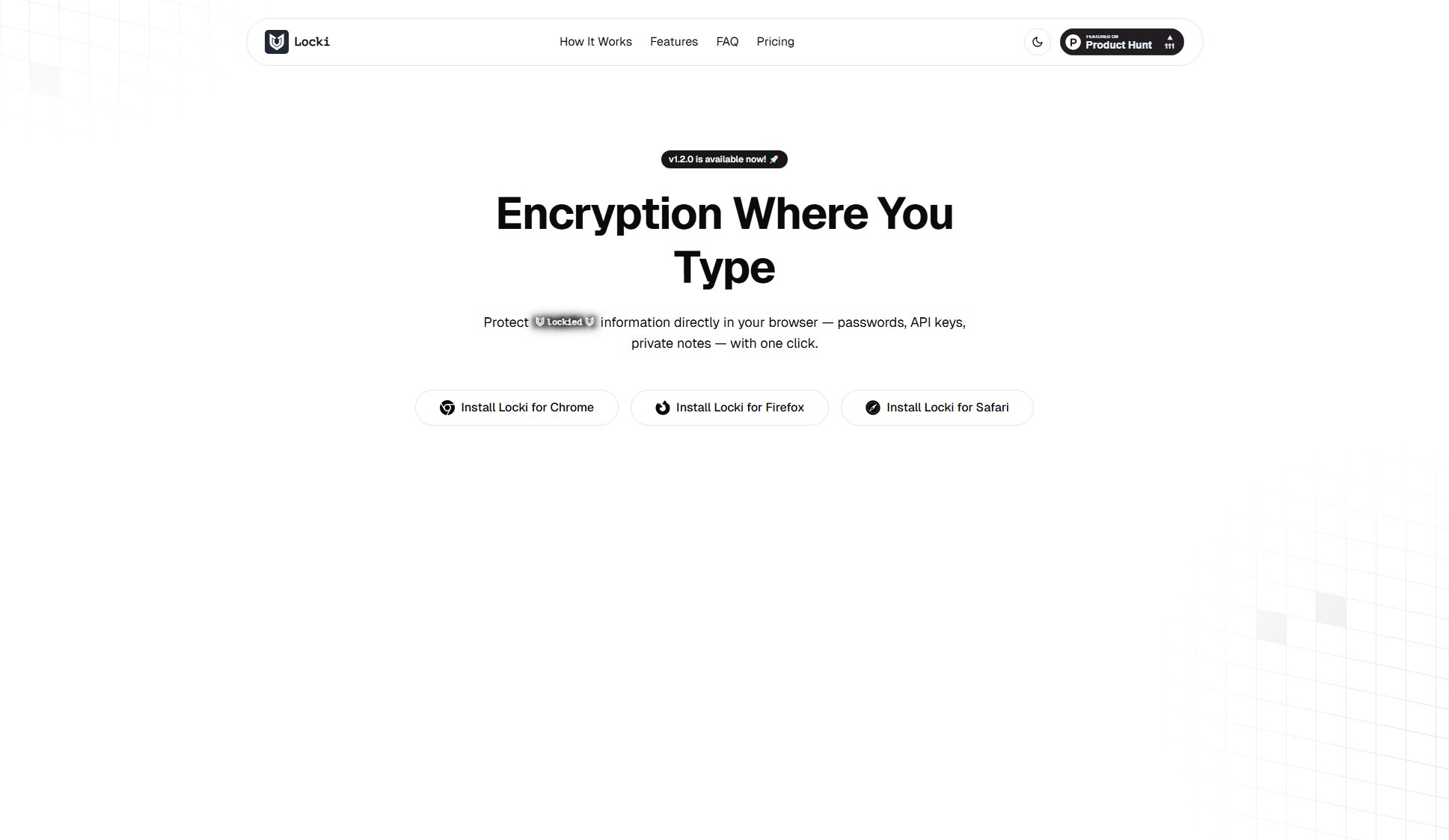
Locki Official screenshot of the tool interface
What Can Locki Do? Key Features
Inline Encryption
Locki works inside text areas and editors, eliminating the need to switch between apps. You can encrypt and decrypt text directly in your browser, making the process seamless and efficient.
Context Menu Control
With just two clicks, users can encrypt or decrypt selected text using the right-click context menu. This feature ensures quick and easy access to encryption functions without navigating through complex menus.
Interactive Spans
Encrypted blocks on web pages appear as 'lockied' placeholders, allowing users to identify and interact with encrypted content easily. Clicking on these placeholders reveals the decrypted text.
Shared Keys
Locki enables users to generate or paste AES keys in the popup and share them with their team. This feature is ideal for collaborative environments where secure communication is essential.
Secure Storage
Encryption keys are stored in the browser's memory, ensuring they are accessible only to the user. This adds an extra layer of security by preventing unauthorized access to sensitive data.
Simple UX
Locki is designed with a user-friendly interface that makes encryption and decryption straightforward. The tool integrates seamlessly into your workflow, requiring minimal effort to use.
Best Locki Use Cases & Applications
Personal Security
Individuals can use Locki to protect personal notes, passwords, and other sensitive information stored in their browsers. This ensures that even if their device is compromised, the data remains secure.
Team Collaboration
Teams can securely share API keys, project details, and confidential communication by encrypting the text and sharing the decryption key only with authorized members.
Enterprise Compliance
Organizations can use Locki to enforce encryption policies for sensitive data shared across teams. The enterprise plan offers advanced features like group-based key access control and extended audit logs.
How to Use Locki: Step-by-Step Guide
Install the Locki extension from the Chrome Web Store, Firefox Add-ons, or Safari Extensions Gallery.
Select the sensitive text you want to encrypt in your editor or input field, such as an email, note, or code.
Right-click on the selected text and choose 'Encrypt with Locki' from the context menu. The text will be instantly replaced by an encrypted block.
To decrypt, highlight the encrypted block and choose 'Decrypt' from the context menu or click on the inline 'lockied' placeholder.
Share the decryption key with trusted recipients if you want them to access the encrypted content.
Locki Pros and Cons: Honest Review
Pros
Considerations
Is Locki Worth It? FAQ & Reviews
No. Locki works directly in your browser without registration. Just install the extension and start encrypting text instantly.
Any text-based information: passwords, API keys, personal notes, project details, or confidential communication. If it's text — you can encrypt it.
Locki uses AES-256 encryption directly in your browser. This means your sensitive data never leaves your device unprotected — only encrypted text is shared.
Yes, but only if you explicitly share the decryption key with them. Without the key, no one — including Locki — can access your content.
Yes — in their web versions. Locki runs in your browser, so you can use it with Slack, Jira, Gmail, and more. Standalone apps aren't supported.
Yes, Locki is free for personal use. For teams and companies, we're building enterprise features like group policies, usage logs, and admin control.
Locki works in Mozilla Firefox, Google Chrome, and all Chromium-based browsers like Opera, Edge, and Brave.