Koubou
Open-source AI canvas for image generation & manipulation
What is Koubou? Complete Overview
Koubou is an innovative BYOK (Bring Your Own Key) open-source AI canvas that revolutionizes image creation and editing. This powerful tool enables users to generate, manipulate, and edit images using advanced AI models. Designed for both creative professionals and hobbyists, Koubou solves the pain points of complex image editing software by providing an intuitive interface with powerful AI capabilities. The platform allows for seamless text-to-image generation, image-to-image editing, and offers a versatile workspace with features like an infinite canvas and multi-image selection. Its BYOK model gives users control over their AI model usage while maintaining privacy and customization options.
Koubou Interface & Screenshots
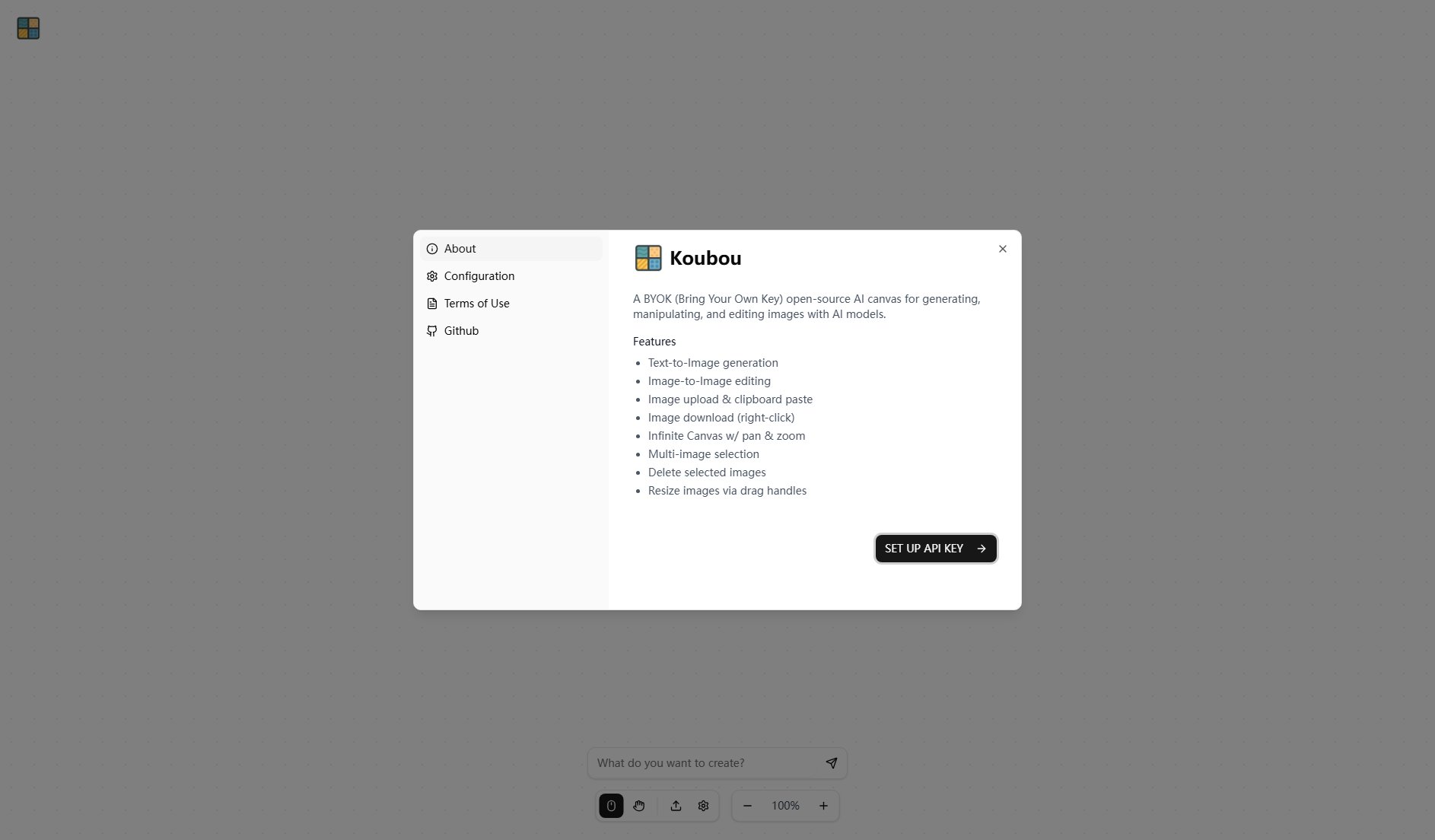
Koubou Official screenshot of the tool interface
What Can Koubou Do? Key Features
Text-to-Image Generation
Transform your textual ideas into stunning visual artworks instantly. Simply input your creative prompt and let Koubou's AI generate high-quality images that match your description.
Image-to-Image Editing
Enhance and modify existing images with AI-powered editing tools. Upload any image and use text prompts to guide the AI in transforming it according to your vision.
Infinite Canvas
Work without boundaries on Koubou's expansive canvas featuring smooth pan and zoom functionality. Organize multiple projects or create complex compositions in a single workspace.
Multi-image Selection
Efficiently manage multiple images simultaneously with comprehensive selection tools. Compare variations, create collages, or batch process your AI-generated artwork with ease.
Drag-and-Drop Resizing
Intuitively adjust your images' dimensions using simple drag handles. This feature provides precise control over your compositions without complex menu navigation.
Best Koubou Use Cases & Applications
Concept Art Creation
Game developers and illustrators can quickly generate concept art variations by inputting descriptive text prompts, significantly accelerating the ideation phase.
Marketing Material Design
Marketing professionals can create custom visuals for campaigns by editing stock photos with AI-powered transformations based on brand requirements.
Educational Visual Aids
Teachers and content creators can generate illustrative diagrams and educational materials by describing complex concepts in text form.
How to Use Koubou: Step-by-Step Guide
Set up your API key by following the 'SET UP API KEY' instructions to connect Koubou to your preferred AI model service.
Start creating by either entering a text prompt for generation or uploading an existing image for editing.
Use the infinite canvas to arrange your images, utilizing pan and zoom to work on details or see the big picture.
Select and edit multiple images simultaneously, applying transformations or creating complex compositions.
Download your final creations by right-clicking on images or use the intuitive drag handles to resize before exporting.
Koubou Pros and Cons: Honest Review
Pros
Considerations
Is Koubou Worth It? FAQ & Reviews
BYOK stands for Bring Your Own Key, meaning you provide your own API key for AI model services rather than Koubou providing or charging for model access.
Yes, Koubou is open-source and free to use. However, you'll need to provide your own API key for AI model services, which may incur costs depending on the provider.
While specific format support depends on your AI model provider, Koubou's interface typically supports common formats like JPG, PNG, and potentially others through right-click download options.
As an open-source tool, Koubou can be used commercially, but you should review the license terms and ensure your AI model provider allows commercial use of generated images.
As a BYOK solution, Koubou's architecture typically processes images locally or through your specified API, minimizing data retention. However, consult your AI model provider's data policies.