GoPDFTools
Free, fast & private PDF tools online
What is GoPDFTools? Complete Overview
GoPDFTools is a lightweight online toolbox offering a suite of free PDF utilities that run directly in your browser without file uploads. Designed for privacy-conscious users, it eliminates cloud storage concerns while providing instant processing. Core functionalities include format conversion (JPG/PNG-to-PDF), document merging/splitting, compression, and PDF-to-image extraction. Tailored for students, professionals, and small businesses, the platform simplifies tasks like creating print-ready documents, optimizing file sizes for email, or reorganizing multi-page reports—all with drag-and-drop ease and no watermarks.
GoPDFTools Interface & Screenshots
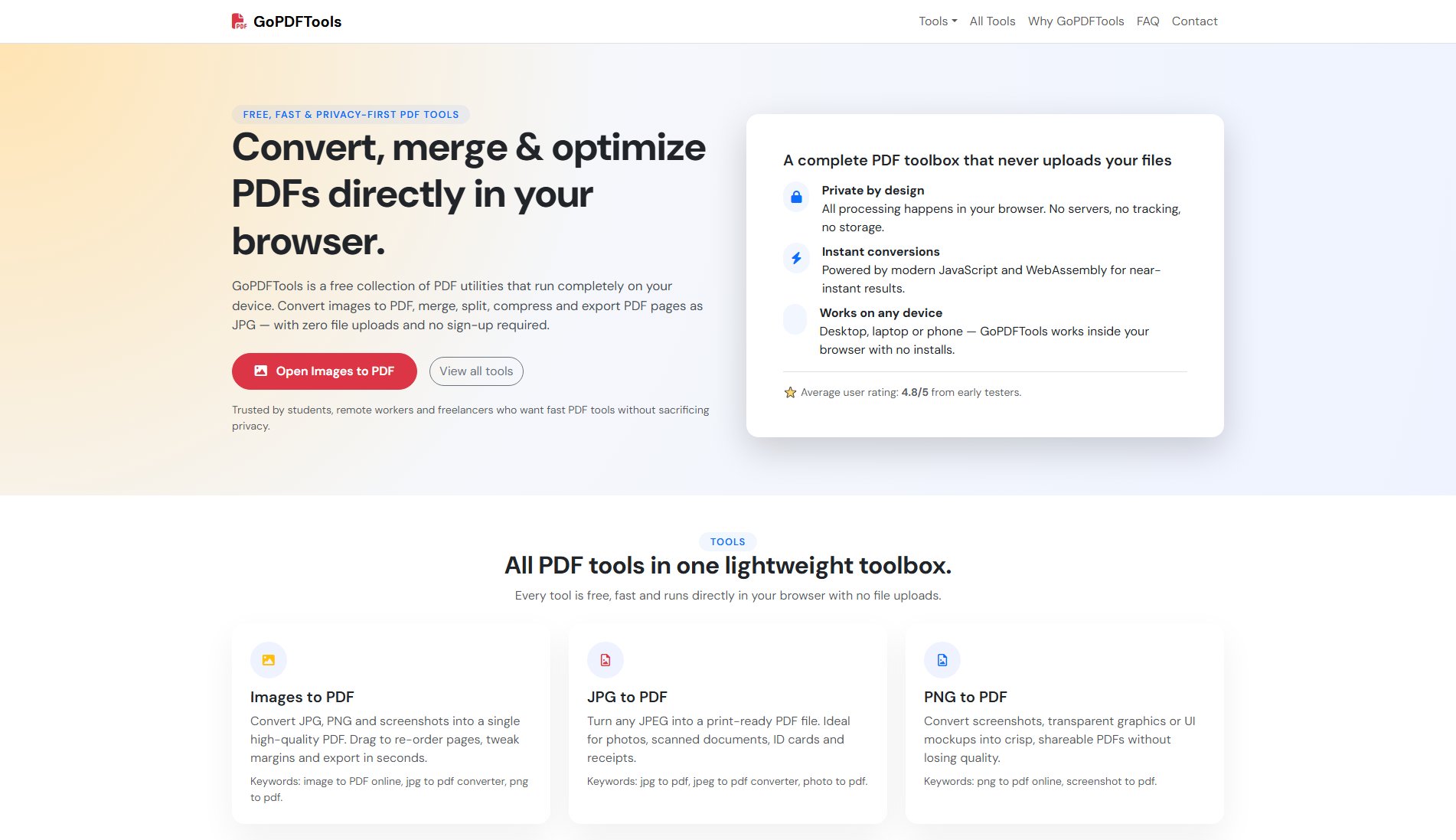
GoPDFTools Official screenshot of the tool interface
What Can GoPDFTools Do? Key Features
Images to PDF
Convert JPG/PNG files or screenshots into high-quality PDFs with customizable margins. Users can drag to reorder pages before export, making it ideal for compiling photo albums, scanned documents, or UI mockups. Processes files locally for instant results.
Merge PDF
Combine multiple PDFs into a single document through intuitive drag-and-drop sequencing. Preserves original formatting, perfect for assembling reports, legal documents, or scanned book chapters without external software.
Split PDF
Extract specific pages or ranges from PDFs non-destructively. Useful for isolating contract clauses, separating lecture notes, or removing unnecessary pages before sharing—all while keeping the source file intact.
Compress PDF
Reduce file sizes up to 80% while maintaining text/image clarity. Optimizes documents for email attachments, web uploads, or storage savings without compromising readability through smart downsampling algorithms.
PDF to JPG
Export PDF pages as high-resolution JPG images individually. Facilitates social media sharing, slide creation, or visual documentation by converting vector content into pixel-perfect snapshots.
Best GoPDFTools Use Cases & Applications
Academic Submissions
Students convert lecture slides (PNG) into a single PDF for assignment submissions, then compress it to meet university portal size limits—all without installing software.
Freelancer Portfolios
Designers merge client project PDFs into a cohesive portfolio, reordering case studies drag-and-drop before sending to prospects via email-optimized files.
Legal Document Handling
Lawyers extract specific contract clauses by splitting large PDFs, then convert relevant pages to JPG for redaction annotations in image editors.
How to Use GoPDFTools: Step-by-Step Guide
Select your tool: Choose from conversion, merging, splitting, or compression options based on your task.
Upload or drag files: Add local JPG/PNG/PDF files directly into the browser interface—no cloud upload required.
Customize settings: Reorder pages (merge), select ranges (split), adjust quality (compress), or set margins (conversion).
Process instantly: Click 'Convert' or equivalent action—all operations happen client-side in milliseconds.
Download results: Save the output file directly to your device with one click, ready for use.
GoPDFTools Pros and Cons: Honest Review
Pros
Considerations
Is GoPDFTools Worth It? FAQ & Reviews
No—all processing occurs in your browser. Files never leave your device, ensuring maximum privacy.
The free version imposes no restrictions—use tools as frequently as needed without caps.
Chrome, Firefox, Edge, and Safari (latest versions). Requires JavaScript but no plugins.
Currently, GoPDFTools focuses on conversion/reorganization. For text editing, consider dedicated PDF editors.