GIF to PNG Converter
Free online tool for batch conversion of GIF to PNG
What is GIF to PNG Converter? Complete Overview
The GIF to PNG Converter is a free online tool designed to extract individual frames from animated GIFs and convert them into static PNG images. It addresses the need for users to save specific moments from animations as high-quality static images without any quality loss. The tool processes files directly in the browser using advanced JavaScript libraries, ensuring complete privacy and security as no data is uploaded to external servers. Target users include digital artists, content creators, and general users who need to work with GIF animations and require static frames for various purposes.
GIF to PNG Converter Interface & Screenshots
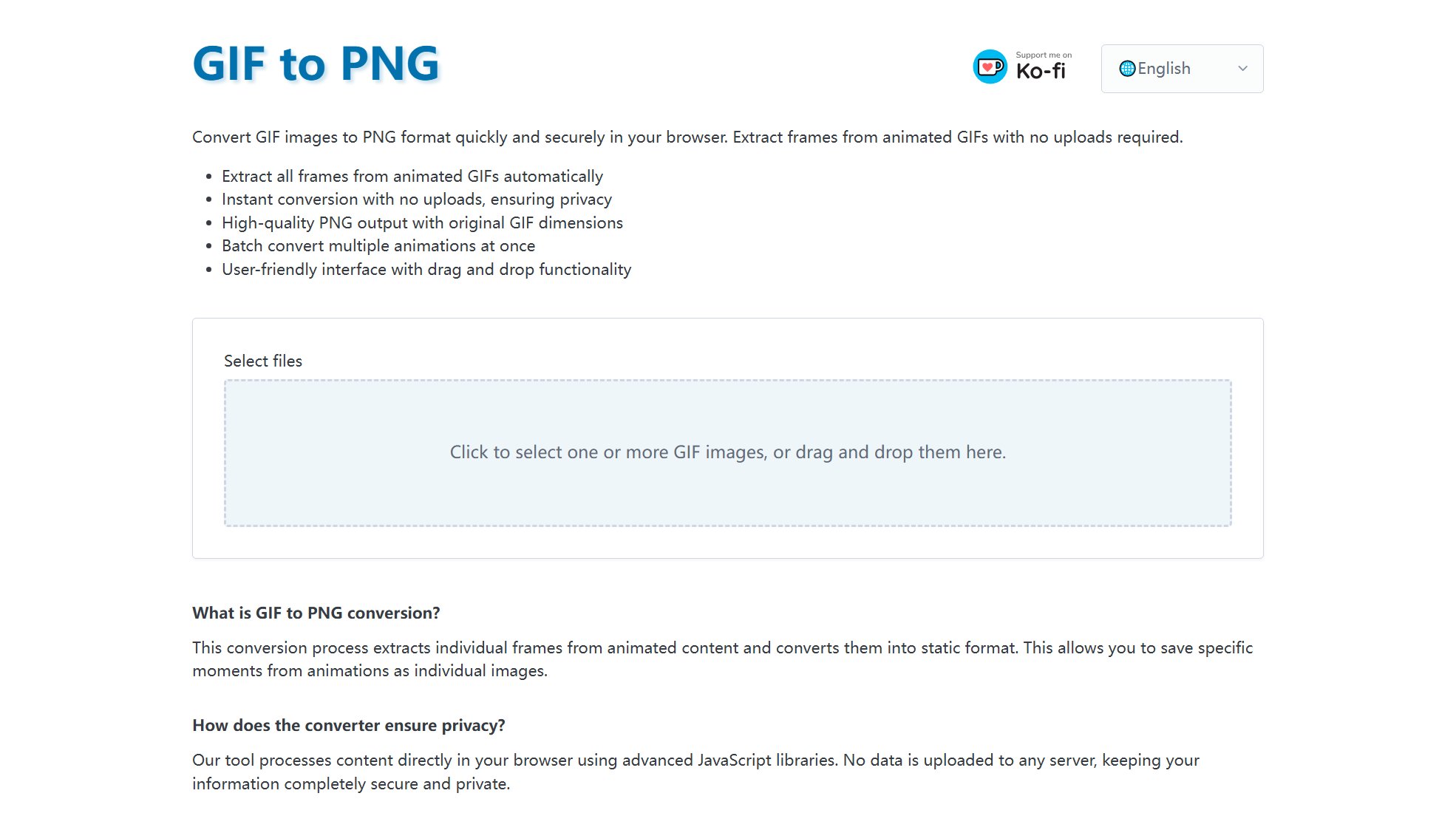
GIF to PNG Converter Official screenshot of the tool interface
What Can GIF to PNG Converter Do? Key Features
Browser-Based Processing
The tool processes GIF to PNG conversion entirely within your browser, eliminating the need for software installation or server uploads. This ensures fast, secure, and private conversions.
Batch Conversion
Users can select and convert multiple GIF files at once. The tool processes them all and provides a ZIP archive containing all the extracted PNG frames, saving time and effort.
Frame Extraction
All frames from the animated GIF are automatically extracted and converted into individual static PNG images, preserving the original animation sequence.
Lossless Quality
The output PNG images maintain the original dimensions and quality of the source GIF, ensuring no loss of detail or distortion.
Transparency Support
The converter supports transparency in GIFs, retaining the alpha channel in the output PNG images for high-quality results.
Best GIF to PNG Converter Use Cases & Applications
Digital Art and Design
Artists can extract frames from animated GIFs to use specific moments in their designs, ensuring high-quality static images for projects.
Content Creation
Content creators can save key frames from GIFs to use in presentations, blogs, or social media posts without losing quality.
Educational Purposes
Educators can break down animated GIFs into individual frames to explain motion or processes step-by-step in tutorials or lectures.
How to Use GIF to PNG Converter: Step-by-Step Guide
Select your GIF file(s) by clicking the upload area or drag and drop them into the designated space.
Wait for the tool to process the GIF file(s). The conversion happens locally in your browser, ensuring privacy.
The tool will extract all frames from the GIF and convert them into PNG format automatically.
For batch conversions, the tool will compile all PNG frames into a ZIP archive for easy download.
Download the individual PNG files or the ZIP archive to your device.
GIF to PNG Converter Pros and Cons: Honest Review
Pros
Considerations
Is GIF to PNG Converter Worth It? FAQ & Reviews
The tool processes GIF to PNG conversion directly in your browser using JavaScript, so no data is uploaded to any server, ensuring complete privacy and security.
All frames from your animated GIF will be automatically extracted and converted into individual PNG images.
Yes, you can batch convert multiple GIFs simultaneously. The tool will process them all and provide a ZIP archive with all the extracted PNG frames.
The output PNG images will maintain the original dimensions of your source GIF, ensuring no quality loss or distortion.
No installation is needed. The converter works entirely within your web browser using modern web technologies.
Conversion is very fast as it happens locally in your browser. Processing time depends on file size and the number of frames, but most conversions complete within seconds.