Flowtica Scribe
The first AI pen that records and understands your highlights
What is Flowtica Scribe? Complete Overview
Flowtica Scribe is an innovative AI-powered pen designed to revolutionize the way you capture and understand your written notes. This smart pen automatically records your writing and highlights, then transfers the data seamlessly to your devices. It eliminates the need for manual transfers or app interactions, making note-taking more efficient and intelligent. The Scribe is perfect for students, professionals, and anyone who frequently takes notes and wants to digitize them effortlessly. Its AI capabilities help you understand and organize your thoughts, making it a powerful tool for productivity and knowledge management.
Flowtica Scribe Interface & Screenshots
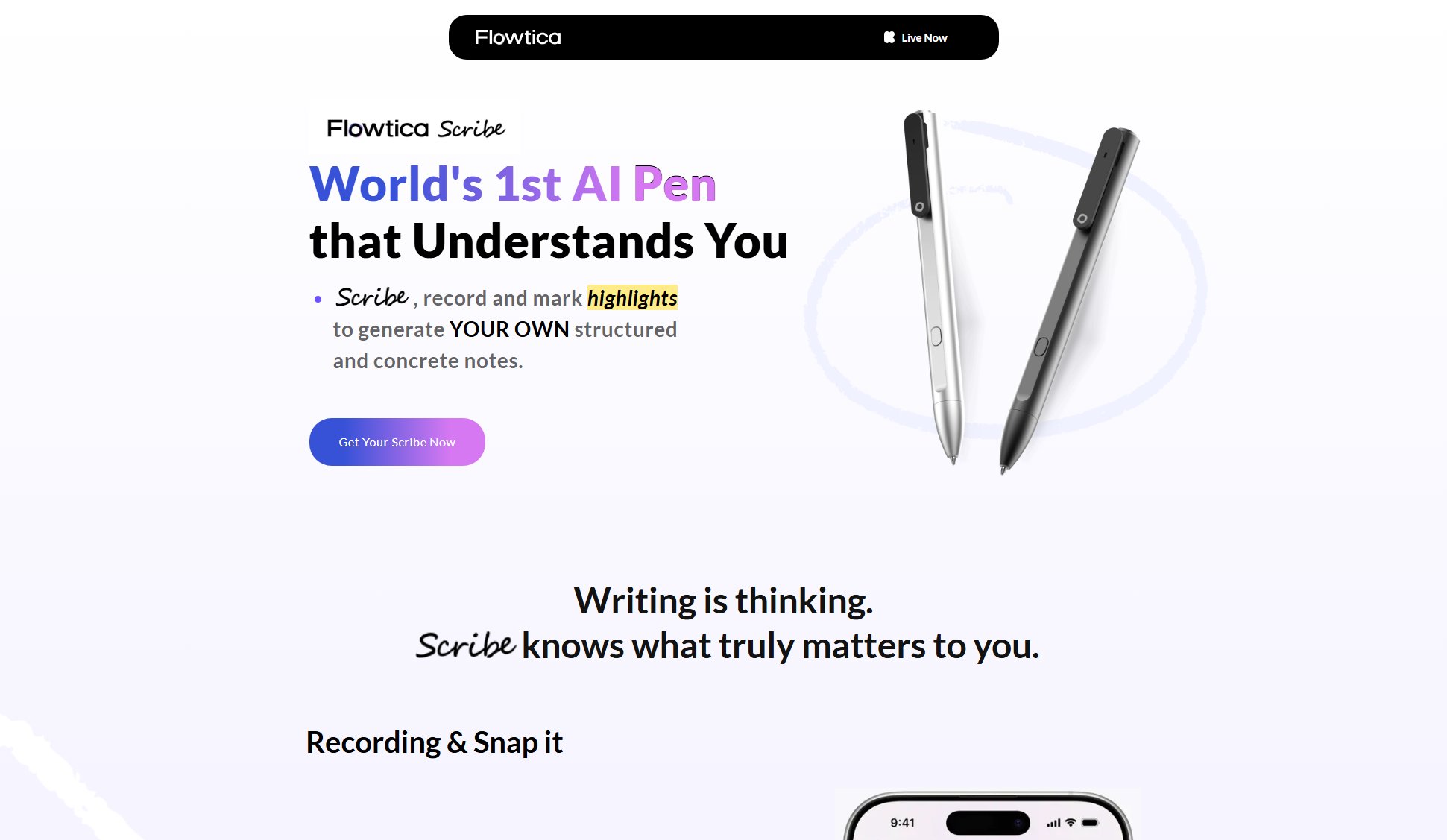
Flowtica Scribe Official screenshot of the tool interface
What Can Flowtica Scribe Do? Key Features
Automatic Recording
Flowtica Scribe automatically records everything you write, capturing your notes and highlights without any manual intervention. This ensures you never miss an important thought or idea.
Seamless Data Transfer
When connected, the Scribe transfers your recordings instantly upon completion. No need to open an app or perform any manual actions, making the process completely hassle-free.
Background Reconnection
If disconnected, the Scribe automatically reconnects when nearby and transfers files in the background. This ensures your data is always synced without requiring your attention.
AI-Powered Understanding
The Scribe uses advanced AI to understand and organize your notes. It can recognize highlights and key points, making it easier to review and reference your notes later.
Effortless Note-Taking
With Flowtica Scribe, note-taking becomes a seamless part of your workflow. The pen handles the technical details, allowing you to focus on your thoughts and ideas.
Best Flowtica Scribe Use Cases & Applications
Academic Note-Taking
Students can use Flowtica Scribe to capture lecture notes and highlights from textbooks. The AI helps organize and summarize key points for easier study and revision.
Professional Meetings
Professionals can take notes during meetings and brainstorming sessions. The Scribe ensures all ideas are captured and easily accessible for follow-up actions.
Creative Writing
Writers and creatives can jot down ideas and inspirations on the go. The Scribe's AI can help categorize and develop these ideas into structured content.
How to Use Flowtica Scribe: Step-by-Step Guide
Connect your Flowtica Scribe to your device via Bluetooth to enable automatic data transfer.
Start writing or highlighting with the Scribe as you normally would. The pen will automatically record your notes.
Once you finish writing, the Scribe will instantly transfer your recordings to your connected device without any manual action.
If the Scribe is disconnected, it will automatically reconnect when nearby and transfer your files in the background.
Access your notes on your device, where the AI helps you organize and understand your highlights and key points.
Flowtica Scribe Pros and Cons: Honest Review
Pros
Considerations
Is Flowtica Scribe Worth It? FAQ & Reviews
The Scribe uses Bluetooth to automatically transfer your notes to your connected device as soon as you finish writing. No manual action is required.
If disconnected, the Scribe will automatically reconnect when nearby and transfer any pending files in the background.
The Scribe is designed to work with most modern smartphones and tablets via Bluetooth. Check the Kickstarter page for detailed compatibility information.
Yes, the Scribe can record and store notes offline. It will sync with your device once a connection is re-established.
The AI analyzes your notes and highlights to identify key points and organize them for easier review and reference.