DVDify
Turn your images into a bouncing DVD screensaver
What is DVDify? Complete Overview
DVDify is a fun and nostalgic tool that transforms your uploaded images into the classic DVD screensaver animation. It replicates the iconic bouncing logo effect that many remember from DVD players. The tool is designed for anyone looking to add a playful, retro touch to their images, whether for personal entertainment, social media content, or creative projects. With a simple upload process and customizable animation settings, DVDify brings back the charm of the early 2000s in a modern, user-friendly format.
DVDify Interface & Screenshots
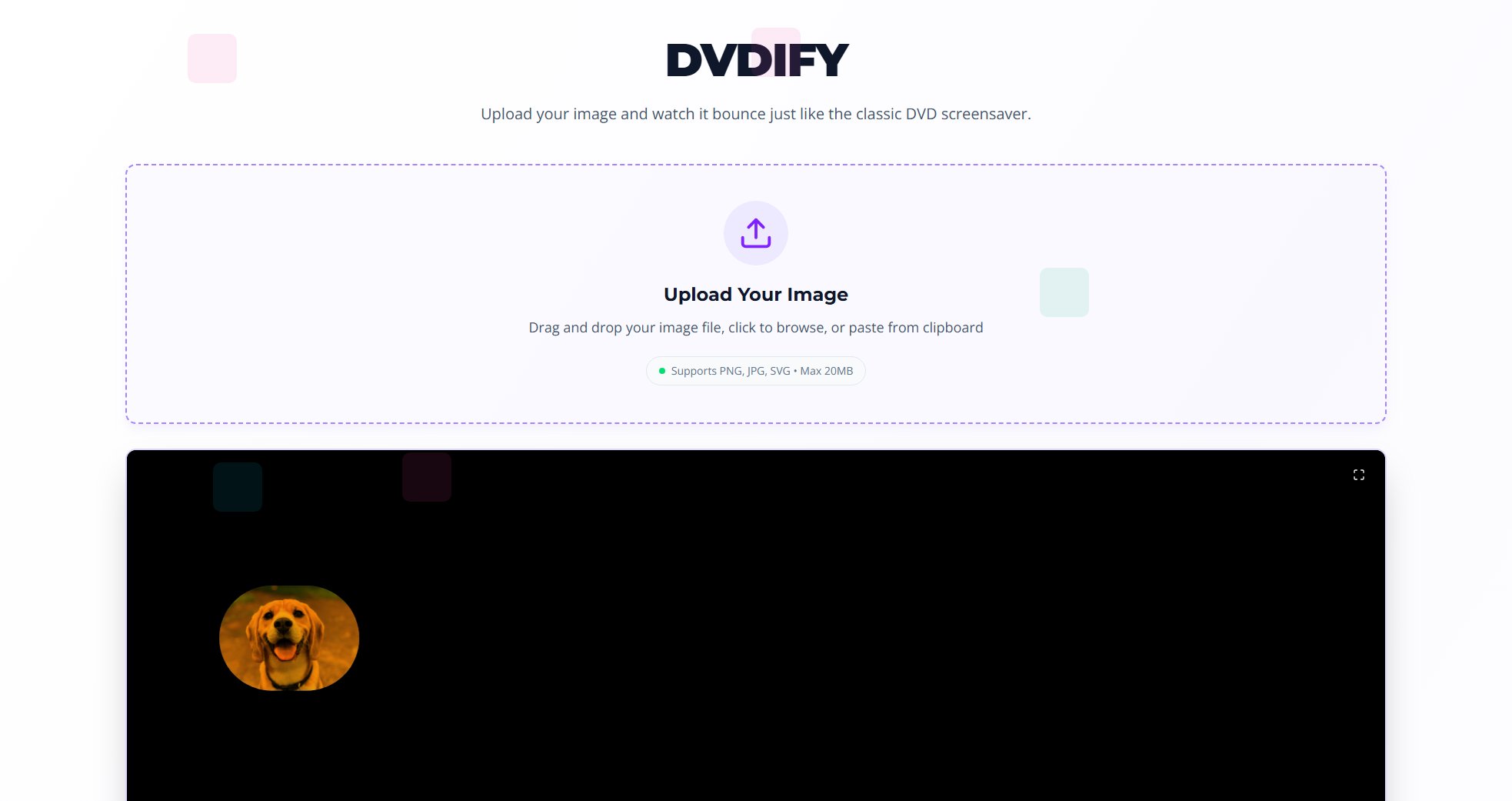
DVDify Official screenshot of the tool interface
What Can DVDify Do? Key Features
Image Upload
Easily upload your images by dragging and dropping, browsing your files, or pasting from the clipboard. DVDify supports popular image formats like PNG, JPG, and SVG, with a maximum file size of 20MB.
DVD Screensaver Animation
Watch your uploaded image bounce around the screen just like the classic DVD logo. The animation faithfully replicates the nostalgic movement and corner-hitting anticipation that made the original screensaver so iconic.
Animation Settings
Customize the animation to your liking with adjustable settings. While specific options aren't detailed, users can expect some control over how their image moves and behaves in the screensaver simulation.
Best DVDify Use Cases & Applications
Social Media Content
Create engaging and nostalgic content for platforms like Twitter, Instagram, or TikTok by turning profile pictures or other images into the bouncing DVD animation.
Personal Entertainment
Relive the simple joy of watching images bounce around your screen, just for fun or as a conversation starter.
Creative Projects
Incorporate the DVD screensaver effect into digital art projects, presentations, or other creative works for a retro touch.
How to Use DVDify: Step-by-Step Guide
Visit the DVDify website at https://dvdify.com.
Upload your image by either dragging and dropping the file, clicking to browse your device, or pasting from your clipboard.
Adjust any animation settings according to your preferences.
Watch as your image transforms into a bouncing DVD screensaver and enjoy the nostalgic animation.
DVDify Pros and Cons: Honest Review
Pros
Considerations
Is DVDify Worth It? FAQ & Reviews
DVDify supports PNG, JPG, and SVG image formats for upload and animation.
Yes, the maximum file size for uploaded images is 20MB.
Yes, based on the available information, DVDify appears to be completely free to use with no mention of paid plans.
While the website mentions animation settings, specific customization options aren't detailed. Users can expect some level of control over the animation.