CoinPay
Accept crypto payments securely in-store & online
What is CoinPay? Complete Overview
CoinPay is a cutting-edge crypto payment solution designed for businesses looking to accept cryptocurrency payments both in-store and online. It enables merchants to process instant, secure transactions with minimal fees, expanding their customer base to crypto enthusiasts. The platform offers a user-friendly merchant dashboard for real-time transaction tracking, detailed analytics, and easy management of crypto earnings. With support for over 20 cryptocurrencies, including Bitcoin and Ethereum, CoinPay simplifies crypto transactions with QR code payments, making it accessible even for users without technical skills. Businesses can choose to keep payments in crypto or convert them instantly to AUD, benefiting from lower fees compared to traditional credit card transactions.
CoinPay Interface & Screenshots
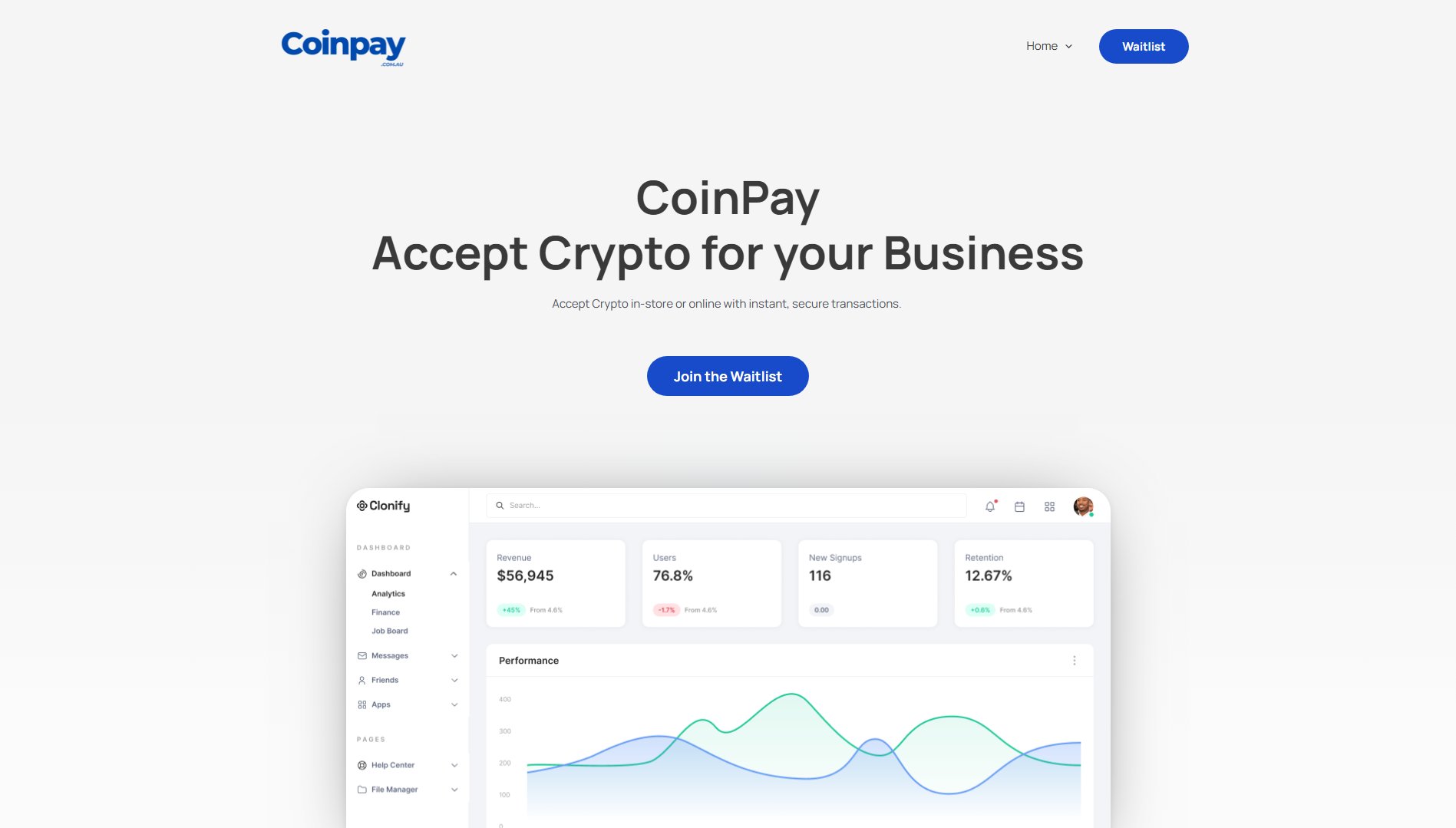
CoinPay Official screenshot of the tool interface
What Can CoinPay Do? Key Features
Fast Payouts
CoinPay allows merchants to either retain payments in cryptocurrency or instantly convert them to AUD for withdrawal to their bank account. This flexibility ensures businesses can manage their cash flow according to their preferences, with conversions processed quickly to avoid delays.
Easy to Use
The platform simplifies crypto payments with a straightforward QR code system, similar to using an EFTPOS machine. No technical expertise is required, making it accessible for all business owners and staff.
Merchant Dashboard
CoinPay's intuitive dashboard provides a centralized location for tracking transactions, monitoring revenue, and managing payments. Real-time updates and detailed analytics help businesses stay informed about their crypto earnings and customer payment trends.
Low Fees
With transaction fees as low as 1%, CoinPay offers a cost-effective alternative to traditional credit card payments, which typically charge 2.9% or more. This significant reduction in fees can lead to substantial savings for businesses.
Secure Transactions
CoinPay employs enterprise-grade security measures and complies with Australian regulations to ensure all transactions are safe and irreversible. This eliminates the risk of chargebacks, providing merchants with peace of mind.
Multi-Wallet Support
The platform supports all major cryptocurrency wallets, giving customers the freedom to pay using their preferred wallet. This inclusivity enhances the customer experience and broadens the potential client base.
Best CoinPay Use Cases & Applications
Retail Stores
Retailers can integrate CoinPay to accept crypto payments at checkout, offering customers a fast and secure alternative to cash or cards. This can attract tech-savvy shoppers and reduce transaction fees.
Online Businesses
E-commerce platforms can use CoinPay to accept crypto payments, streamlining the checkout process and appealing to a global audience of crypto users. The absence of chargebacks adds an extra layer of security for online merchants.
Service Providers
Freelancers, consultants, and professionals can accept crypto payments for services rendered, benefiting from instant settlements and lower fees compared to traditional payment methods.
How to Use CoinPay: Step-by-Step Guide
Enter the payment amount into the CoinPay dashboard. This can be done manually or integrated with your point-of-sale system for seamless transaction processing.
Display the generated QR code for the customer to scan. The QR code contains the payment details and directs the customer to complete the transaction using their crypto wallet.
The customer completes the payment by authorizing the transaction in their wallet. CoinPay instantly processes and verifies the payment on the blockchain, ensuring security and speed.
Receive confirmation of the payment in your merchant dashboard. You can choose to keep the funds in crypto or convert them to AUD for withdrawal to your bank account.
CoinPay Pros and Cons: Honest Review
Pros
Considerations
Is CoinPay Worth It? FAQ & Reviews
CoinPay supports over 20 cryptocurrencies, including Bitcoin, Ethereum, and other popular digital assets. This wide range ensures customers can pay using their preferred cryptocurrency.
Payments are processed instantly and verified on the blockchain, providing real-time confirmations to both merchants and customers.
No, CoinPay charges only a 1% transaction fee with no monthly subscriptions or hidden costs.
Yes, merchants can choose to instantly convert crypto payments to AUD for withdrawal to their bank account, offering flexibility in managing finances.
Absolutely. CoinPay uses enterprise-grade security measures and complies with Australian regulations to ensure all transactions are secure and irreversible.