Chemeroid AI Monitor
AI-powered real-time website monitoring and alerts
What is Chemeroid AI Monitor? Complete Overview
Chemeroid AI Monitor is an advanced website monitoring tool that leverages artificial intelligence to provide real-time insights into your website's performance, uptime, and security. Designed for businesses and web professionals, it helps identify and resolve issues before they affect users. The tool continuously analyzes your website, offering instant alerts and detailed reports to ensure optimal performance and reliability.
Chemeroid AI Monitor Interface & Screenshots
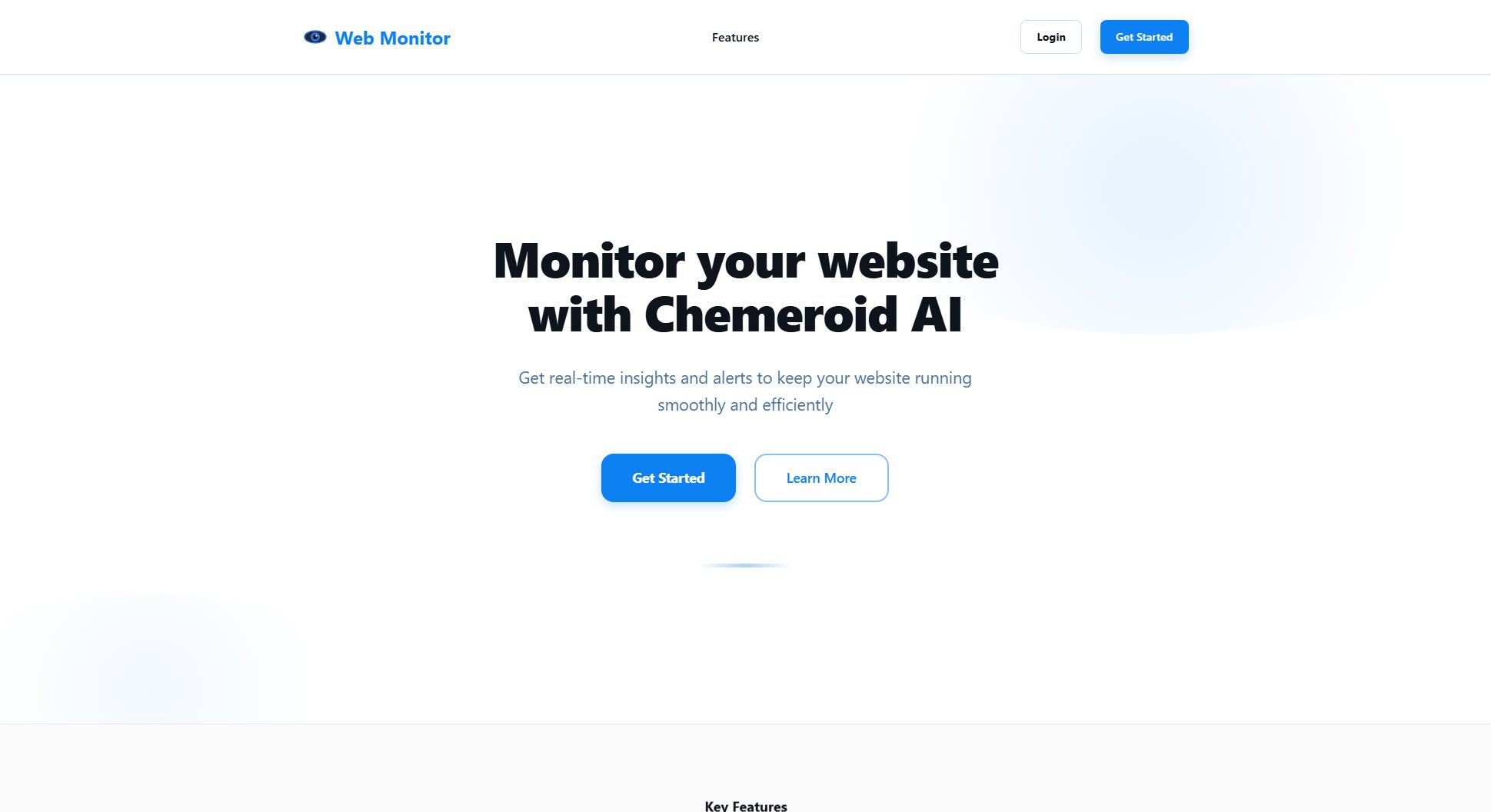
Chemeroid AI Monitor Official screenshot of the tool interface
What Can Chemeroid AI Monitor Do? Key Features
Real-time Monitoring
Chemeroid continuously tracks your website's uptime, performance metrics, and security vulnerabilities using AI-powered algorithms. This ensures that any potential issues are detected immediately, allowing for proactive management.
Instant Alerts
Receive immediate notifications via email, SMS, or integrations with platforms like Slack when issues arise. This enables quick response times to minimize downtime and maintain user satisfaction.
Detailed Reports
Access comprehensive performance reports that include historical data, trends, and actionable insights. These reports help you make informed decisions to optimize your website's functionality and user experience.
Best Chemeroid AI Monitor Use Cases & Applications
E-commerce Website
An online store uses Chemeroid AI Monitor to ensure 24/7 uptime during peak shopping seasons. Instant alerts help resolve issues like slow loading times or payment gateway failures before customers are affected.
Corporate Website
A company relies on Chemeroid to monitor its website's security and performance, ensuring that potential breaches or downtime do not harm its reputation or lead to lost business opportunities.
Blog or Content Platform
Content creators use Chemeroid to track uptime and page speed, ensuring readers have seamless access to articles and multimedia content.
How to Use Chemeroid AI Monitor: Step-by-Step Guide
Sign up on Chemeroid AI Monitor's website by clicking 'Get Started' and entering your basic details.
Add your website URL to the dashboard and configure your monitoring preferences, such as check frequency and alert thresholds.
Set up alert notifications by selecting your preferred communication channels (email, SMS, Slack, etc.).
Monitor real-time data and alerts directly from your dashboard and take corrective actions as needed.
Review detailed performance reports periodically to analyze trends and optimize your website's performance.
Chemeroid AI Monitor Pros and Cons: Honest Review
Pros
Considerations
Is Chemeroid AI Monitor Worth It? FAQ & Reviews
Yes, Chemeroid offers a free plan with basic monitoring features. You can upgrade to Pro for advanced capabilities.
Alerts are triggered instantly when an issue is detected, ensuring minimal delay in notification.
Yes, the Pro plan allows monitoring multiple websites under a single dashboard.
Chemeroid monitors uptime, performance (load times), security vulnerabilities, and unexpected downtime.