AI Image Edit
Professional AI-powered image editing with semantic and appearance control
What is AI Image Edit? Complete Overview
AI Image Edit is a cutting-edge AI-powered image editing tool that enables both semantic and appearance editing with state-of-the-art technology. It allows users to transform images with precision, offering capabilities like text editing, style transfer, and novel view synthesis. The tool is designed for creative professionals, digital artists, e-commerce managers, and enterprises looking for advanced image editing solutions. With its dual control system (semantic and appearance control), AI Image Edit ensures high-quality edits while maintaining image consistency and quality.
AI Image Edit Interface & Screenshots
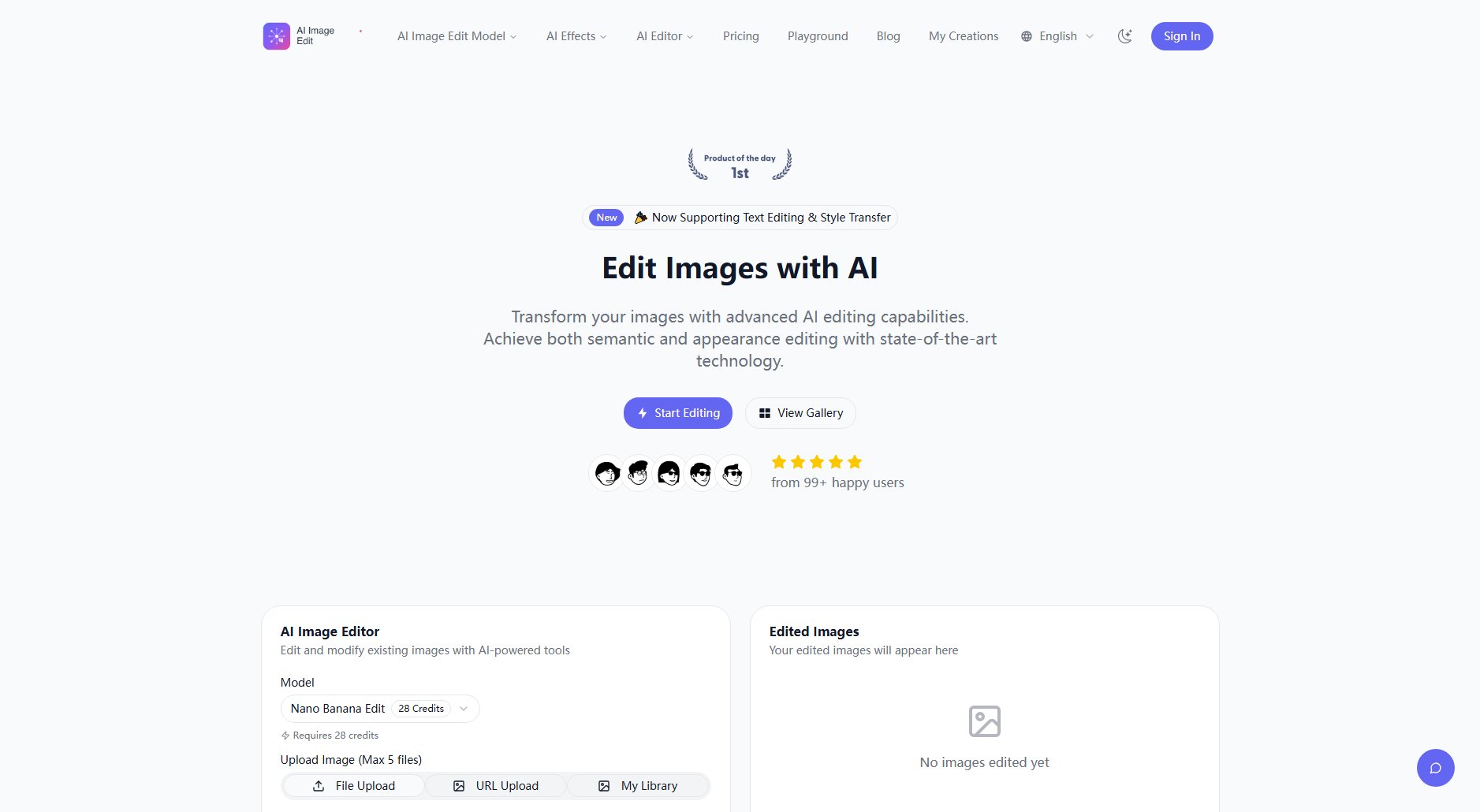
AI Image Edit Official screenshot of the tool interface
What Can AI Image Edit Do? Key Features
Semantic Editing
Modify image content while preserving visual semantics and character consistency. This feature allows users to make meaningful changes to images without losing the original context or style.
Appearance Control
Precisely edit specific elements in an image while keeping other regions unchanged. This ensures that only the intended parts of the image are modified, maintaining overall quality.
Text Editing
Add, remove, or modify text in images while preserving the original font and style. This is particularly useful for product images and marketing materials.
Style Transfer
Transform images into various artistic styles, such as Studio Ghibli, while maintaining the original content and structure.
Novel View Synthesis
Rotate objects and generate new perspectives up to 180 degrees, ideal for character design and 3D modeling.
IP Creation
Create consistent character variations while maintaining identity, perfect for intellectual property development and branding.
Best AI Image Edit Use Cases & Applications
Character Design
Create consistent character variations for IP development, ensuring brand consistency across different designs.
Style Transfer
Transform portraits into various artistic styles, such as Studio Ghibli, for creative projects and digital art.
Product Photography
Edit product images with precise appearance control, including text modifications and color adjustments, for e-commerce and marketing.
How to Use AI Image Edit: Step-by-Step Guide
Upload Your Image: Upload the image you want to edit in RGB format. Supported formats include PNG, JPG, and JPEG, with a maximum size of 10MB.
Describe Changes: Enter a detailed prompt describing the edits you want to make. You can also use negative prompts to exclude certain elements.
AI Processing: The AI engine processes your image using semantic and appearance control to ensure precise and high-quality edits.
Download Result: Once processing is complete, download your professionally edited image with the desired modifications.
AI Image Edit Pros and Cons: Honest Review
Pros
Considerations
Is AI Image Edit Worth It? FAQ & Reviews
Our AI engine uses dual control systems - feeding input images to both Qwen2.5-VL for semantic control and VAE Encoder for appearance control. This enables precise editing while maintaining image quality and consistency.
We support both semantic editing (style transfer, character consistency, novel view synthesis) and appearance editing (adding/removing elements, text modification, color changes) while preserving other image regions.
Yes! Our system supports bilingual (Chinese and English) text editing, allowing you to add, remove, or modify text while preserving the original font, size, and style characteristics.
Our system achieves state-of-the-art performance with 98% accuracy in precise edits. The dual control system ensures high-quality results while maintaining consistency across different editing types.
We prioritize your privacy and data security. Images are processed temporarily for editing purposes, but we don't store your original images or edited results unless you explicitly save them to your account.